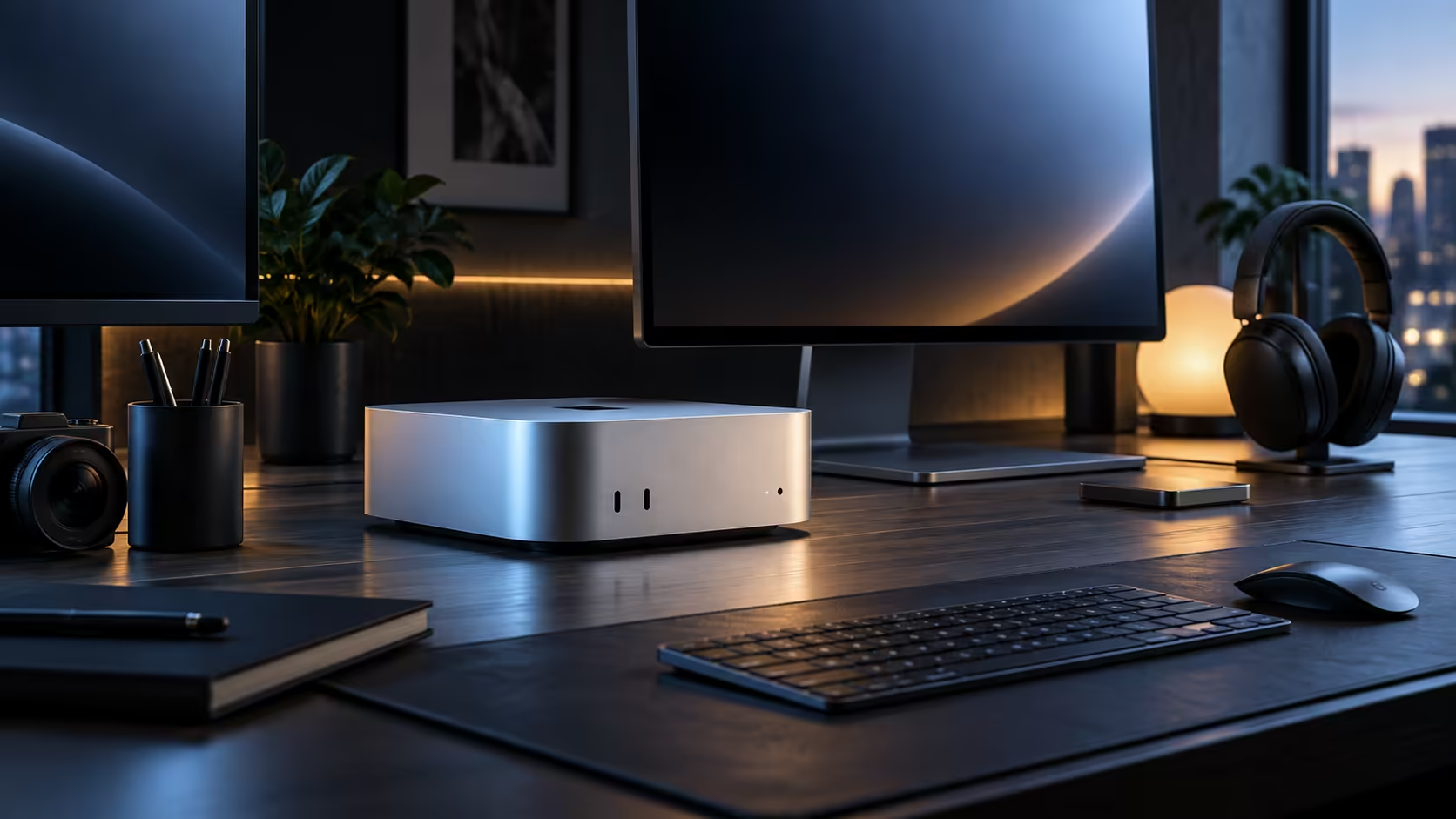
A Mac Mini M6 earns its desk space by doing three different jobs without swapping machines: editing photos, running a small on-device AI model, and holding a dozen browser tabs open behind a video call. The 12-core chip splits that work across two super cores, four performance cores and six efficiency cores, and the whole box costs R21,699 with 512GB of storage and 16GB of shared memory.
Quick Answer
Yes, provided the job fits inside 16GB of unified memory. The M6's 12-core CPU and 12-core GPU with hardware-accelerated ray tracing handle photo editing, 1080p video and everyday multitasking without strain, and a dual 16-core Neural Engine runs on-device AI tasks such as transcription and photo tagging. At R21,699 this is the entry Mac Mini configuration, not the ceiling for heavier work.
🧠 What the chip actually does for you
The M6's 12 CPU cores are not identical, and that matters more than the headline count. Two super cores carry whichever single task is heaviest at that moment, four performance cores handle the rest of an app's workload, and six efficiency cores run background jobs such as file indexing or a sync client without pulling power away from the task in front of you. All of that sits inside the same R21,699 package. The 12-core GPU adds hardware-accelerated ray tracing, which shows up in 3D previews and in games that support it, and a dual 16-core Neural Engine handles on-device AI work such as subject masking in a photo app or live transcription, without sending anything to a server.
💾 Where 16GB of shared memory bends
Unified memory means the CPU, GPU and Neural Engine all draw from the same 16GB pool instead of shuttling data between separate system memory and a graphics card's own VRAM. For photo editing, 1080p timelines, spreadsheets and a stack of browser tabs, 16GB rarely feels tight. A long 4K timeline built from several colour-graded layers, or a large AI model held entirely in memory, is where that pool empties first, because none of the three engines gets a private reserve to fall back on.
🖥️ Built for a desk, not a rack
The case has no room for internal expansion, but the back panel carries five USB-C style ports, three of them supporting Thunderbolt 4, plus one HDMI output, a 2.5Gb LAN socket and a 3.5mm jack. One cable run to a monitor, a keyboard and a wired network connection covers most Mac Mini setups without a separate hub, which is worth planning for before the desk is already full of a full-size tower. Buying it through Evetech also keeps the warranty local, which matters more the day something needs a repair than it does on the day it arrives.
🗄️ Storage and networking that carry the rest of the desk
Alongside the 512GB SSD, the machine puts a 2.5Gb LAN socket, Apple N1 Wi-Fi 7 and Bluetooth 6 on the same board as the chip, so wired and wireless networking are both handled without a single add-on card. A wired link is worth using for anything that moves large files regularly, such as syncing a photo library to network storage, while Wi-Fi 7 covers everything that moves around a flat or an office. None of that changes between configurations; it comes as standard at R21,699.
None of this needs a separate expansion card or a driver install on day one, which is the trade-off a compact desktop makes deliberately: less room to grow later, in exchange for a machine that is fully working the moment it is plugged in. For most home offices and single-operator studios, that trade is the right one, because the ports and radios already cover a monitor, a printer, a backup drive and a phone.
⚙️ Where a dedicated graphics card still wins
Long GPU-bound render queues and the newest games running at maximum settings are where a separate graphics card with its own private VRAM simply has more to give, since it never has to split 16GB with the CPU and Neural Engine the way this chip does. That is a different machine built for a different job; browse the wider mini PC range if you want to compare form factors before deciding.
Peripherals are the other half of the decision. A wired keyboard and mouse, a USB-C hub, or a stand to lift the case off the desk all come from the same Apple accessories range, so a first-time buyer is not hunting three separate stores for cables that were never in the box.
Frequently Asked Questions
Does 16GB feel limiting for normal daily work?
Rarely. Browser tabs, office apps, photo editing and 1080p video all sit comfortably inside 16GB; it is long 4K timelines and large AI models that use up the pool first.
Is the 12-core GPU good enough for gaming?
It handles supported titles at moderate settings with ray tracing enabled, but it is not a replacement for a dedicated graphics card in demanding, high-refresh gaming.
What does the Neural Engine actually speed up?
On-device tasks such as photo subject masking, live transcription and some AI writing tools run through it directly, which keeps that work off the CPU and off the internet.
Is 512GB enough storage for this machine?
For apps, documents and a working photo library, yes. Large video libraries fill it quickly and are better kept on an external drive from day one.
Does the M6 need active cooling that gets loud?
It runs a small fan rather than being fully silent, but the six efficiency cores absorb most background work specifically so the fan does not spin up for routine tasks.
Is the Apple N1 Wi-Fi chip actually faster than a normal router setup?
Wi-Fi 7 on the machine can only perform as well as the router feeding it, so the real-world gain depends on owning Wi-Fi 7 hardware on both ends of the connection.
Can this machine run more than one monitor at once?
Thunderbolt 4 and HDMI both carry video, so a second screen is straightforward; the exact ceiling for how many screens the chip drives at once is published per model on Apple's own specifications page.
Ready to see what a compact Mac can carry on your desk?
Compare the Mac Mini M6 against the wider mini PC range before you commit to a configuration.