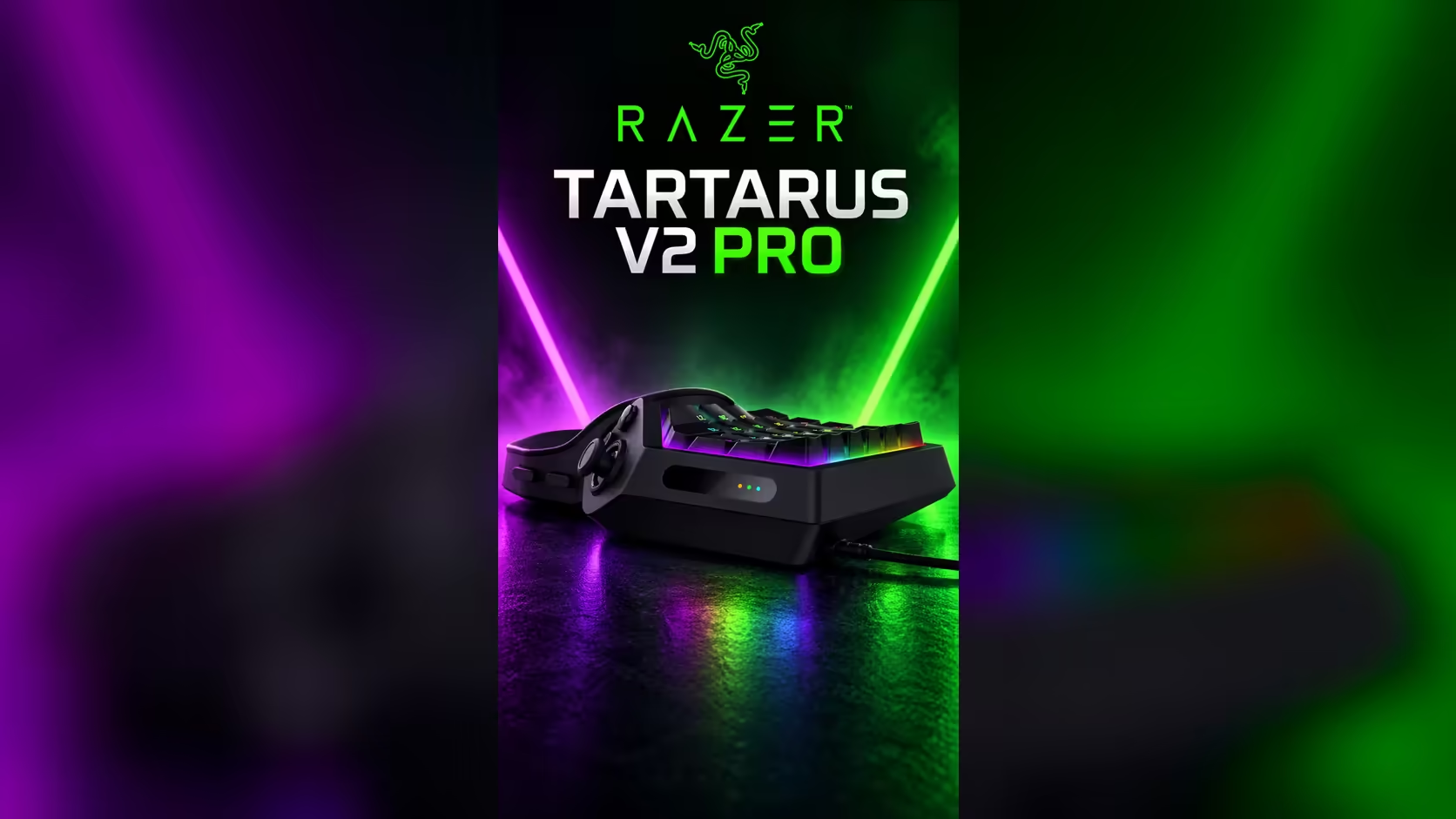
Adjustable actuation sounds like a single slider, but it changes three things at once: when a key fires, how much force a press needs in practice, and how much an accidental brush costs you. On the Razer Tartarus V2 Pro, that range runs from 0.1mm to 4.0mm, so the same keypad can respond to a feather touch or demand a firm, deliberate press. This article walks through what each part of that range does in a game, so you can pick the depth on purpose.
Quick Answer
Actuation sets how far a key must travel before it registers, anywhere from 0.1mm to 4.0mm. A shallow point fires on a light touch, while a deep point ignores a resting finger. At R4,799 the Tartarus V2 Pro gives you that full range, so the keys can sit where they help your game most.
🎚️ What the bottom of the range does
At 0.1mm a key fires almost as soon as your finger touches it. That is a tenth of a millimetre of travel, so the key responds before you feel the press. The advantage is speed on keys you tap constantly. The cost is that a hand resting on the keypad can fire the key without any intent behind it.
Between 0.5mm and 1.0mm, a key still fires quickly but needs a clear press. This is the band most players use for their fastest keys. A 1.0mm key fires after a quarter of the travel a 4.0mm key needs, which means less time between a decision and the action on screen, and that gap is what you notice in a fast fight.
🎯 What the middle of the range does
Between 1.5mm and 2.5mm, a key asks for a confident press without needing force. Many players settle here for abilities they fire in the middle of a fight, because the press is clear enough to avoid mistakes but not so deep that it slows the action. A key at 2.0mm sits halfway through the range, and it is the sensible starting point for a key you have not yet tested.
The middle of the range also suits keys you hold while you aim or move. A deliberate press keeps the action from firing when you rest the finger during a long hold. Test a 2.0mm setting on a key you hold for 5 seconds at a time, and count how often it fires by accident. Zero in 20 holds means the depth is working.
🛡️ What the top of the range does
From 3.0mm to 4.0mm, a key needs a long, firm press before it fires. That is the depth that stops a palm, a sleeve or a drifting finger from triggering an action. The price is travel: a 4.0mm key needs four times the movement of a 1.0mm key to reach its trigger point, so every press on it costs more of your finger's motion.
Keep the deep settings for keys you rarely press quickly. A utility key or a menu key can sit at 3.5mm without slowing you down, while a key you fire ten times in a fight should stay well above that. Think of the top of the range as a guard rather than a speed setting.
🧭 Choosing the depth on purpose
Start each key at 2.0mm, then move it in 0.5mm steps based on what happens in a session. A key that fires by accident moves deeper. A key that feels slow moves shallower. Change one key at a time and play a full session before the next change, so you can tell which adjustment did what.
Keep a short note of the final depth for each key and each game. Two games often want different depths on the same key, and the note saves you from repeating the test. If you are still choosing the keypad itself, the gaming keyboards range shows the boards and keypads on offer, and the keyboard switches listings show the switch types they use.
🧭 Pick your starting depths
Start with three numbers you can test in one evening. Put the fast keys at 0.5mm, the middle keys at 2.0mm and the guarded keys at 3.0mm. Then run a 10-press check on each key and count the misses. A key with three or more misses in 10 presses is too deep for its job, and a key that fires when the hand is resting is too shallow.
Move one key at a time in 0.5mm steps, and write each change down with the date. A small log lets you compare the depths across games, because a depth that suits a MOBA can feel slow in a shooter. Expect three to five changes before the setup settles, and stop once a full session passes without a miss or an accident.
Keep the log for at least 3 sessions before you change a key's depth again. Two changes in one evening make it impossible to tell which one helped, and the log only works when each entry records a single decision.
A depth change that helps one game can hurt another, so keep the log per game as well as per key. Use the log to decide which game to tune for first.
Frequently Asked Questions
What depth gives the fastest response?
The shallowest, 0.1mm, responds first. Most players find 0.5mm to 1.0mm gives the speed without the accidents, so start there on your fastest keys.
Is 4.0mm too deep for everyday use?
It can be, on keys you press often. A key you press ten times in a fight should stay well short of 3.0mm unless a palm keeps hitting it, in which case the depth is doing its job.
Can I set a different depth for every key?
It depends on the software. The Tartarus V2 Pro offers adjustable actuation from 0.1mm to 4.0mm, so check in Razer's software whether a setting applies to one key or to the whole keypad. Fast keys and guarded keys only sit at different depths if it can be set key by key.
How do I know a depth is right?
Play a full session and count the accidental presses and the missed presses on that key. A depth with fewer than one miss in 20 presses and no accidents in a session is working for you.
Ready to set your depths?
Keep your notes beside you during the first session, then decide which keypad in the gaming keyboard range suits the depths you settle on.