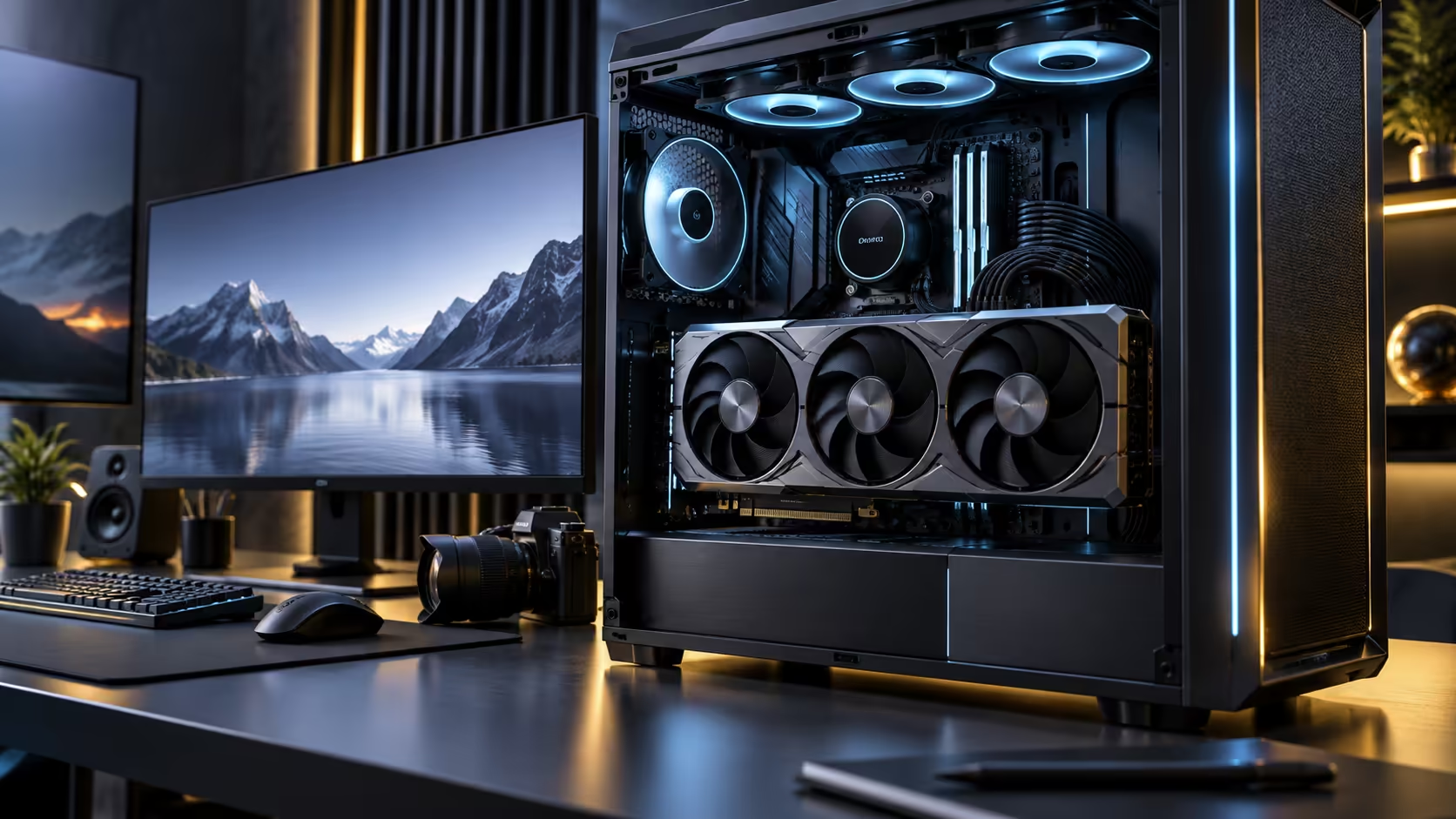
Picture the connection between a graphics processor and its memory as a road, and the width of that road, not the speed limit on it, is what a memory bus describes. A 512-bit memory bus is a specific claim about how many lanes that road has, and it changes what a card can do in ways a clock speed figure alone never will.
Quick Answer
A 512-bit bus is the width of the connection between the graphics processor and its memory chips, and a wider bus moves more data per clock regardless of how fast that clock runs. It shows up most clearly in high-resolution gaming and in content creation tasks like timeline scrubbing, where large amounts of data need to move at once rather than the processor waiting on a narrow path. The card behind this example costs R119,999.
🛣️ The road analogy, taken seriously
A narrow bus is a single-lane road: even a very fast car is limited by how much traffic that one lane can carry per minute. A wide bus is a multi-lane highway: more vehicles move in parallel per minute even at the same speed limit. A 512-bit bus, doubling the 256-bit width common on mainstream cards, is literally twice as many parallel lanes carrying data between memory and processor at the same time.
This is why bus width and memory speed are separate, complementary numbers rather than one substituting for the other in any meaningful comparison. A quick memory chip wired to a single-lane road is still stuck behind that road's limit; a slower chip on a multi-lane path can still move more total data per clock than the narrow, quicker alternative.
🎮 Gaming: where extra lanes matter most
At higher resolutions, every additional pixel needs its own share of texture and frame buffer data moving across the bus every single frame. A narrower bus becomes the limiting factor before the memory chips themselves would be, which shows up as a card that benchmarks respectably at 1080p but falls further behind at 4K and 8K than its raw compute specifications would suggest on their own.
This is also why bus width is a more reliable predictor of high-resolution performance than a single headline memory speed number, since the two only tell the full story together.
🎬 Content creation: where extra lanes matter differently
For video editing and 3D work, a wide bus mainly affects how fast large amounts of already-resident data can be accessed and moved, which shows up as smoother timeline scrubbing on high-resolution footage and faster viewport response when navigating a dense 3D scene. This is a different practical effect from the gaming case, since the data here is often already loaded and the bottleneck is accessing it repeatedly rather than streaming it in fresh.
Compare current cards in the graphics card range by bus width specifically if your work leans toward either of these scenarios, and pair a wide-bus card with fast DDR5 memory so system memory does not become the next bottleneck once the graphics memory bus is no longer the limiting factor.
🧵 Bus width and core count have to scale together
A card pairing 21760 processing cores, the count this card actually carries, with a narrow 128-bit bus would be a mismatch nobody would actually design or buy. Manufacturers generally scale the two together within a single card design, since a bus wide enough to feed far more cores than the chip actually has would add manufacturing cost without a matching performance gain. This is why bus width is a reasonably reliable indicator of a card's overall positioning in a lineup, flagship cards nearly always carry the widest bus in their family, rather than an isolated number worth chasing on its own.
🔬 How manufacturers decide on a given bus width
Bus width is set early in a chip's design, since it depends on the physical number of memory controller connections built into the processor itself, and cannot be changed after manufacturing the way a clock speed can sometimes be adjusted through firmware. Moving from a 256-bit design to 512-bit is a decision locked in years before a card ever reaches a shelf. This is part of why a bus width figure tells you something structural about a card rather than something that varies between factory revisions of the same model, unlike clock speed, which manufacturers do sometimes tune differently across otherwise similar cards.
Check the graphics card lineup for the bus width of the specific tier you are considering, since the figure typically appears in the detailed specification table rather than the headline product description, and it is worth reading directly rather than inferring from the card's marketed positioning alone.
Frequently Asked Questions
Does a wider bus always mean better gaming performance?
It removes a potential ceiling rather than guaranteeing a gain on its own. Its benefit is most visible at higher resolutions, where more data moves per frame than at 1080p.
Can memory speed compensate for a narrow bus?
Partially, but a narrow bus caps total bandwidth regardless of how fast the memory itself runs, similar to a fast car still limited by a single-lane road.
Why does bus width matter more for content creation than expected?
Because large, already-loaded assets like high-resolution footage or dense 3D scenes need to move repeatedly during editing, and a wide bus handles that repeated movement more comfortably than a narrow one.
Is there a downside to a wider bus beyond manufacturing cost?
Not really for the end user. The main trade-off sits with the manufacturer, since a wider bus needs a more complex chip design and circuit board, which is reflected in price rather than in any drawback for whoever buys the finished card.
Does bus width affect power consumption?
Modestly. A wider bus involves more active memory chips and interconnects, which does add to overall power draw, though this is a small contributor compared with the graphics processor itself under load, and it is already factored into the card's overall rated power figure.
Is bus width something a manufacturer can change after release?
No. It is fixed by the physical memory controller design on the processor itself, so it does not vary across driver updates or firmware revisions the way clock speed sometimes can on certain enthusiast models.
How do I compare bus width between two cards?
Check each card's own product page for the stated bus width in bits, and compare it alongside memory speed and capacity rather than looking at any one figure in isolation.
Ready to judge a card by its actual data path, not just a headline number?
Compare bus width alongside memory speed before choosing between two cards.