Quick Answer
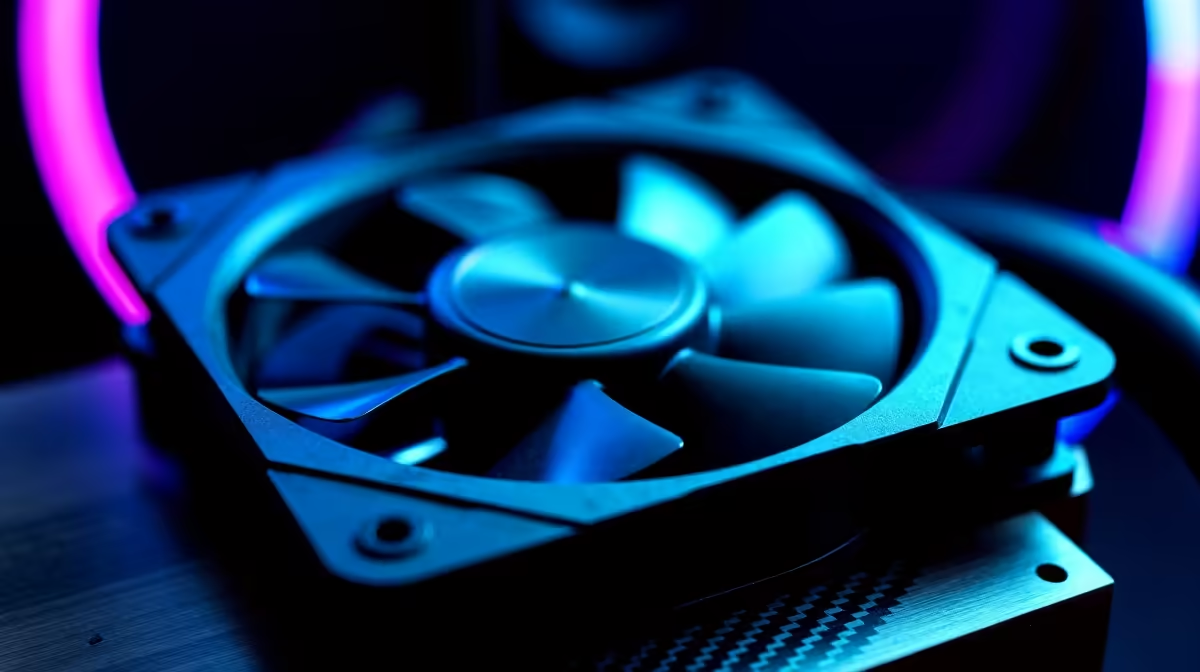
For a racing-wheel cockpit, the easiest case fan upgrade is a quieter high-airflow front intake, since long sim-racing sessions keep the GPU loaded and a noisy fan competes with engine and force-feedback sounds. A quality 120mm or 140mm PWM fan at Evetech costs about R150 to R450, with a three-fan kit around R1,200. Sim racing rewards immersion, so cooling that stays quiet under load matters. Swap the front intake first for the best mix of airflow and low noise.
Why Quiet Airflow Suits Sim Racing
A racing-wheel cockpit is built for immersion, so a screaming case fan breaks the spell as much as it cools. Long races hold the GPU near full load to keep frame rates high on a triple-screen or ultrawide setup, which generates steady heat. The easiest fix is a high-airflow front intake that moves plenty of air at lower RPM, so the GPU stays cool without the fan whine intruding on engine notes and force-feedback feel.
A 140mm PWM fan moves more air per turn than a 120mm, so it runs slower and quieter at the same airflow.
sim cockpit, fit a quiet 140mm PWM front intake and set a gentle curve so the GPU stays cool without fan noise spoiling immersion.
Tuning Cooling Around Long Races
Set a PWM curve that keeps the fan calm during menus and ramps gently under race load, so it never spikes loud mid-corner. If a single intake leaves the GPU above 80C during long sessions on demanding tracks, add a second front fan rather than cranking RPM on one. The goal is to hold the GPU under 80C with the least noise, so the cockpit stays immersive and the frame rate stays steady through a full race weekend.
FAQ
What fan upgrade suits a sim racing cockpit?
A quiet high-airflow front intake, ideally a 140mm PWM fan. It cools the loaded GPU while staying quiet enough to keep race immersion intact.
Why does fan noise matter for sim racing?
Immersion depends on hearing engine and force-feedback cues. A loud fan competes with those, so quiet cooling preserves the racing feel.
How do I keep the GPU cool without noise?
Use a larger 140mm fan at lower RPM and a gentle PWM curve. Add a second intake before raising RPM if the GPU still runs hot.
Fit a quiet 140mm PWM intake at Evetech and tune a gentle curve, then add a second fan if long races push the GPU past 80C.