Quick Answer
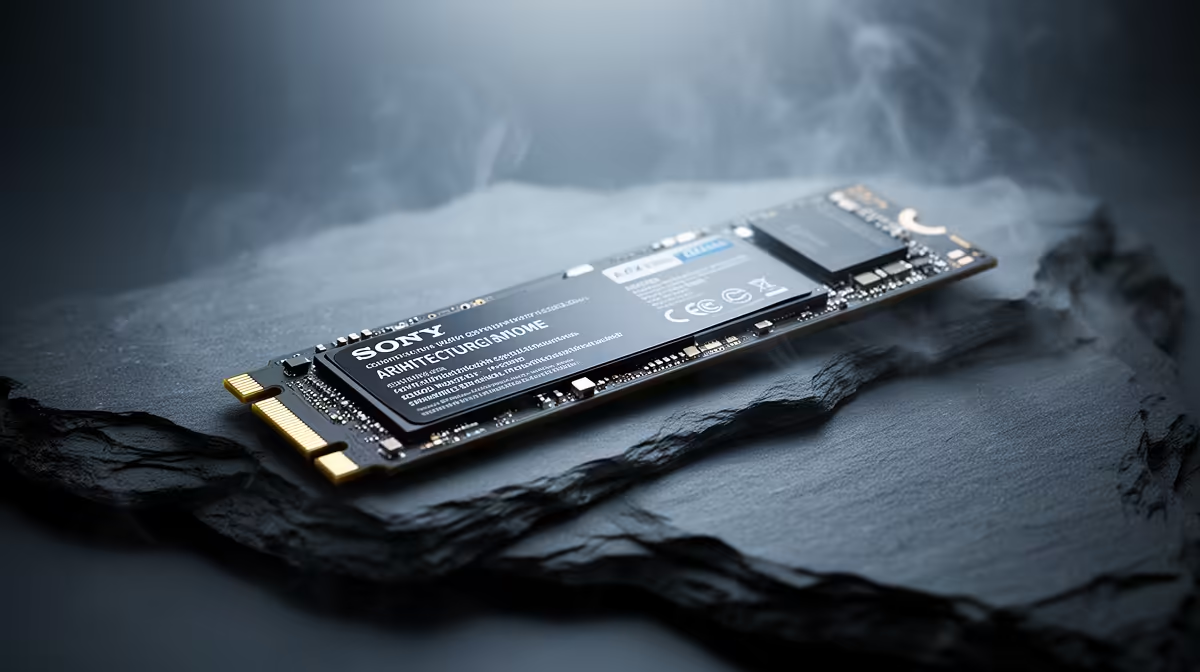
Architecture students should upgrade the NVMe SSD first, since Revit, AutoCAD and rendering thrash storage with large files; a 1TB Gen4 NVMe at R1,100 to R2,000 with reads above 5,000MB/s loads heavy models far faster than a hard drive. Storage speed and capacity beat a flashier GPU for the day-to-day of portfolio work.
Why The SSD Comes First
Architecture work is storage-heavy: large Revit central files, linked AutoCAD references, point clouds and render outputs all live on disk and get read and written constantly. A fast NVMe slashes the time to open a big model and to save and back up your work, which is where the daily frustration lives. That makes storage the highest-impact first upgrade for a student.
A faster GPU helps render previews, but it cannot fix the lag of loading a huge file from a slow drive. Sorting storage first gives the most noticeable improvement across the whole workflow, from opening files to autosave pauses, so it earns the first slot in the budget.
Sizing And Speed For Architecture
A 1TB Gen4 NVMe is the practical starting point, giving room for active projects, software and renders. Step to 2TB if you keep many large projects or point clouds local. Confirm your motherboard is Gen4 to use the drive's full speed, and choose a drive with a DRAM cache for steadier performance on large, sustained writes.
What To Upgrade After Storage
Once the NVMe is sorted, prioritise RAM, aiming for 32GB so large models and multiple apps stay smooth, then the CPU for render times, then the GPU for viewport and render acceleration. This order targets the bottlenecks architecture work hits most, keeping the budget aligned with real productivity gains.
FAQ
What should architecture students upgrade first?
The NVMe SSD. Revit, AutoCAD and rendering constantly read and write large files, so a fast 1TB Gen4 NVMe noticeably speeds opening, saving and backing up models, more than a flashier GPU would.
How much NVMe storage does architecture work need?
1TB suits active projects, software and renders. Step to 2TB if you keep many large projects or point clouds stored locally rather than archiving them off the working drive.
Does the GPU matter less than storage for architecture?
For day-to-day file handling, yes. A GPU speeds render previews, but it cannot fix slow file loads. Sort storage and RAM first, then upgrade the GPU for viewport and render acceleration.
a 1TB Gen4 NVMe first; faster opens, saves and backups of large Revit and AutoCAD files improve every part of your day.