Quick Answer
In a 31.5-inch curved gaming monitor, prioritise refresh rate (144Hz minimum), panel type (Fast-IPS for competitive play, VA for atmospheric games), adaptive sync certification (FreeSync Premium), and curve radius (1800R for general gaming, 1500R for immersive single-player). At this screen size, pixel density drops to 70 PPI at 1920x1080, so confirm you are comfortable viewing from at least 70cm before committing.
Panel Type and Refresh Rate: The Two Core Choices 🖥️
At 31.5 inches, panel type has more impact than at smaller sizes because the larger canvas amplifies both colour depth and motion clarity differences. Fast-IPS panels offer 1ms GtG response, wide viewing angles, and accurate colour reproduction for mixed gaming and productivity use. Fast-VA panels deliver 3000:1 or higher contrast ratios, making blacks appear genuinely dark in horror, survival, and cinematic titles. The contrast advantage of VA is more visually impactful at 31.5 inches than at 24 inches because larger dark areas benefit more from true black depth. For refresh rate, 144Hz is the minimum for modern gaming; 250Hz at 31.5 inches is available for players who want the competitive ceiling at this panel size, typically priced at R7,000 to R10,000 locally.
Curve Radius and Viewing Distance 🔧
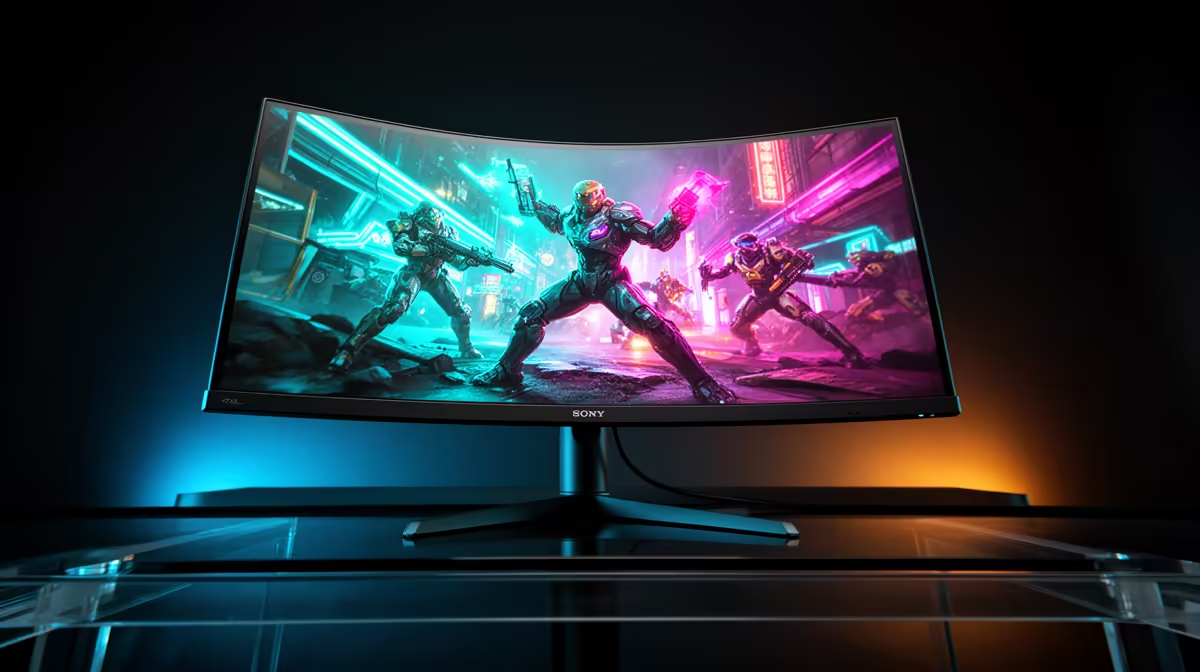
The two common radii for 31.5-inch monitors are 1800R and 1500R. At 1800R the curve matches the natural curvature of human vision at approximately 1.8 metres, bringing the panel edges closer to your peripheral sightline at a 70cm desk distance. A 1500R curve is more aggressive, increasing the wrap and reducing the apparent visual distance to the edges. Both radii deliver a perceptible immersion benefit over a flat panel at 31.5 inches. The 1800R is more versatile for mixed use: it looks natural during productivity tasks like spreadsheet work, whereas 1500R can feel slightly compressed during extended text work.
Connectivity, Stand, and Local Warranty 🎮
A 31.5-inch gaming monitor should include DisplayPort 1.4 for full-bandwidth high-refresh operation, at least two HDMI 2.0 ports for console and secondary device connection, and USB-A hub ports for peripherals. The stand should offer height, tilt, and ideally swivel adjustment; at 31.5 inches a rigid non-adjustable stand makes ergonomic positioning genuinely difficult. Confirm the monitor supports 100x100 VESA mounting in case you want a monitor arm later. For South African buyers, a 24-month local warranty means defects are handled in-country without international delay.
Check VESA Arm Weight Rating ⚡
If you plan to use a monitor arm with a 31.5-inch curved panel, confirm the arm weight rating covers the display. Most 31.5-inch monitors weigh 5 to 7kg including the panel. A VESA arm rated below 7kg on a curved 31.5-inch display can sag over time and cause alignment drift. Look for arms rated at 8 to 10kg for safe long-term use.
FAQ
Is a 31.5-inch FHD gaming monitor good for productivity as well as gaming?
Yes, with a caveat. At 70 PPI the pixel density is acceptable for gaming and media but shows softer text at close range compared to a 27-inch 1440p display. For office tasks at 70cm or further the density is fine; for pixel-precise design or fine text editing up close, a higher resolution panel would serve better.
What is the ideal refresh rate for a 31.5-inch curved gaming monitor?
144Hz is the practical minimum for modern titles. 165Hz adds marginal benefit for minimal extra cost when comparing similar panels.
Do curved monitors have glare issues in South African homes with natural light?
The curve can redirect reflections more broadly than a flat panel at certain light angles, but most gaming monitor panels use matte anti-glare coatings that manage reflections regardless of curvature.
Looking for a 31.5-inch curved gaming monitor with local warranty?
Evetech stocks a range of curved gaming monitors at this screen size, from 144Hz entry models to 250Hz competitive panels.