Quick Answer
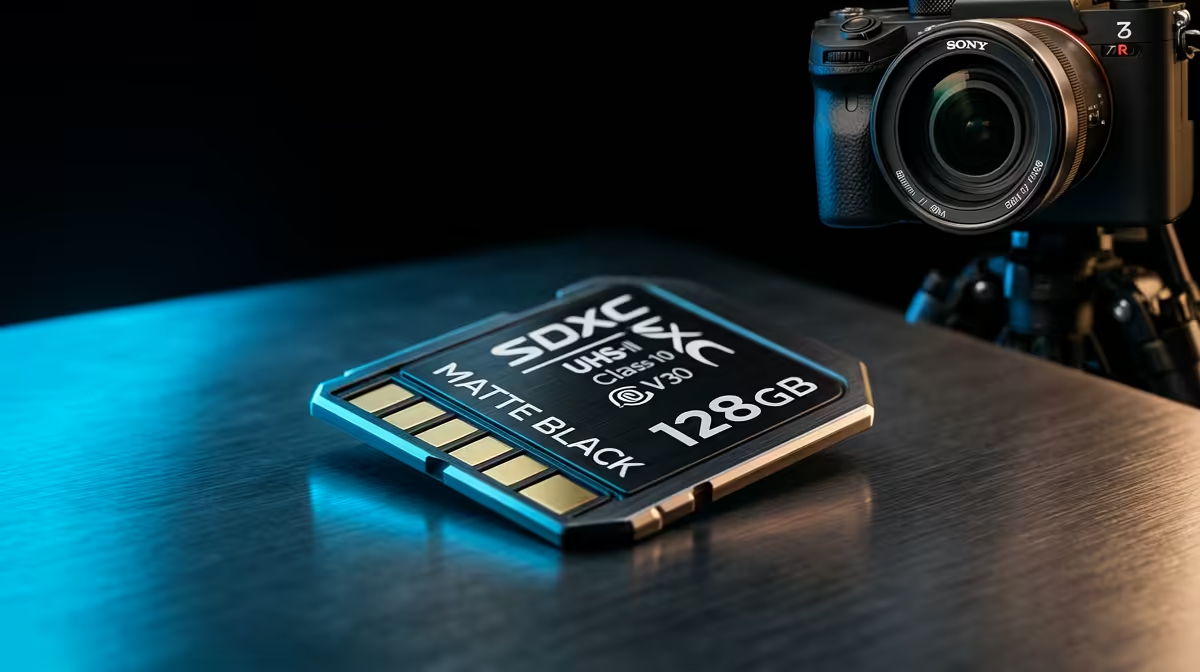
For day-trip travel and photo shoots, 64GB covers most sessions. For full-day 4K video shooting at consumer bitrates, 128GB is the practical minimum. For international travel or multi-day shoots without regular offload access, 256GB eliminates the need to manage card swaps mid-session. Buy two cards rather than one very large card to reduce single-point-of-failure risk.
Calculating How Much Storage 4K Video Actually Consumes 📐
Capacity planning starts with codec and bitrate. At 4K 30fps H.265 (HEVC) at 60Mbps, each hour of footage uses approximately 27GB. At 4K 60fps H.265 at 100Mbps, each hour uses approximately 45GB. At 4K All-Intra at 200Mbps (common on Sony or Canon professional bodies), each hour uses approximately 90GB. A 64GB card holds roughly 2.4 hours at 60Mbps, 1.4 hours at 100Mbps, or 43 minutes at 200Mbps.
Capacity Planning for Photography and Mixed Workflows 📷
RAW photo files consume more space per shot than many photographers expect. A 26MP mirrorless camera (Sony A7C series, Fujifilm X-S20) produces RAW files of 25MB to 40MB each. A 500-shot wedding or travel day at 30MB average uses 15GB. Shooting 1,000 frames (common for sports or wildlife at a Kruger National Park game drive) uses 30GB. Adding 4K video clips between photo bursts can push a full-day mixed workflow to 80GB to 120GB. A 128GB card handles this comfortably, with 256GB providing the same buffer for two full days before requiring offload. For drone operators, the DJI Mini 4 Pro at 150Mbps 4K uses roughly 67GB per hour; a 64GB card covers 57 minutes and suits most single-flight session needs.
Two-Card Strategy vs One Large Card 🔒
Buying two 64GB cards instead of one 128GB card provides a critical advantage: if one card corrupts or fails in the field (a rare but real scenario), you lose only half the day's footage. During a commercial shoot in South Africa where reshoot costs or missed deadlines have real financial impact, this insurance is worth it. The two-card strategy also enables a simple post-shoot workflow: once card one is full, swap to card two and immediately place card one in the laptop for offload while continuing to shoot. This parallel offload-while-shooting workflow eliminates waiting for complete card offloads between sessions. Spending R350 on two 64GB V30 cards instead of R400 on one 128GB card is the smarter allocation.
Carry a Labelled Card Wallet on Every Shoot ⚡
SD cards in a camera bag scratch and bend, and used cards get confused with fresh ones mid-shoot. A credit-card-sized hard-shell SD card wallet holds four to six cards and protects them from physical damage. Label each slot: write "shot" on a small sticker on used cards and leave fresh cards unmarked. This five-second habit prevents formatting a used card before it is backed up.
FAQ
How much storage do I need for a week-long travel shoot in South Africa without laptop access?
For a week of daily 4K vlogging at 4K 30fps H.265 averaging two hours of shooting per day, plan for 55GB per day, approximately 385GB for the week. Three 128GB cards or two 256GB cards cover this with buffer.
Are 256GB and 512GB SDXC cards reliable for 4K video?
Yes. High-capacity SDXC cards from reputable manufacturers are as reliable as their lower-capacity equivalents.
What card size do South African drone pilots typically use for the DJI Mini 4 Pro?
A 64GB or 128GB microSD V30 card is the most common choice for DJI Mini 4 Pro operators. At 4K 60fps 150Mbps, 64GB provides 57 minutes of flight time per card, which exceeds the drone's 34-minute maximum battery life.
Planning a travel shoot or a full-day video production?
Evetech stocks SDXC and microSD cards in 64GB, 128GB, and 256GB capacities across V30 and V60 speed classes. Browse the full memory range at Evetech to plan the right card setup for your next shoot.