Quick Answer
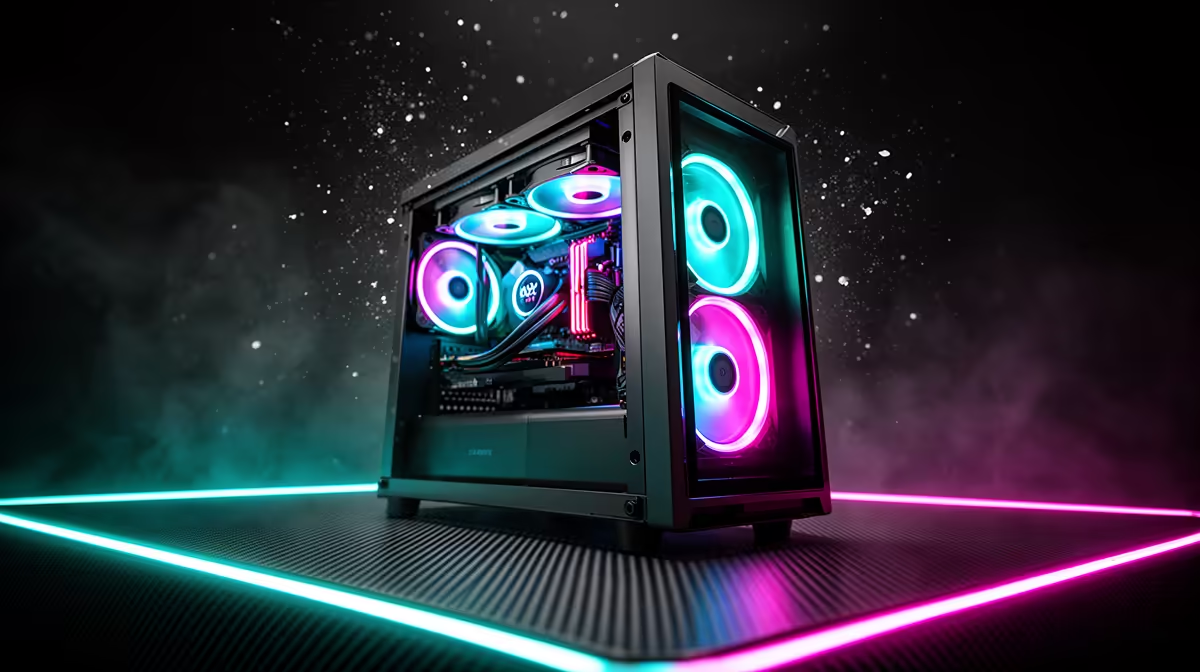
South African PC builders should prioritise mesh front panel airflow first, ARGB connector compatibility second, and ARGB fan quality third. A visually impressive case that runs hot because of a restrictive front panel is the most common and most expensive mistake in compact ARGB builds locally.
Airflow Must Come Before Aesthetics 🌬️
The single biggest thermal mistake SA builders make with compact ARGB cases is choosing a full-glass or solid-panel front because it looks premium in the box, then discovering the GPU runs fifteen degrees Celsius hotter than expected under gaming load. SA summer ambient temperatures in Gauteng and the Western Cape regularly exceed 30 degrees Celsius, which means a five-degree case temperature penalty from a restrictive front panel pushes an RTX 5070 Ti from 80 degrees to 85 degrees Celsius junction temperature, reducing boost clock sustainability.
ARGB Connector Compatibility Is the Second Priority 🔌
Check that all bundled ARGB fans use the 5 V three-pin ARGB standard before buying. Some cases still ship with four-pin 12 V RGB fans in the R800 to R1,200 range, which are not digitally addressable and will not sync per-LED with Asus Aura Sync, MSI Mystic Light, or Gigabyte RGB Fusion. If your motherboard is from the Asus ROG or Prime range, Aura Sync compatibility with 5 V ARGB fans means all fans, CPU AIO, and RAM can be controlled from one Armoury Crate interface. Using the correct connector type from the start saves the cost and hassle of adaptors or a separate ARGB controller, which adds R250 to R400 to the build unnecessarily.
Fan Quality and Noise Level at SA Gaming Hours 🎮
Most compact ARGB cases in the R1,200 to R2,000 range include fans rated at 1,000 to 1,800 RPM, generating around 18 to 28 dBA under typical gaming loads. For builders who game in shared spaces like res rooms or digs in Cape Town or Johannesburg student areas, noise level matters. Look for cases with bundled fans rated below 25 dBA at full speed, or choose a case with PWM fan headers that allow the motherboard to slow the fans during low-load scenarios. Pre-installed fans in well-reviewed compact cases like the Lian Li LANCOOL 205M and Phanteks Eclipse G300A are good enough for most builds, avoiding the need for immediate fan replacement after purchase.
Test ARGB Sync Before Full Cable Management ⚡
Before routing and tucking every cable in a compact build, connect the ARGB fan headers to the motherboard and power up the system to verify all fans light up and sync correctly. Discovering a faulty ARGB header or a connector mismatch after full cable management means undoing an hour of work. This two-minute test saves significant frustration.
FAQ
Why do compact ARGB cases often run hotter than non-ARGB cases?
Often because the aesthetic requirement for a glass front panel to show off the ARGB fans conflicts with the airflow requirement. All-glass or solid fronts restrict intake, raising internal temperatures. The solution is choosing a case where the ARGB fans sit behind a mesh front rather than glass.
Will ARGB fans from one brand work with a controller from another brand?
If both use the 5 V 3-pin ARGB standard, they will light up when connected to the same controller. However, advanced per-LED effects and presets within a brand's software (like Asus Armoury Crate) typically only apply to fans that support that brand's ARGB profile. Mixed brands will synchronise colour but may not support all effect types.
How many ARGB fans do I need in a compact case for good airflow and lighting?
Three is the practical minimum: two front intakes and one rear exhaust. This delivers both adequate airflow for builds with an RTX 5070 or lower and enough light coverage to illuminate the GPU, motherboard, and CPU cooler through the side panel.
Want great ARGB lighting without sacrificing airflow?
Evetech stocks compact ARGB cases with mesh fronts and 5V ARGB fan bundles, available online with delivery across South Africa.