Plan an Intel upgrade for the next couple of years and one decision now shapes the whole cost: the LGA1954 socket change. Intel's Nova Lake generation moves to this new socket, which means upgrading from any current platform is no longer a simple processor swap. You will need a new motherboard alongside the chip. The good news softens the blow, but only if you plan the move deliberately.
Quick Answer
Moving to Nova Lake on LGA1954 requires a new motherboard, not just a CPU, for everyone on a current Intel platform. The saving grace is that coolers from LGA1851 and LGA1700 are confirmed compatible with LGA1954, so you keep your existing cooling and trim part of the upgrade cost.
What a Socket Change Actually Forces
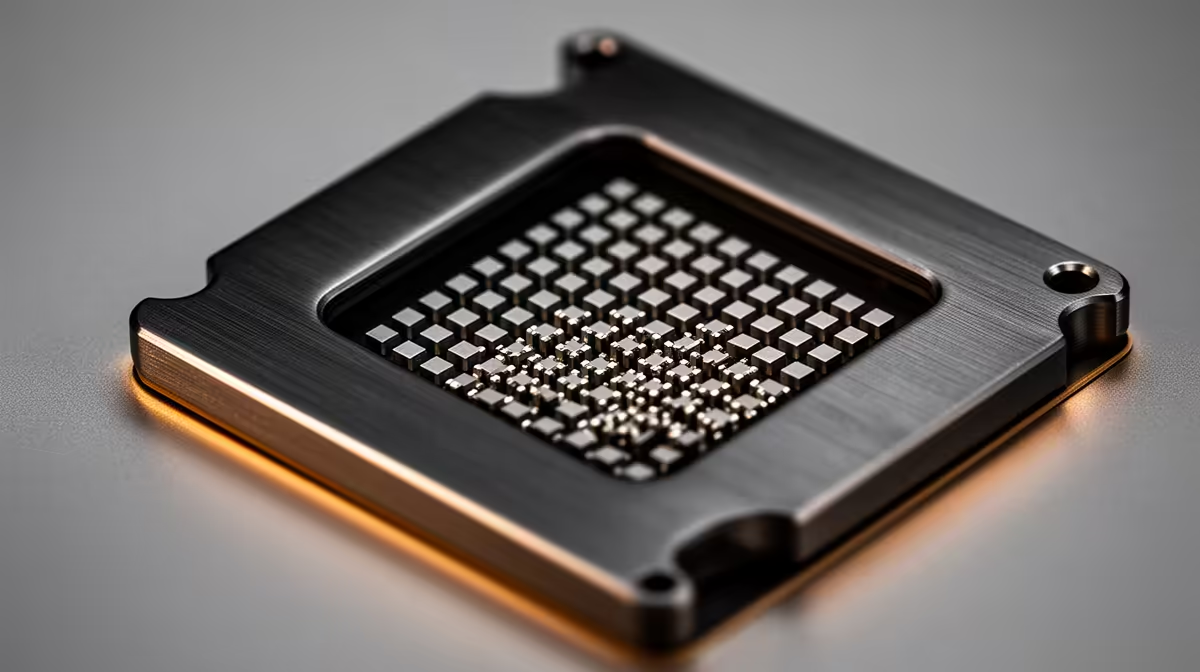
The CPU socket is where the processor meets the motherboard -- the point of contact for both power delivery and data signalling. When Intel redesigns that socket, as it is doing with LGA1954, the geometry and pin layout change entirely, so new chips will not seat in old boards and old chips will not seat in new ones. This is different from a generation that reuses a socket, where you can sometimes drop a newer CPU into an existing board after a firmware update. With Nova Lake, that shortcut is off the table. The processor and the motherboard move together.
Who Is Affected and How Much It Costs
Anyone currently on LGA1851 or the older LGA1700 platform faces the same reality: a Nova Lake upgrade means budgeting for a board as well as the chip.
Coming from LGA1851
This stings a little more, because LGA1851 is recent. Buyers who built on it expecting an easy in-socket upgrade path will instead need a fresh 900-series motherboard for Nova Lake. The CPU upgrade is real, but it is a platform upgrade in practice.
Coming from LGA1700
These systems are older and were already due a platform refresh, so the new board feels less like a surprise. For many LGA1700 owners, Nova Lake is the natural point to rebuild the core of the machine anyway, and the performance jump justifies the board cost.
Why Intel changes sockets at all
It is tempting to read a socket change as a cash grab, but new processor generations often need more power pins, different signalling, or support for newer memory and connectivity standards. A new socket lets Intel deliver those changes cleanly rather than bolting them onto an old design. That does not make the cost any smaller for you, but it does mean the new platform usually brings real capability, not just a different pin layout. The practical takeaway is to judge the upgrade on what Nova Lake delivers, not on resentment over the board cost.
What You Get to Keep
Not everything resets with the socket. The cooler mounting for LGA1954 stays compatible with LGA1851 and LGA1700 brackets, so your existing air or liquid cooler carries over. That is a meaningful saving, since a good cooler is not cheap. Your RAM situation depends on the memory standard the new boards adopt, so check that before assuming your current kit transfers. Storage, the case, and the power supply generally move across without issue.
Build the upgrade in the right order
Treat this as a planned platform move rather than a quick swap. Cost out the CPU and a suitable 900-series board together, confirm your memory works with the new platform, then reuse the cooler, storage, case, and power supply you already own. Budgeting the board and chip as one purchase avoids the unpleasant surprise of buying a Nova Lake CPU and discovering it has nowhere to live.
When you are ready to price the processor side, the Intel CPU range at Evetech lets you compare current chips and see where the new generation lands locally. If a full rebuild starts to make more sense than a piecemeal upgrade, the top-selling PCs at Evetech put the total cost of a complete, matched system in front of you so you can compare it against sourcing parts individually.
Is It Worth Waiting For
If your current system still handles your workload, there is no penalty in holding until Nova Lake and its boards are widely available and priced sensibly in SA. Early platform pricing tends to settle after launch. If you are already overdue an upgrade and on LGA1700, the socket change is simply part of the rebuild you needed anyway, so timing matters less. Match the decision to how much your machine is holding you back today.
Weighing the alternatives
Before committing to the new platform, two options deserve a glance. The first is a final upgrade within your current socket, if a faster compatible chip still exists for your board, which buys time without a new motherboard. The second is sitting tight, since a system that runs your games and workloads well today does not become slower just because a new generation launches. Nova Lake makes sense when your current chip is genuinely the bottleneck, not simply because it is newer. Be honest about whether your processor is actually holding you back, or whether a graphics card or an SSD would deliver more for less.
Cost Planning the Smart Way
Treat the move as a budget exercise rather than an impulse. List the parts that must change, the CPU and the motherboard, then the parts that carry over, the cooler, storage, case, and power supply. Confirm the memory situation early, because that is the variable most likely to add unexpected cost. With that list in front of you, the true price of the upgrade becomes clear, and you can decide whether to do it in one purchase or wait for pricing to mature. Planning it this way turns a daunting platform change into a manageable, predictable spend.
Frequently Asked Questions
Do I need a new motherboard for Nova Lake?
Yes. Nova Lake uses the LGA1954 socket, so it requires a new compatible motherboard. Current LGA1851 and LGA1700 boards will not accept a Nova Lake processor.
Will my current CPU cooler fit LGA1954?
Yes. Coolers designed for LGA1851 and LGA1700 are confirmed compatible with LGA1954, so you can reuse your existing air or liquid cooler and save on that part of the upgrade.
Can I drop a Nova Lake chip into my LGA1851 board?
No. Despite LGA1851 being recent, the socket change to LGA1954 means Nova Lake will not fit it. A new 900-series motherboard is required.
Is the LGA1954 upgrade worth it from LGA1700?
For most LGA1700 owners, yes. That platform was already due a refresh, the cooler carries over, and Nova Lake delivers a meaningful performance jump that justifies the new board.
Will my RAM carry over to an LGA1954 build?
It depends on the memory standard the new boards adopt. Check the specification of the board you intend to buy before assuming your current kit transfers, rather than taking it for granted.