Drop an RTX 5090 into a workstation and the power supply stops being an afterthought. The card alone draws 575W under load, and its power spikes climb far higher for fractions of a second. Get the PSU wattage for an RTX 5090 workstation wrong and you are not just risking instability, you are risking shutdowns mid-render that cost you hours of work. The answer is more nuanced than picking the biggest number on the shelf, and the ATX 3.1 standard is the part most people overlook.
Quick Answer
An RTX 5090 workstation needs at least a 1000W PSU, which is NVIDIA's stated minimum for the card's 575W TGP. High-end builds pairing the 5090 with a Threadripper-class CPU should step up to 1200W. Choose an ATX 3.1 unit with a native 12V-2x6 connector so it handles the GPU's transient power spikes cleanly.
Why 1000W Is the Floor, Not the Target
The RTX 5090 carries a 575W total graphics power rating. That figure is the sustained draw, and NVIDIA recommends a 1000W minimum to cover it alongside the rest of the system. But a workstation is rarely just a GPU. Add a high-core-count processor pulling 200W or more under all-core load, a stack of NVMe drives, multiple fans, and memory, and the system total climbs quickly.
The reason you do not run a PSU at its ceiling is efficiency and longevity. A unit operating constantly near 100% load runs hotter, ages faster, and leaves no margin for the power spikes that modern GPUs produce. Sizing for roughly 60 to 70% sustained load keeps the supply in its efficient band and gives the transients somewhere to go.
The Transient Power Problem
Modern high-end GPUs do not draw power smoothly. They produce brief, sharp spikes well above their rated TGP, lasting only milliseconds but large enough to trip the protection circuitry on an undersized or older supply. When that happens, the system shuts down without warning, often mistaken for a failing component.
This is the single most important reason a 5090 build needs headroom. A 1000W supply that is genuinely well-built and rated for these transients is fine for a GPU-plus-mainstream-CPU system. The moment you stack a power-hungry workstation CPU on top, the combined spikes argue strongly for 1200W, which absorbs them without flinching.
Why ATX 3.1 Specifically
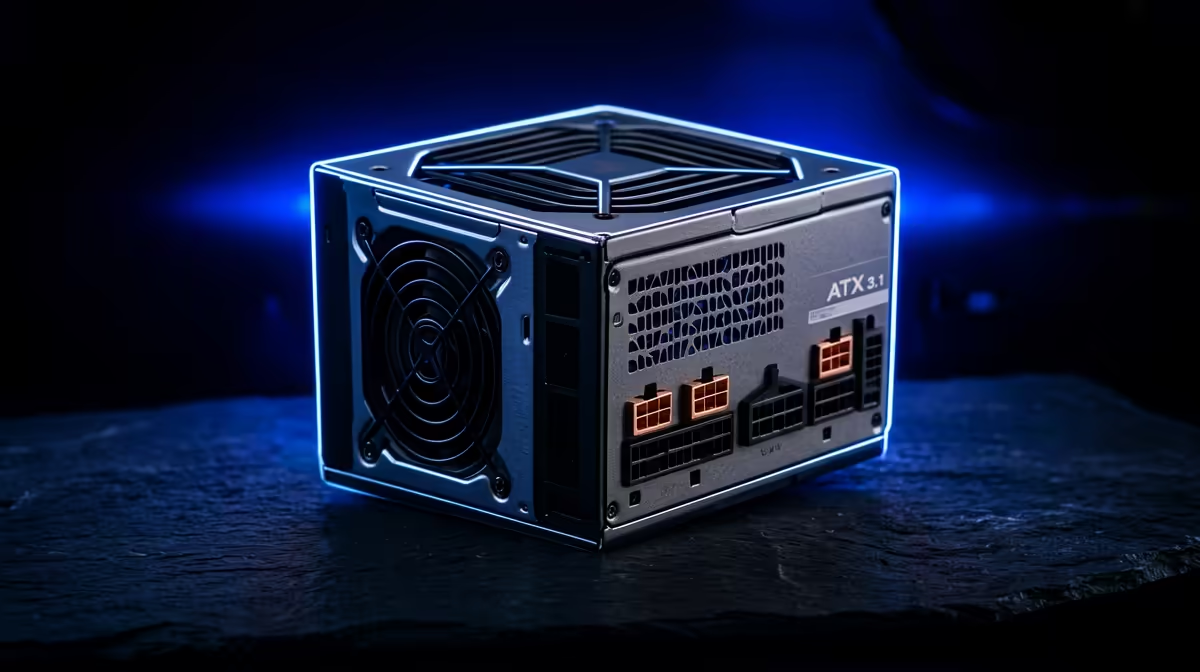
ATX 3.1 is the revision of the power-supply standard written for exactly this behaviour. It mandates that compliant units tolerate power excursions well above their rated wattage for short bursts, which is precisely what a 5090 throws at them. An older ATX 3.0 or pre-3.0 unit may technically have the wattage but lack the transient-handling specification, leaving you exposed to those random shutdowns.
ATX 3.1 also refined the GPU power connector. It standardises the 12V-2x6 connector, the successor to the earlier 12VHPWR design, with adjustments that improve contact reliability and reduce the connection issues that plagued early high-power cards.
The 12V-2x6 Connector, In Plain Terms
The 5090 draws its power through a single high-density connector rather than several older eight-pin plugs. A native 12V-2x6 cable, supplied with an ATX 3.1 PSU, runs straight from the unit to the card with no adapter in between. Avoiding adapters matters: every extra junction is a place for resistance and heat to build up. A native cable seated fully and firmly is the cleanest, safest way to feed the card.
Matching the PSU to the Whole Build
Think in tiers. A 5090 paired with a mainstream high-end CPU sits comfortably on a quality 1000W ATX 3.1 unit. A 5090 in a serious content or simulation workstation alongside a Threadripper-class processor wants 1200W to keep both the sustained load and the combined transients in safe territory. If you are also running professional-grade GPUs for compute, the workstation graphics card range at Evetech is worth reviewing alongside your power planning, since their draw stacks on top of everything else.
Do not economise here. The PSU is the component protecting every other expensive part in the chassis. To gauge what configurations builders are actually running for high-end systems, the PC best sellers at Evetech give a practical reference point.
Efficiency Ratings and What They Mean for a Workstation
Wattage tells you how much a PSU can deliver; the efficiency rating tells you how cleanly it does so. The 80 Plus tiers, from Bronze up through Gold, Platinum, and Titanium, describe how much of the wall power actually reaches your components rather than being lost as heat. On a workstation that runs long, heavy loads, this matters more than on a casual machine.
A higher-efficiency unit wastes less energy, which means it runs cooler and quieter, and over a machine that renders or computes for hours at a stretch, the heat it does not produce is heat your cooling does not have to fight. For a 5090 workstation pulling well over a kilowatt under load, aim for at least Gold, and consider Platinum if the system runs near-constant heavy workloads. The premium pays back in lower running temperatures and a quieter room.
Single-Rail vs Multi-Rail
High-end units come in single-rail and multi-rail designs, describing how the 12V output is organised. For a single power-hungry GPU like the 5090, a strong single-rail unit is the straightforward choice, because it can deliver the card's full demand and its transient spikes down one path without splitting the budget across separate rails. Most quality ATX 3.1 workstation supplies handle this sensibly, but it is worth confirming the unit can feed the 12V-2x6 connector at full rated power.
Future-Proofing the Build
Sizing a PSU is also a bet on what you will add later. A workstation rarely stays static: you bolt on more storage, more memory, perhaps a second GPU for compute. Buying a supply sized only for today's exact draw leaves no room for that growth, and swapping a PSU later means rebuilding the power side of the machine from scratch.
This is the practical argument for choosing the upper end of the sensible range. A 1200W ATX 3.1 unit on a system that currently needs 1000W is not wasted money; it is headroom for the next upgrade and a guarantee that the supply spends its life in its efficient, cool-running band rather than straining near its ceiling. For a machine built to last several years of demanding work, that margin is cheap insurance.
Frequently Asked Questions
What wattage PSU does an RTX 5090 need?
At least 1000W, which is NVIDIA's stated minimum for the card's 575W TGP. For a workstation pairing the 5090 with a high-core-count CPU, step up to 1200W to comfortably cover the combined sustained load and power spikes.
Why does ATX 3.1 matter for the RTX 5090?
ATX 3.1 units are specified to handle the brief power excursions that high-end GPUs produce, well above their rated wattage. An older supply with the same wattage may lack this specification and trip its protection during a spike, causing sudden shutdowns.
What is the 12V-2x6 connector?
It is the standardised high-density GPU power connector on ATX 3.1 supplies, succeeding the earlier 12VHPWR design with improvements to contact reliability. A native 12V-2x6 cable runs directly from the PSU to the 5090 without an adapter, which is the safest way to power the card.
Can I use an adapter instead of a native cable?
You should avoid it where possible. Every extra junction adds resistance and a potential heat point. A PSU that ships with a native 12V-2x6 cable lets you connect the card directly, which is more reliable than chaining adapters off older connectors.
Is 1000W enough or should I get 1200W?
1000W is enough for a 5090 with a mainstream high-end CPU. Choose 1200W if you are pairing it with a power-hungry workstation processor or running additional compute cards, because the combined transients need the extra margin to stay stable.
Planning a 5090 workstation? Review the workstation graphics card range at Evetech to map out your full power budget, then size an ATX 3.1 PSU with the headroom your build genuinely needs.