Quick Answer
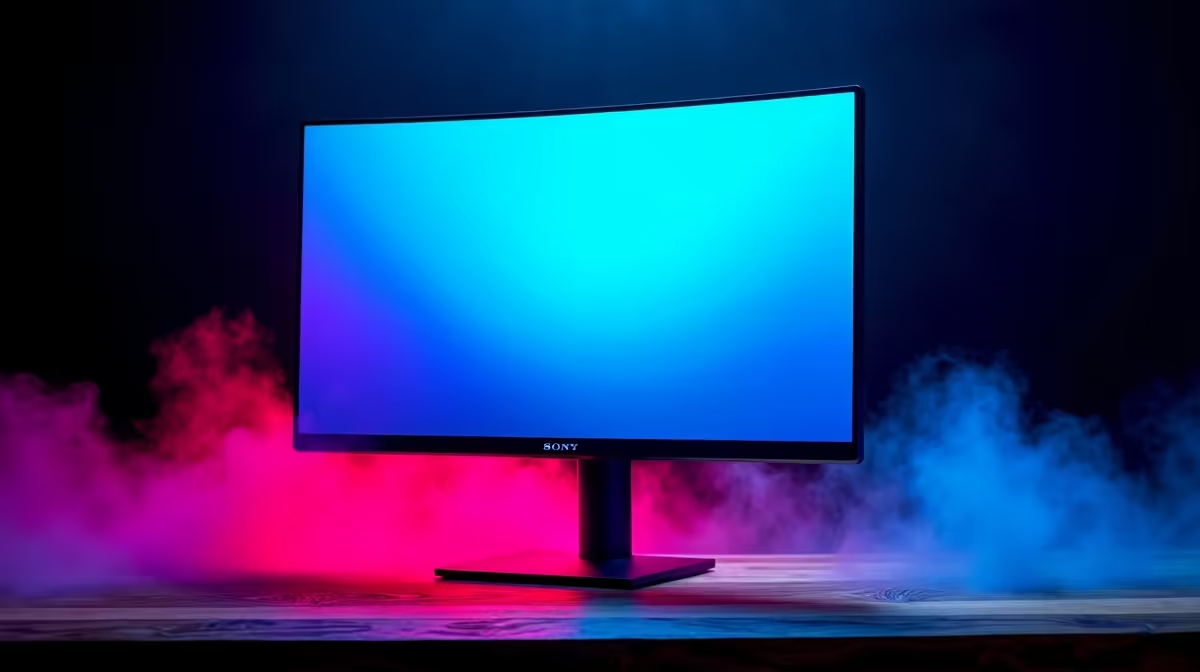
A 32-inch 4K OLED demands at least 70 to 80 cm of viewing distance, a desk deep enough to allow that clearance, and a GPU no weaker than an RTX 5070 or RX 9070 XT to sustain 60fps-plus at native 4K in demanding titles. Get any one of those three wrong and the panel underperforms.
The Viewing Distance Equation for 32-Inch 4K 📐
At 4K on a 32-inch screen the pixel density reaches 138 PPI, which is sharp enough that individual pixels are invisible at 60 cm. However, sitting closer than 70 cm makes the large screen feel overwhelming and strains peripheral vision during long sessions. Ergonomics guidelines suggest 80 to 100 cm as the sweet spot, which means your desk needs to be at least 80 cm deep to allow for the monitor stand footprint plus that clearance. Many standard office desks sold in SA are 60 cm deep, which is genuinely too shallow for a 32-inch 4K OLED. A 80 cm-deep gaming desk solves this immediately.
GPU Power: the Real Gating Factor 🔧
Running native 4K at high frame rates is the most demanding task any consumer GPU faces. An RTX 5070 manages around 80 to 100fps in AAA titles at 4K with DLSS Quality mode engaged, and drops closer to 50fps natively. The RTX 5080 and RTX 5090 maintain native 4K above 60fps in most titles. In South Africa, RTX 5070 cards are currently stocked at Evetech in the R14,000 to R18,000 range, making the GPU investment alone larger than many entire mid-range builds. Pairing a 32-inch 4K OLED with an RTX 4060 wastes the panel's capability entirely.
Desk Size and Cable Management for a Clean 32-Inch Setup 🖥️
A 32-inch monitor physically measures about 71 cm wide. On a standard 120 cm gaming desk that leaves very little lateral room for speakers, a mic arm, or a second screen. Width matters as much as depth. OLED panels in this size class often come with thick all-in-one cables that carry USB hub, audio, and display signals, so cable routing behind a deep desk is easier than on a shallow shelf-style surface. Building a single-monitor 32-inch 4K OLED workstation around a 140 cm by 80 cm desk gives you ideal geometry for both ergonomics and cable management.
Test Your Viewing Distance Before You Buy ⚡
Tape a 71 cm wide rectangle on the wall at your monitor height and sit at your desk. If you need to move your chair back to see the whole rectangle comfortably, your desk is too shallow. Measure that distance, because it is the viewing distance you will use every session.
FAQ
Is 32 inches too large for a 4K gaming monitor?
Not if your desk allows 80 cm of viewing distance. At that distance a 32-inch 4K panel delivers exceptional sharpness with no perceptible eye strain, making it a popular choice among SA gamers who want a large single display without ultrawide compromises.
What GPU do I need for a 32-inch 4K OLED at 120Hz or higher?
An RTX 5070 or RX 9070 XT is the minimum for consistent 120fps at 4K using upscaling. For native 4K above 120fps you need an RTX 5080 or 5090, which currently cost upward of R22,000 at Evetech.
Does OLED burn-in risk increase on a 32-inch panel?
Modern OLED gaming monitors include pixel-shift and brightness-management features that significantly reduce burn-in risk. Standard desktop use with occasional screensavers active poses very low risk over a typical 5-year ownership period.
Building a 32-inch 4K OLED setup?
Evetech stocks 32-inch 4K monitors alongside the RTX 50-series and RX 9000-series GPUs needed to power them. Browse monitors and graphics cards together to match your setup correctly.