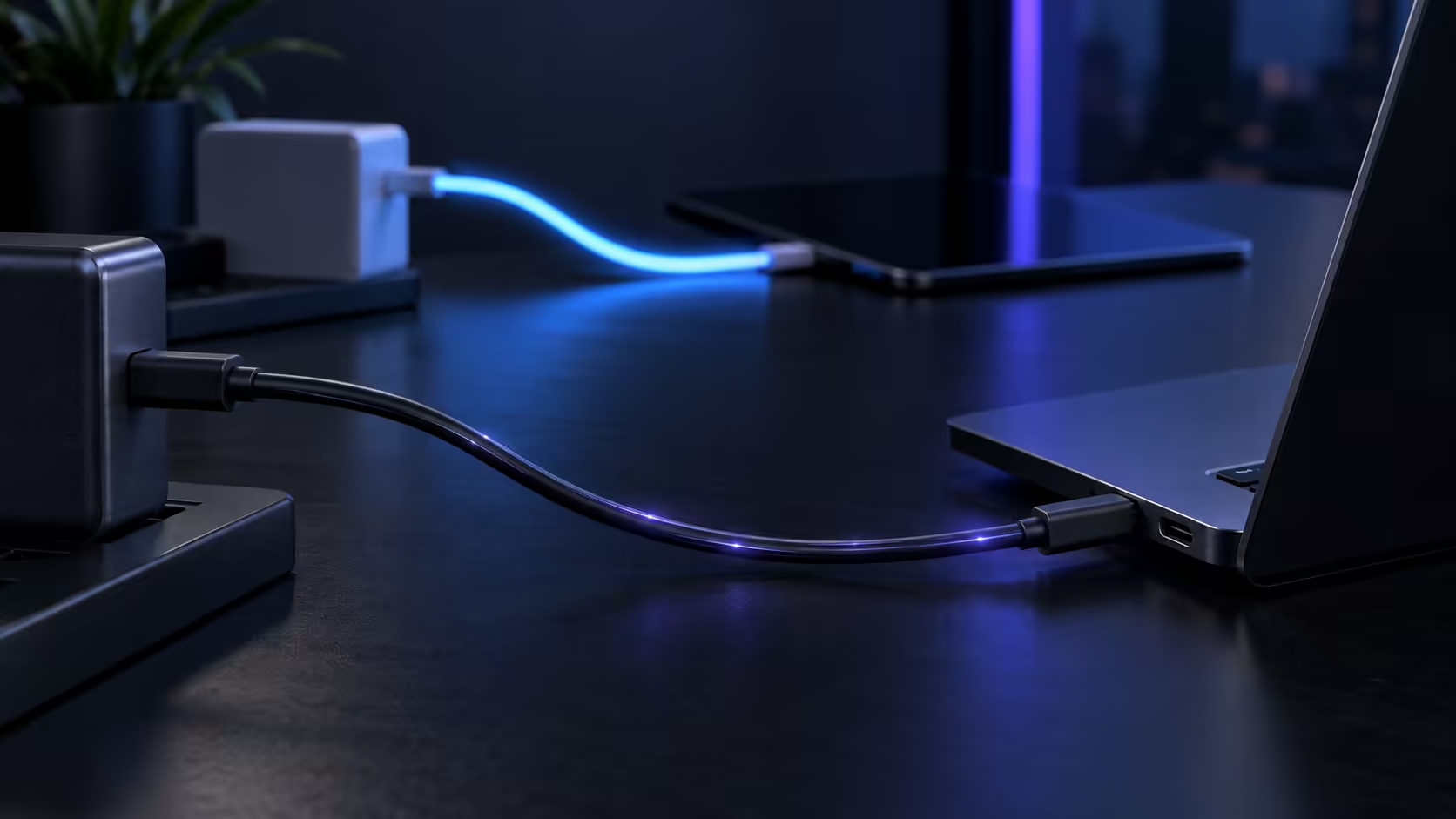
A USB-C laptop charging slowly almost always traces back to one specific culprit hiding in plain sight: the cable itself, not the charger, not the laptop, and definitely not anything actually wrong with the battery underneath it all.
Quick Answer
The usual culprit is a cable with no e-marker, which pins charging at 3A, or 60W, however big the charger is. Swap in a properly certified cable, the R399 Anker 544 being one option, and the full negotiation returns along with a battery percentage that actually climbs under load.
🐌 The 60W ceiling that catches people out
Every USB-C cable without a genuine 5A e-marker chip caps a charging connection at 3A, which combined with 20V charging works out to 60W, regardless of how powerful the charger plugged in actually is. This is why a laptop paired with a genuinely capable, properly certified 100W or 140W charger can still end up charging at a fraction of that speed: an old, unmarked, or simply mismatched cable sitting between them is quietly enforcing a much lower ceiling than either the charger or the laptop would otherwise allow.
📉 The knock-on effect on your workday
A laptop charging at 60W instead of its rated 140W does not just take longer to reach 100%, it can struggle to keep pace with the battery draining under a heavy workload, meaning the percentage barely moves or even ticks downward during a demanding video call or a render job. This is often the moment the problem actually gets noticed and investigated, rather than during a quiet browsing session where the reduced rate is still comfortably ahead of what the laptop is drawing.
🔍 Confirming the cable is actually the cause
Most laptops surface the actual charging wattage figure somewhere in their power settings or system information menus once a charger is plugged in, and a number stuck at or near 60W while the charger itself is rated higher is the clearest sign of a capped cable. Try a cable you know is genuinely 5A e-marked and properly certified in its place, and watch closely what the reported figure does; a jump upward confirms the original cable, not the charger or the laptop's own circuitry, was holding things back all along.
🔁 Why this often gets misdiagnosed as a charger fault
Because the charger is the more expensive, more visible part of the setup, it usually gets blamed first, and swapping it for a new one often "fixes" nothing at all if the actual bottleneck was the cable sitting between it and the laptop the whole time. This misdiagnosis costs money unnecessarily, since a new charger delivering the same 100W or 140W the old one did will still be capped at 60W by exactly the same faulty cable.
🌡️ A slow charge sometimes shows up as heat instead
A laptop working hard under load while charging at a reduced rate draws down its battery faster than the capped charger can replenish it, which can push the machine to run warmer than usual during long sessions. A laptop cooling pad helps manage the heat symptom by improving airflow underneath the machine, but it does nothing for the underlying cause; fixing the cable itself is what actually resolves both the slow charging and the extra heat it produces during a demanding session.
⏱️ Why this problem often appears gradually, not suddenly
A cable does not usually go from perfect to capped overnight. A connector worn down by 6 to 12 months of everyday plugging and unplugging can develop a marginal connection that intermittently fails to negotiate the full 100W or 140W rating, so charging speed can drop in stages rather than all at once. This is part of why the problem is easy to miss until it becomes obvious: each individual charge feels only slightly slower than the one before it.
🛒 Fixing it properly
Confirm your charger's own printed wattage rating first, since that number sets the realistic ceiling on the whole connection regardless of what the cable itself might otherwise be technically capable of carrying on its own. Then replace the cable itself with a certified 5A option, the Anker 544 in the comprehensive cable range being one that states both its rating and its certification directly rather than leaving either one to be assumed. At R399, it costs a fraction of what a slow-charging laptop costs in lost productivity over a busy week.
Frequently Asked Questions
Can I tell whether my current cable has an e-marker chip inside it?
Check the packaging or product description for an amp figure and the certification mark together. A cable claiming above 60W with neither one printed anywhere on the box or the connector itself is worth treating with real suspicion.
Can a slow-charging cable damage my laptop's battery over time?
No. A capped connection simply charges more slowly; it does not put the battery at any additional risk compared with normal charging at a lower rate, since the laptop's own charging circuitry still manages the process safely regardless of the ceiling imposed upstream.
Why did my laptop charge fine on this cable before but not now?
Cables can degrade gradually, developing an intermittent fault at the connector or along the length that was not present when the cable was new, which can show up as slower charging over time as the fault worsens with continued handling.
Does the laptop's own port ever cause this instead of the cable?
Occasionally, particularly on laptops with more than one USB-C port where only one is wired for full-power charging. Testing a known-good cable in a different port on the same machine helps rule this specific possibility out before replacing anything.
Is a 100W charger enough for most laptops on the market?
Yes, for the large majority of current laptops. Only the largest workstation-class machines regularly demand more than 100W to reach their full charging speed, and even those still charge, just more slowly than their absolute maximum allows.
Does charging slowly overnight ever mask this problem entirely?
It can, since an overnight charge often has enough hours to reach full battery even at a reduced rate, which is why the problem tends to surface first during a quick top-up between back-to-back meetings rather than during a full night's charge.
Ready to stop your laptop charging at a fraction of its speed?
Check the reported wattage, then swap in a certified 5A cable to confirm the cause.