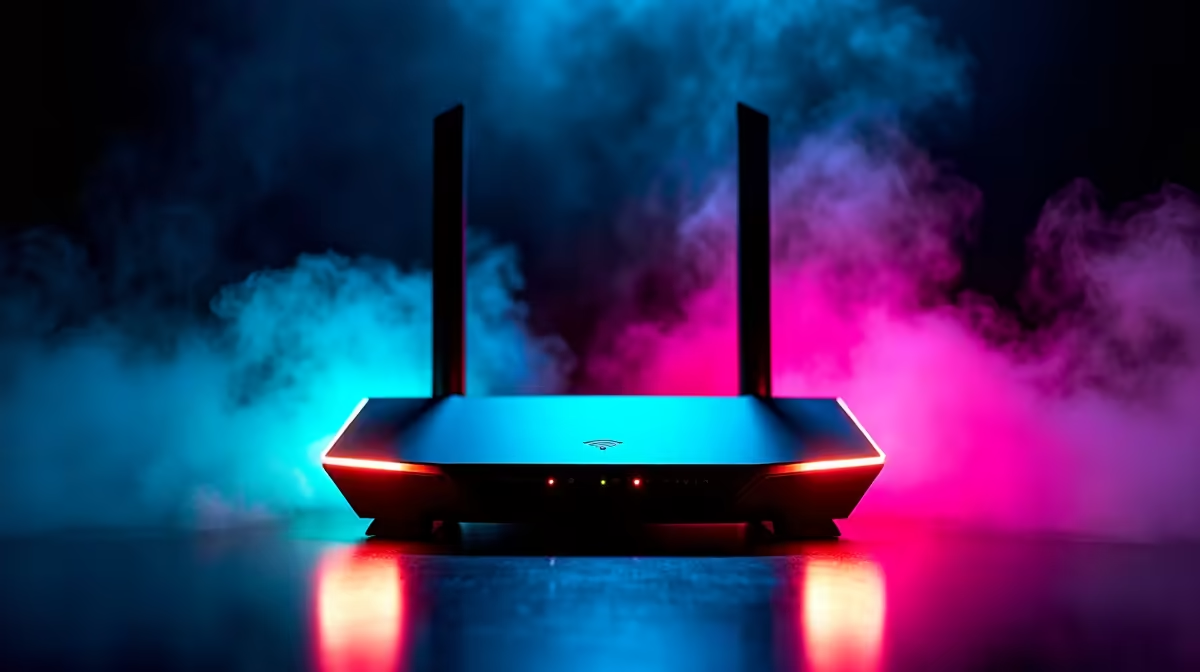
For Randburg buyers, here is the practical guidance that matches gear to real use.
Quick Answer
A Wi-Fi 7 router is worth it if you have a fast fibre line (500Mbps-1Gbps) and many devices: prices run roughly R3,000-R8,000+ and it adds the 6GHz band, wider channels and lower latency. On a typical SA fibre line a good Wi-Fi 7 router future-proofs your home network; on a slower line, a solid Wi-Fi 6 unit is the better-value pick.
Match it to your line
Match the router to your line and home size. Wi-Fi 7's 6GHz band and 320MHz channels shine on gigabit fibre and dense device counts; for a 100-200Mbps line the gains are smaller. Check the WAN port speed (2.5GbE is ideal for fast fibre), the band layout, and coverage for your floor area. A large or double-storey home may need a mesh system rather than a single router.
Getting the most from SA fibre
For SA homes on Vumatel, Openserve or Frogfoot fibre, the router is what turns your line speed into usable Wi-Fi. Wi-Fi 7 reduces congestion when many devices stream and game at once, and the 6GHz band gives a clean lane for nearby high-bandwidth gear. Wire your gaming PC or console with Ethernet where you can for the lowest latency, and reserve Wi-Fi 7 for the devices that must be wireless.
Buying it in SA
Buy locally stocked so a router carries a proper SA warranty and regional firmware support. Delivery to Randburg runs on the standard Gauteng next-business-day courier window for stocked items, and you can switch to Roodepoort branch collection at checkout to skip the wait.
FAQ
Is Wi-Fi 7 worth it in SA?
Yes if you have gigabit-class fibre and many devices - the 6GHz band and wider channels cut congestion and latency. On a 100-200Mbps line, a Wi-Fi 6 router is the better value.
Do I need a 2.5GbE port on the router?
For fast fibre above 1Gbps, a 2.5GbE WAN port lets you actually use the full line speed. On slower lines a standard gigabit port is fine.
Should I wire my gaming PC or use Wi-Fi 7?
Wire it with Ethernet where you can for the lowest, most stable latency. Reserve Wi-Fi 7 for devices that must be wireless, like phones, laptops and the TV.
Buyer tip
Pair a Wi-Fi 7 router with gigabit fibre and a 2.5GbE port, wire your gaming PC over Ethernet, and reserve the 6GHz band for devices that must be wireless.