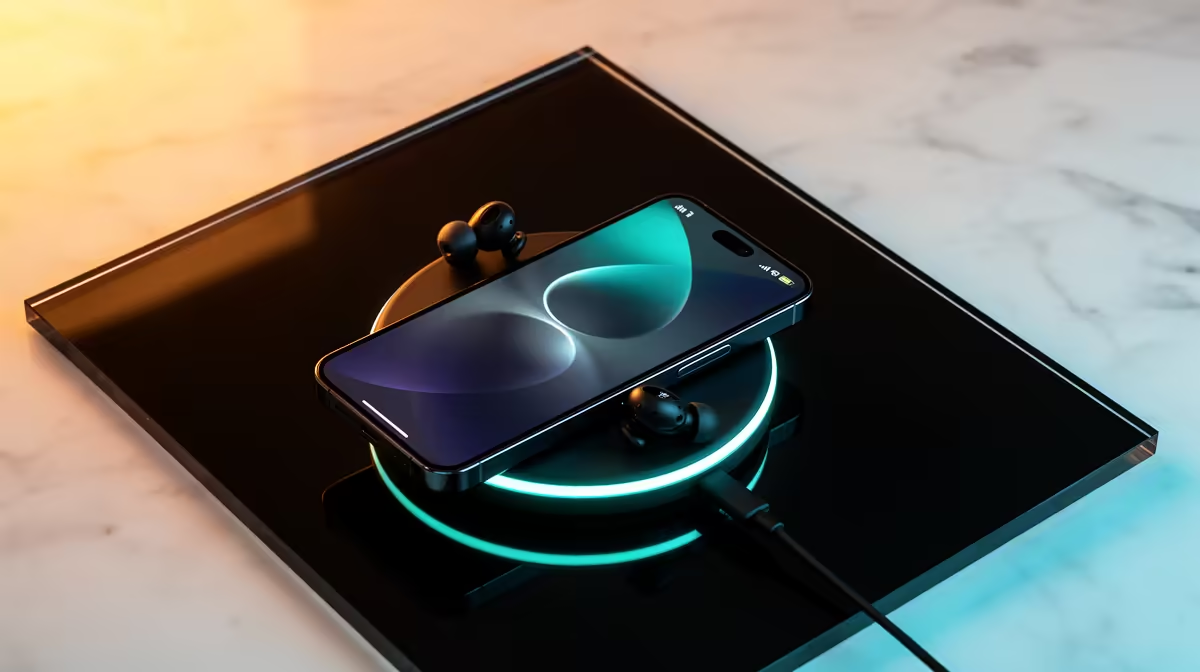
A wireless charger can be convenient for a family when several compatible phones share a fixed drop zone. It is not automatically faster or more efficient than a cable, and it cannot charge devices that lack the supported standard. Compatibility, heat and everyday placement determine whether it earns its space.
Check every household device
List the exact phone, earbud and watch models intended for the pad. Confirm their wireless standard, supported wattage and coil position from official specifications. Thick cases, metal accessories and magnetic rings can interfere, so test the normal case rather than assuming bare-phone results.
No verified wireless-charger SKU or price appears in the supplied product facts. Review current Evetech availability and check whether a power adapter is included, what input it requires, how foreign-object detection works and which warranty applies. A multi-device station should explicitly support each device type.
Place the charger on a firm, ventilated surface away from bedding, liquids and direct sun. Remove coins or keys before setting down a phone. Stop using a pad or cable that is damaged, smells unusual or becomes abnormally hot. Give each family member a wired fallback for urgent charging.
Wireless charging is the right choice when it reduces cable clutter without creating alignment frustration. If devices charge slowly through their everyday cases, a clearly labelled cable station may be cheaper and more dependable.
Planning a family charging spot? > Check Evetech wireless charging options for verified device support.