Quick Answer
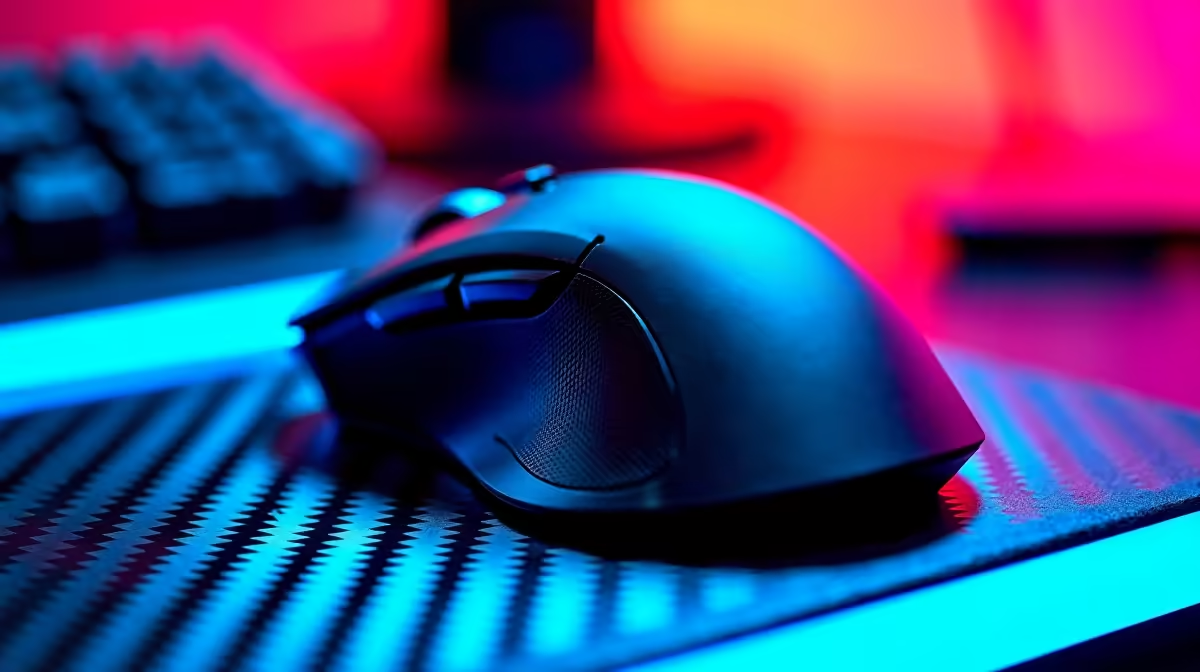
Centurion buyers should buy a wireless gaming mouse by matching stock, warranty support and exact specs before chasing a headline feature. The useful SA range is R700-R4,200, with Logitech G305 Lightspeed, Logitech G Pro X Superlight 2 and Razer Viper V3 Pro as sensible comparison models. Look for 2.4GHz wireless, a reliable optical sensor, PTFE feet and a weight near 60-100g depending on grip style.
Buying Priorities For Centurion
Centurion buyers around Highveld, Irene, Midstream and the N1/N14 route should confirm stock and courier timing before planning a build. A good buying guide starts with the environment where the wireless gaming mouse will be used. Check the current setup, the delivery address, the warranty route and the upgrade plan before comparing cosmetic features.
Specs That Matter Most
Look for 2.4GHz wireless, a reliable optical sensor, PTFE feet and a weight near 60-100g depending on grip style. For competitive play, 2.4GHz is the gaming mode; Bluetooth is fine for office work but adds more latency. The models to compare are Logitech G305 Lightspeed, Logitech G Pro X Superlight 2 and Razer Viper V3 Pro. Keep the budget band at R700-R4,200, then use the remaining differences to judge cooling, compatibility, warranty length and daily comfort.
Budget, Fit And Setup Notes
Check hand length, grip style, side-button placement, battery life and whether the dongle can sit close to the mouse pad. Do not treat the cheapest listing as the automatic answer; the better choice is the model that avoids extra adapters, returns or replacements. For Centurion, also check who can receive the parcel, whether the product box will fit through the office or estate process, and whether you need installation time on the same day.
A Practical Way To Decide
Make a three-item shortlist: one value option, one safer mid-range option and one premium option you would only buy for a specific feature. If two wireless gaming mouse choices look close, choose the one with clearer specs, better fit for your existing setup and fewer hidden extras. That approach gives SA buyers a cleaner decision than chasing every badge or marketing number.
FAQ
Is wireless reliable for esports?
Yes, modern 2.4GHz gaming mice are reliable enough for esports. Keep the dongle close and avoid Bluetooth for competitive play.
What weight should I choose?
Around 60-75g suits fast FPS aiming, while 90-110g can feel steadier for larger hands or MMO buttons.
How much battery life is enough?
Anything above 50 hours is comfortable for weekly charging. AA-powered mice can last far longer but usually weigh more.
Buyer check
Choose the shape before the sensor spec; a perfect sensor in the wrong shell will still feel slow in your hand.