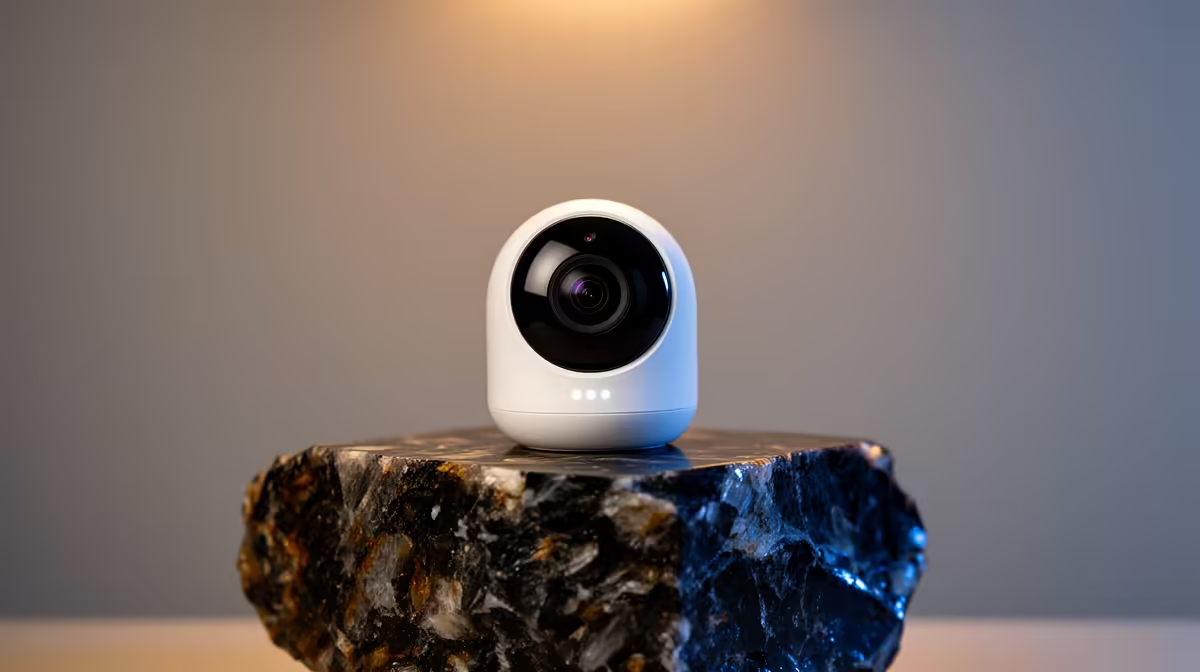
A wireless security camera is worth buying for a POS or stock area when it covers a lawful, defined view and staff know how alerts and footage will be used. It can document movement around a counter or shelf, but it does not replace stock controls, access logs or secure cash procedures. Wireless networking also does not mean wire-free power.
Define the incident the camera should capture
The TP-Link Tapo C212 Wi-Fi camera is listed at R451 in the verified facts. Confirm availability, indoor rating, field of view, local storage, subscription features, night image, account sharing, update policy and warranty. Check whether the business requires a different outdoor, wired or recorder-based system for compliance and retention.
Place the camera to cover the authorised counter or stock access without exposing card details, PIN entry, staff screens or neighbouring businesses. Test motion zones, clip export and the no-internet state. Use unique credentials, multi-factor authentication where supported and limited user access. Display clear notice and follow applicable workplace and privacy requirements.
Choose the camera when one indoor area needs straightforward monitoring and Wi-Fi is stable. Use a planned multi-camera system when coverage, retention and business continuity demand it. Reconcile stock and restrict POS accounts regardless of footage, because a camera cannot correct poor inventory records or access permissions.
Monitoring a retail counter? > Ask Evetech to compare current cameras and storage for the authorised area.