Workstation GPU Price in South Africa: ZAR Breakdown (What Your Budget Really Buys)
If you’re building a workstation for video, 3D, or serious content creation, GPU pricing in South Africa can feel like a moving target. One month it’s “not bad”… the next it’s ZAR 5k more and suddenly your upgrade plan needs a rethink.
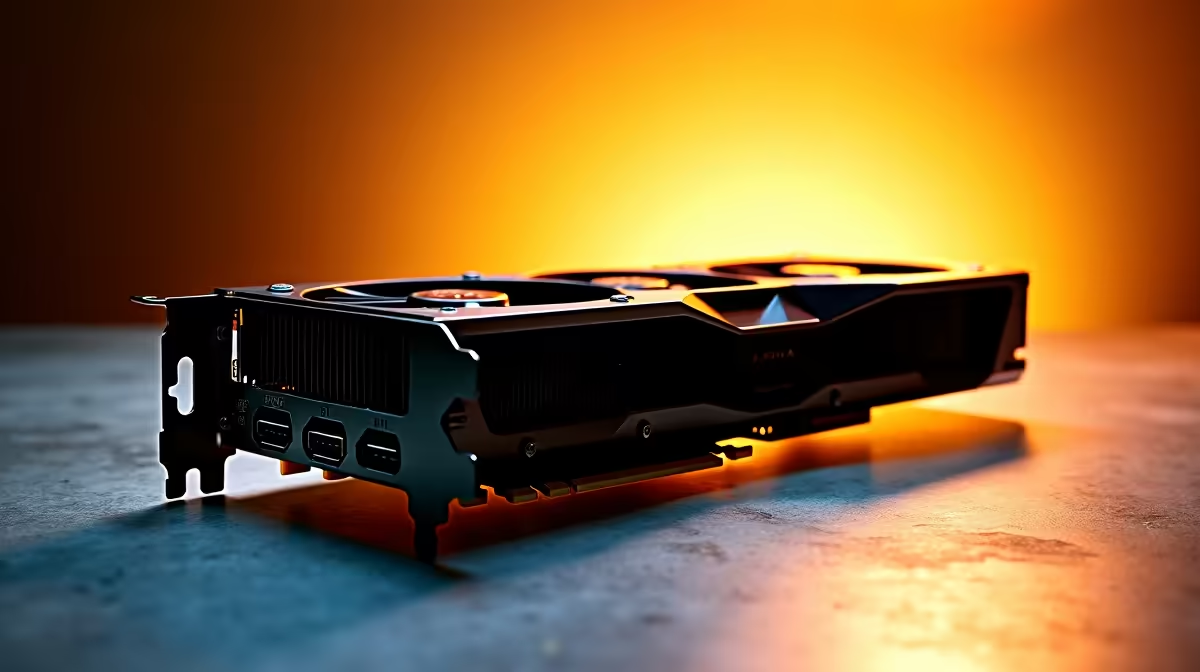
In this deep dive, we’ll break down what typically drives Workstation GPU Price in South Africa: ZAR Breakdown so you can shop smarter, compare fairly, and avoid paying for the wrong tier of performance. ⚡
Workstation GPU Price in South Africa: ZAR Breakdown (Key price drivers)
A workstation GPU price isn’t just “more VRAM equals higher cost.” In South Africa, the final number usually depends on:
- GPU class and workload fit: Workstation cards are built for reliability and consistency under long renders, simulation, and GPU-accelerated apps.
- VRAM capacity and memory bandwidth: Higher resolutions, bigger scenes, and texture-heavy projects need more headroom.
- Cooling and power design: Some models stay quieter and more stable under sustained loads. (That matters when you render overnight.)
- Brand and availability: Even within the same GPU family, pricing varies by manufacturer and stock. 🚀
For a quick shopping reference, Evetech lists workstation and professional graphics options across categories. If you’re comparing cards, start by browsing dedicated GPU collections and then narrow by budget.
Workstation GPU Price in South Africa: ZAR Breakdown (Example shopping paths)
If you want NVIDIA options, start with Evetech’s listings and compare multiple models within your budget window. For AMD and workstation-friendly choices, compare the workstation-focused categories and then check the AMD Radeon range.
Explore these Evetech pages while you compare:
Workstation GPU Price in South Africa: ZAR Breakdown (Practical ZAR budgeting)
Here’s a realistic way to avoid overspending… without guessing.
1) Match GPU tier to your dominant app
- Video editing / GPU effects: Prioritise stable drivers and good encoding/acceleration support.
- 3D rendering / simulations: VRAM capacity and memory bandwidth become more important.
- Mixed workloads: Pick a card that won’t bottleneck the rest of your workflow.
2) Plan for the “hidden” workstation costs 🔧
GPU price is only part of the total build. In practice you may also need:
- sufficient power supply headroom
- a case that supports airflow for sustained loads
- proper cooling so the GPU doesn’t throttle during long renders
If you keep these in mind, you’ll stop treating every price increase like a crisis. You’ll simply re-balance the build.
3) Use an optimisation checklist before you buy
Productivity Pro Tip ⚡
On Windows, use the PowerToys FancyZones utility to create custom snap layouts for your workstation apps. Set up editor panels, timeline preview, asset folders, and reference docs so you don’t lose time juggling windows during renders and colour grading.
Workstation GPU Price in South Africa: ZAR Breakdown (How to decide fast)
When you’re staring at two similarly priced cards, ask one question: “Which one will reduce my wait time, not just my curiosity?”
Then compare performance where it matters: VRAM needs, sustained thermals, and app compatibility. If a card’s strength doesn’t match your workload, you’ll pay for features you don’t use… in ZAR, every time.
Workstation GPU Price in South Africa: ZAR Breakdown (Next step)
If you’re ready to price-check confidently and avoid guesswork, start with a shortlist inside Evetech’s GPU categories, then align that shortlist with your software needs. ✨
Ready to Find Your Perfect Match?
The Mac vs Windows debate is complex, but for maximum power, choice, and value in South Africa, Windows is hard to beat. Explore our massive range of laptop specials and find the perfect machine to conquer your world.