



Marvel Rivals launch in South Africa
Marvel Rivals launch needs a balanced parts plan, not a random basket. Map the CPU, GPU, RAM, SSD, cooling, and monitor target to the budget so SA builders know where to spend first.
Read morexbox controller compatibility explained: learn which Xbox controllers work on Xbox One, Series X and S, and Windows PC, how to connect wired, Bluetooth or wireless, plus troubleshooting and picks 🎮🔌
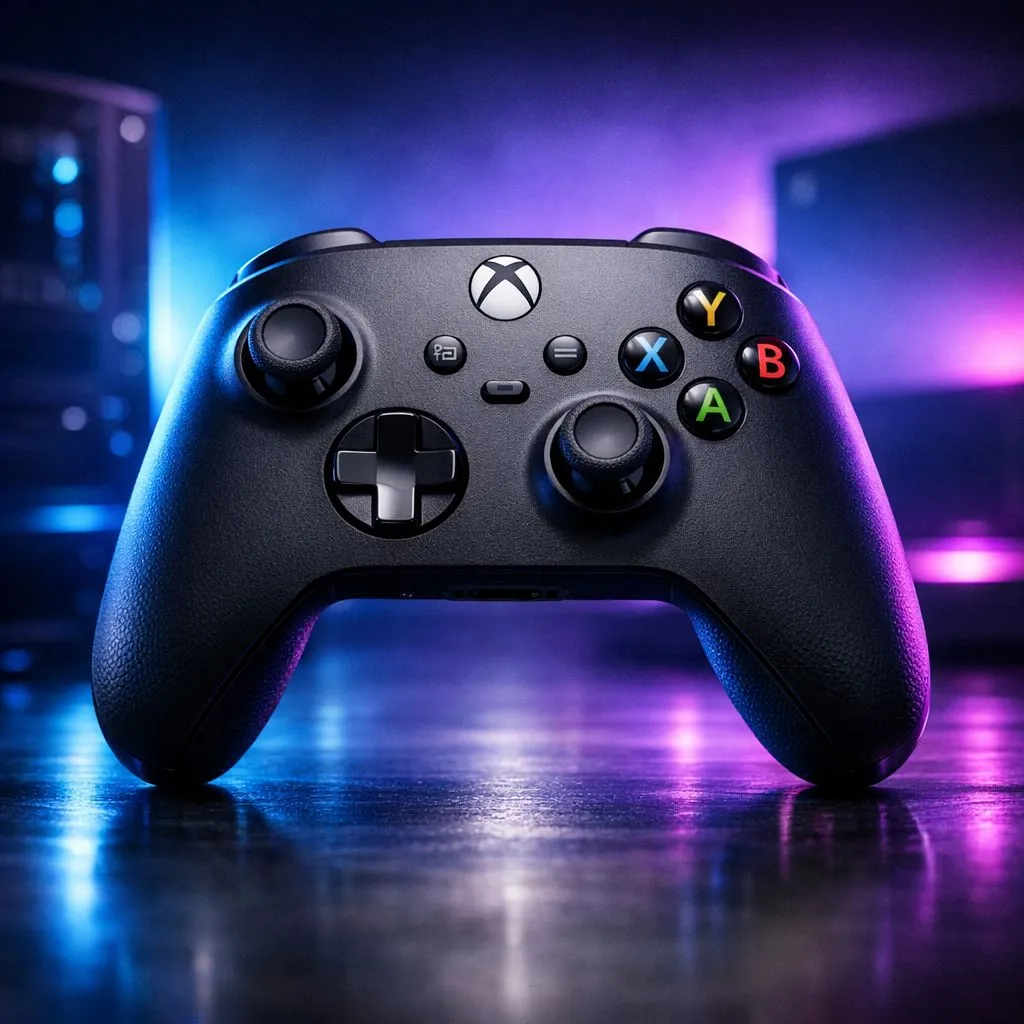
Ever tried connecting an old Xbox controller to your shiny new Series X or PC only to find it unresponsive? Navigating xbox controller compatibility shouldn't feel like a side quest. Whether you are a competitive sweat in Joburg or a casual explorer, knowing your gear saves time. It also saves hard-earned Rands.
Microsoft has been surprisingly generous with its ecosystem lately. Most peripherals from the Xbox One era work perfectly on the newer Series X|S consoles. This means your favourite older pad can still serve as a reliable player-two option. If you are looking to expand your collection, you can browse the full range of gaming controllers to see which modern features you might be missing. ⚡
Windows 10 and 11 make using an Xbox pad incredibly simple. Most modern controllers use Bluetooth, but the official Xbox Wireless Adapter offers lower latency. If you prefer a wired connection, a simple USB-C or Micro-USB cable will do the trick.
If your PC doesn't have built-in Bluetooth, use the Xbox Accessories app from the Microsoft Store. It allows you to update your controller's firmware and remap buttons easily. This ensures the best xbox controller compatibility with the latest Windows updates.
For those who want a more premium experience, third-party manufacturers have stepped up their game. If you value customisation, checking out Razer controllers is a smart move. These often include extra remappable buttons and mechanical switches that feel much crisper than standard membrane pads. 🚀
Standard controllers are great, but competitive gaming in South Africa is reaching new heights. High-performance options now offer features like hall-effect sensors and ultra-fast polling rates. The Razer Wolverine V3 Tournament Edition is a prime example of this evolution. It provides an 8K polling rate for PC gamers... that is significantly faster than standard wireless options. 🔧
When choosing a new controller, always consider the "Forward Compatibility" factor. A controller that works on both your console and your gaming rig offers the best value for your money. Always check if the device requires a specific dongle or if it supports universal Bluetooth standards before you buy. ✨
Ready to Find Your Perfect Match? Navigating compatibility is easy when you have the right gear. Whether you need a standard pad or a pro-grade weapon, we have you covered. Explore our massive range of gaming controllers and find the perfect machine to conquer your world.
Most Xbox controllers work on PC: Xbox One, Series X and S, and Xbox Wireless Controllers. Connect via USB, Bluetooth, or Xbox Wireless Adapter. (xbox controller compatibility pc)
Plug a wired controller into USB, pair Bluetooth on compatible controllers, or use the Xbox Wireless Adapter. Follow Windows Devices settings to finish. (how to connect xbox controller to pc)
Yes. Steam natively supports Xbox controllers and can auto-map buttons. Enable controller support in Steam settings for best xbox controller compatibility steam games.
Yes. Wired Xbox controllers are plug-and-play on Windows and install drivers automatically for wired xbox controller pc compatibility.
Most Xbox One controllers are compatible with Series X for gameplay, though some advanced wireless features may differ. See xbox controller compatibility xbox series x for details.
Use the Xbox Accessories app on Windows, Steam controller settings, or third-party remappers to customize inputs. Guides cover xbox controller button mapping pc.
Ensure controller firmware and PC Bluetooth drivers are updated, the controller is in pairing mode, and Windows Bluetooth is enabled. Check xbox controller bluetooth compatibility tips.
Marvel Rivals launch needs a balanced parts plan, not a random basket. Map the CPU, GPU, RAM, SSD, cooling, and monitor target to the budget so SA builders know where to spend first.
Read more
Path of Exile 2 launch needs a balanced parts plan, not a random basket. Map the CPU, GPU, RAM, SSD, cooling, and monitor target to the budget so SA builders know where to spend first.
Read more
Black Myth Wukong launch needs a balanced parts plan, not a random basket. Map the CPU, GPU, RAM, SSD, cooling, and monitor target to the budget so SA builders know where to spend first.
Read more
Hollow Knight PC requirements should be mapped to resolution, settings and upgrade budget before choosing a tier. Verify current requirements, then balance GPU, CPU, RAM and SSD around SA pricing.
Read more
Hollow Knight build planning should focus on the target resolution, settings and total system balance. Treat launch wording as time-sensitive, then verify requirements before choosing SA PC parts.
Read more
Fallout 4 PC requirements should be mapped to resolution, settings and upgrade budget before choosing a tier. Verify current requirements, then balance GPU, CPU, RAM and SSD around SA pricing.
Read more
Wondering if a TKL wireless mechanical keyboard is worth it for everyday productivity? We break down latency, battery life, comfort, and workflow gains for real work. ⚡⌨️

Maximise battery life on a fanless 15-inch laptop using efficiency core architecture. Cut idle drain, tune power profiles, and improve thermals for longer runtime. 🔋⚙️

Learn how to reduce desk clutter with a TKL wireless keyboard using fewer cables, smart placement, and tidy essentials. Get a faster, calmer workspace with better ergonomics. ✅🧼

RGB keyboard lighting too distracting? Learn how to manage backlight modes, set brightness, and reduce distraction for focus and productivity 😌🖱️

Are themed gaming keyboards worth the extra cost? Compare build quality, switch options, features, and resale value to find the best fit for your setup 🎮⌨️

Full-Size vs Tenkeyless mechanical keyboards for gaming: find out if a smaller layout truly improves aim, speed, and comfort. We break down layout, desk space, latency-feel, and keybinds 🎮⌨️

Dedicated media rollers vs function key shortcuts: learn which setup gives you better workflow control, faster media access, and fewer mistakes. 🖱️🎧

Best Mechanical Switch Type for Gaming: Clicky vs Linear vs Tactile. Find your feel, speed, and noise balance with practical guidance for FPS, MOBA, and productivity 😄🎮

Direct mouse answer: Mouse not keeping up with your work? Everything that matters about dual-mode 2.4GHz + BT 5.0: DPI behaviour, channel switching, battery curves and per-app button mapping. Covers when 2.4GHz USB wins (low-latency desk) and when BT 5.0 wins (laptop, d

Plain wireless mouse guide: Mouse not keeping up with your work? Everything that matters about wireless productivity mouse: DPI behaviour, channel switching, battery curves and per-app button mapping. Includes DPI tuning tips, channel switch shortcuts, and ZAR-aware fea

Real productivity numbers: Set up your wireless mouse in this order: everything that matters about wireless productivity mouse: DPI behaviour, channel switching, battery curves and per-app button mapping. Includes DPI tuning tips, channel switch shortcuts, and ZAR-aware

Pen not feeling like paper? Stylus lag and skipping usually trace to old drivers, dirty nibs, or display refresh mismatches, not the pen itself. Covers pressure curve tuning, tilt thresholds, nib swap timing, and SA pricing brackets.