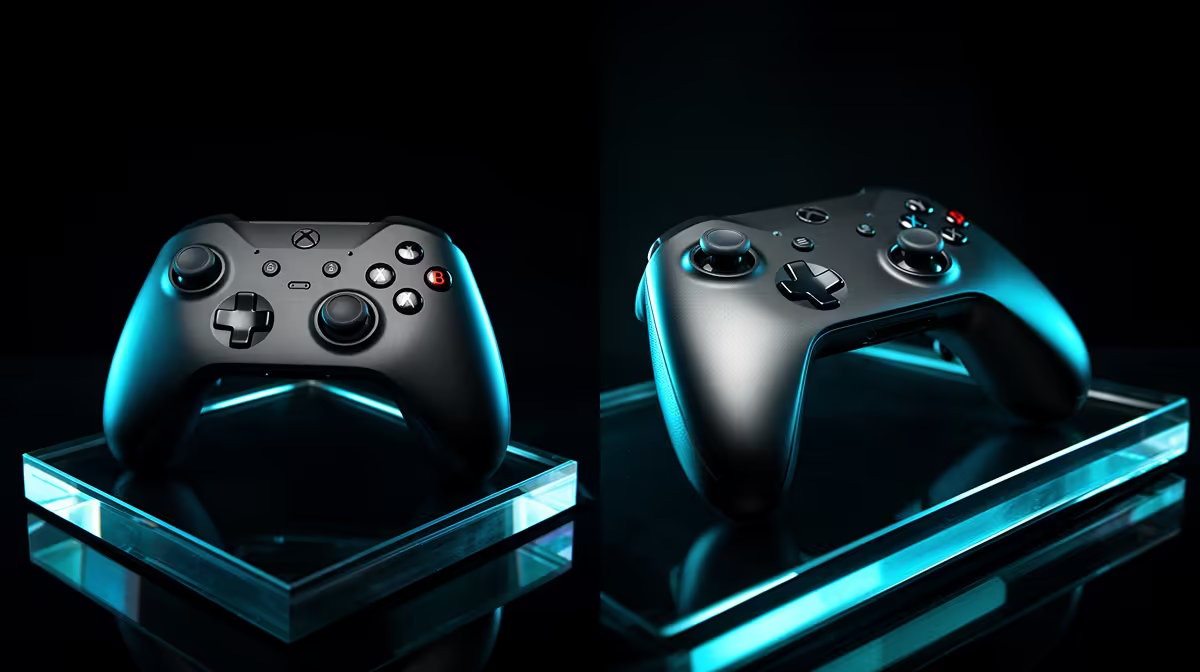
Windows recognises one pad style almost everywhere, while the other can deliver richer effects in supported games. The Xbox controller vs DualSense on PC decision rests on compatibility, feature support and which shape you prefer.
Quick Answer
An Xbox-style controller usually gives the broadest plug-and-play PC compatibility through XInput and familiar prompts. DualSense can work over USB or Bluetooth in many PC games, and selected titles support its adaptive triggers, advanced haptics, speaker or touchpad features. Those extras vary by game and often by connection mode. Steam Input can translate and remap DualSense when native support is absent, but translation does not create every PlayStation feature. Choose Xbox for broad simplicity, DualSense for its shape and supported title features, then verify your actual library.
Start with the games you own
List the five titles you play most. Check each publisher or Steam controller page for Xbox, DualSense, vibration, adaptive trigger and connection support.
A new release can support DualSense natively while an older title expects XInput. One controller will not win every row.
Include non-Steam launchers and Game Pass titles. Steam Input cannot automatically solve every game outside its launch path.
Xbox controllers fit XInput
Windows games often expect the Xbox button layout and XInput interface. That gives correct prompts, analog triggers and vibration with little configuration.
USB is the clean baseline. Supported Xbox wireless adapters and Bluetooth provide cable-free modes with different features and latency.
The controller still needs current firmware. Use the official Xbox Accessories app and test every button.
DualSense has broader hardware features
DualSense includes adaptive triggers, detailed haptics, gyro, touchpad, speaker and microphone hardware. PC games choose which features to implement.
Some titles need USB for their full native haptics or trigger effects, while support evolves. Check the current title rather than assuming Bluetooth carries everything.
Basic buttons and sticks can work without every special feature. Do not call that full DualSense support.
Steam Input can bridge the layout
Steam Input can present DualSense as an Xbox-style controller to games that expect XInput. It can also map gyro and touchpad actions.
The game may show Xbox prompts because that is the translated interface. Native DualSense features can disappear when translation takes over.
Test native support with Steam Input off, then enable it only when needed. Avoid two remapping tools at once.
Connection mode changes the result
Xbox USB, Xbox Wireless and Bluetooth are separate paths. DualSense USB and Bluetooth can expose different game features.
Measure latency and stability on the exact PC adapter. A poor Bluetooth antenna can make a good controller look bad.
At a tournament, wired mode can simplify charging and radio management. Check event rules and bring the supported data cable.
Compare battery and power
Xbox controller power depends on the exact model and battery choice. DualSense uses an internal rechargeable battery.
Lighting, haptics, speaker and radio use affect runtime. Compare the features you keep active, not one box estimate.
USB avoids a mid-match battery change. It does not guarantee lower latency than every wireless implementation.
Choose the stick layout
Xbox uses offset sticks, while DualSense uses symmetrical sticks. Hand size and game history can make one feel natural.
Test bumper reach, trigger force, D-pad and the distance to face buttons. PC compatibility has no value when the shell causes fatigue.
Back buttons need another controller variant or accessory route on many standard models. Check exact hardware.
Use gyro where it earns a place
DualSense gyro can support fine aim through native games or Steam Input. It needs practice and a clear activation method.
Xbox's standard controller does not provide the same gyro path. Specialist Xbox-compatible pads may add features, subject to game support.
Check competitive rules and avoid automated mappings. Gyro is an analog input, while a macro is a sequence.
Compare haptics honestly
Traditional rumble communicates impacts and surface cues through motors. DualSense haptics can provide more detailed effects when a PC title supports them.
Adaptive triggers can change resistance. They can add immersion and feel tiring or slow in competitive shooting.
Keep a profile that disables trigger effects for ranked play when the game permits it. Use the feature where it improves the experience.
Handle prompts and non-Steam titles
An Xbox controller tends to match the on-screen ABXY prompts. DualSense can show PlayStation symbols under native support and Xbox glyphs under translation.
For a non-Steam game, use native support or add a supported Steam shortcut when appropriate. Avoid unsigned remappers and input-injection tools around anti-cheat.
Learn the fallback glyph mapping before a timed event.
Test audio through the controller
Headset-jack support can differ by controller, connection and Windows driver. USB or proprietary wireless modes may expose audio that Bluetooth does not.
Plug in the intended headset and check playback, microphone and volume controls. Do not assume console audio behaviour transfers to PC.
Use the motherboard or USB audio path when controller audio is unsupported or noisy.
Maintain firmware and profiles
Use official firmware tools and stable USB power. Save Steam Input layouts with clear names.
After an update, retest triggers, vibration, gyro, prompts and sleep recovery in each important game.
Keep one default profile. A feature-rich layout is hard to troubleshoot without it.
Choose for simple ownership
Pick Xbox when broad XInput support and matching prompts cover your library. Pick DualSense when its shell and verified native features matter in the titles you own.
Neither choice needs a permanent company recommendation. Libraries and support change, so the current game matrix is the honest answer.
Browse gaming controllers for exact PC, wireless and feature support. The peripheral best sellers can help compare the surrounding setup.
Run a three-game trial
Test one native XInput game, one Steam Input title and one game with advertised DualSense features. Use the intended wired or wireless mode.
Record setup time, prompts, vibration, special features, comfort and battery. The winner is the one that fits your library with the fewest compromises you care about.
Repeat the comfort check after a full session, when grip pressure and trigger reach become easier to judge.
FAQ
Does Xbox work better on PC?
It often offers broader native XInput support. DualSense can be better where a game supports its specific features and you prefer the shape.
Does DualSense need extra software?
Some games support it natively. Steam Input can translate or remap it for others. Check each title and connection.
Which is the hassle-free choice?
An Xbox-compatible controller is a strong broad-compatibility starting point, while your exact library and hand fit decide.
Build a five-game support matrix, test both shapes in the intended connection mode and choose the controller whose features work in your real library.