We’ve all been there. You’re in a critical Zoom meeting, about to deliver the perfect point, and someone types the dreaded words: "Sorry, you're breaking up." Or worse, you’re coordinating a raid with your squad and your callouts are lost to a sea of static. In a world powered by remote work and online gaming, achieving crystal-clear voice quality isn’t a luxury… it’s essential. Let’s fix that muffled, distant sound for good.
First, Optimise Your Zoom Software Settings 🔧
Before you spend a cent, the best place to start is within the Zoom app itself. The software has powerful built-in tools that many users overlook. Getting these settings right is the first step towards achieving crystal-clear voice quality.
Navigate to Settings > Audio. Here you'll find a few key options:
- Suppress Background Noise: Set this to 'Auto' or 'High' if you're in a noisy environment (think barking dogs or the neighbour's lawnmower). Zoom's AI is surprisingly effective at isolating your voice.
- Echo Cancellation: Always leave this on 'Auto'. It prevents the annoying feedback loop that happens when your microphone picks up sound from your speakers.
For a quick win, make sure you're selecting the correct microphone from the dropdown menu. It's a simple mistake, but sometimes Zoom defaults to your webcam's subpar mic instead of your dedicated headset.
Test, Don't Guess
Use Zoom’s "Test Mic" feature in the Audio settings. Record a short phrase and listen to the playback. This is the fastest way to hear exactly what your colleagues or teammates are hearing and to confirm you've selected the right input device.
Your Environment Matters More Than You Think
Your physical space plays a huge role in your audio quality. Hard, flat surfaces like walls, desks, and windows reflect sound waves, creating reverb and echo that can make you sound like you’re shouting from a cave.
A few simple tweaks can dramatically improve how you sound:
- Soften the Room: If you're in a sparse room, add soft furnishings. A rug, curtains, or even a few cushions can absorb stray sound waves.
- Get Closer: The ideal distance for most mics is about 15-20 cm from your mouth. Moving your mic closer and speaking at a normal volume will produce a much richer, clearer sound than shouting from across the room.
- Isolate Your Voice: If you're constantly on the move, a good pair of True Wireless Stereo (TWS) earbuds can be a fantastic solution. Their built-in microphones are designed to focus on your voice and reject ambient noise.
Upgrade Your Hardware for Truly Flawless Audio ✨
While software and environment tweaks make a big difference, they can’t fix the limitations of poor hardware. Your laptop's built-in microphone is designed for convenience, not quality. To truly optimise for Zoom and get that professional, broadcast-level sound, a dedicated audio device is the ultimate solution.
Headsets: The All-in-One Audio Solution
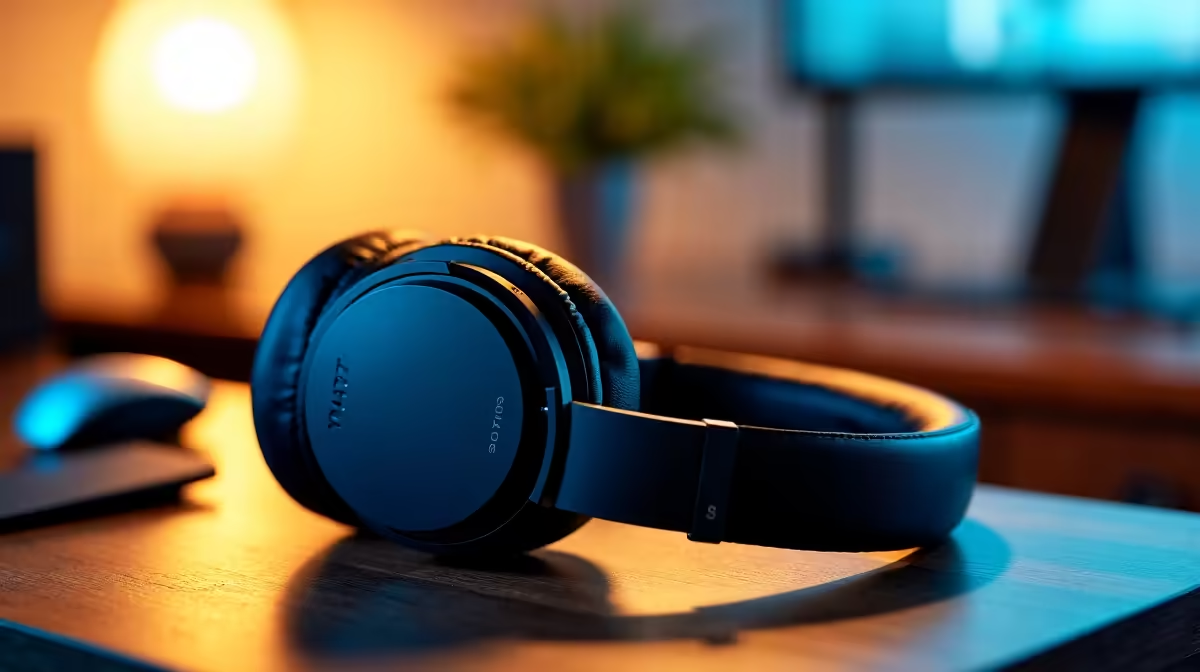
For most people, a headset is the perfect investment. It combines high-quality headphones for listening with a boom microphone engineered for voice clarity. Because the mic is positioned close to your mouth, it captures your voice directly and minimises background noise. A quality wireless headset gives you the freedom to move around without being tethered to your desk. 🎧
What About Speakers?
Using speakers can be tricky, as your mic might pick up the audio and create an echo. However, if you have a great headset mic with excellent noise cancellation, you can often get away with it. For those who prefer to keep their ears free during long work sessions, pairing a dedicated microphone with a set of decent external speakers can provide a comfortable and high-fidelity setup.
Ultimately, investing in the right gear is the final, guaranteed step to achieving crystal-clear voice quality on every call.