

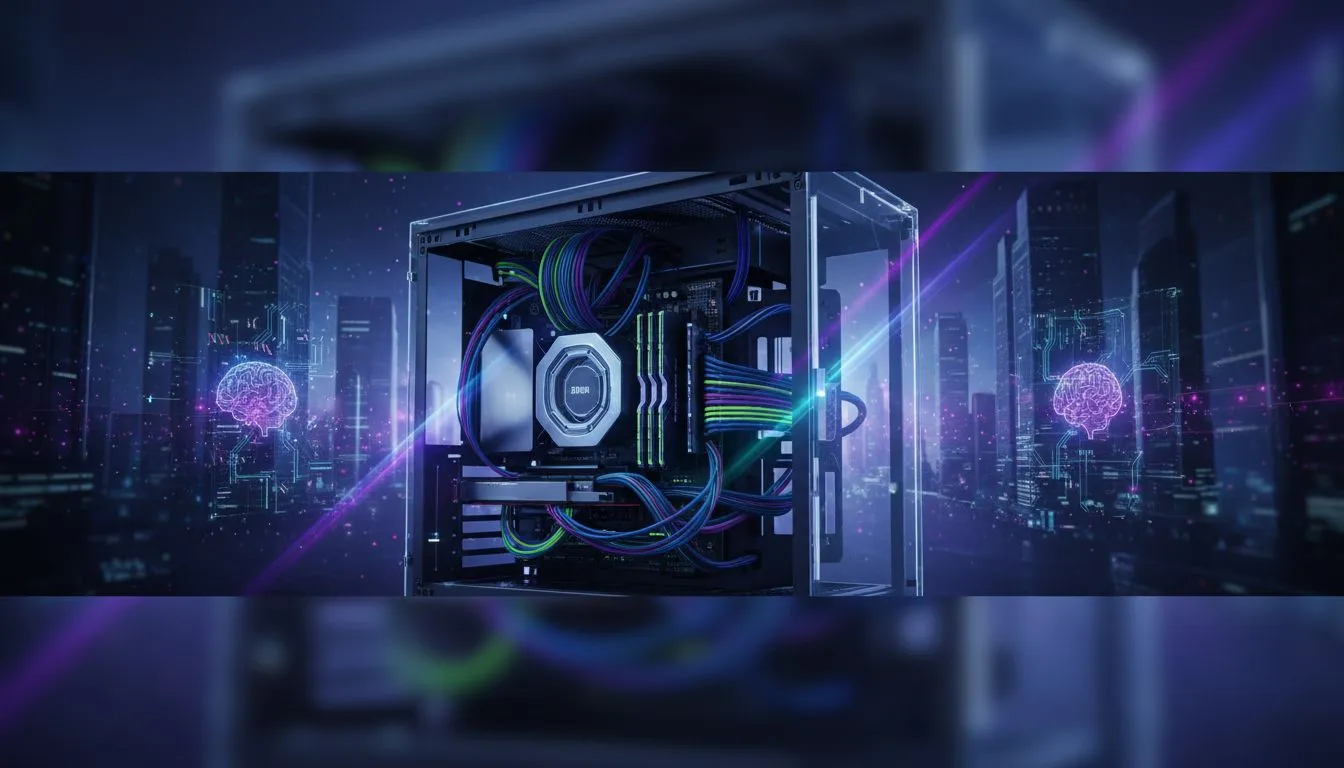
PC Case for Cable Management: How to Choose the Perfect One
Checklist: evaluate layout, inspect routing, pick features. PC case for cable management helps you organize wires, improve airflow, and simplify builds. 🧰✨
Tired of that tangled mess of cables turning your epic PC build into a "rat's nest"? You're not alone. A clean setup isn't just for showing off on Instagram; it's crucial for airflow, cooling, and easy upgrades. Choosing the right PC case for cable management is the single most important step to achieving that pro-level look. It’s the foundation of a build you can be proud of. Let's get it sorted.

Xigmatek Master X II Pro Mid Tower Gaming Case - Black / Supports Motherboards up to E-ATX / 4 x Pre-Installed Fans Included / EN44304

Cooler Master Q300L V2 ARGB Micro-ATX Tower, Magnetic Patterned Dust Filter, USB 3.2 Gen 2x2 (20GB), Tempered Glass Panel, CPU Coolers Max 159mm, GPU Max 360mm, Fully Ventilated Airflow, 1 x Pre-Installed Fan Included / Q300LV2-KGNN-S01

Cooler Master MasterBox Q500L - ATX Mini Tower Case with Full Side Panel Display, Clean Routing, and Multiple Cooling Options, 1 x Pre-Installed Fans Included / MCB-Q500L-KANN-S00

Antec Performance Series P20C White, Massive Metal Mesh Front Panel, 3 x 120mm PWM White Fans, Type-C 3.2 Gen2 Ready, 2 x 360 mm Radiator Simultaneously, GPU Bracket, Mid-Tower E-ATX PC Case - 0-761345-80108-9

Gamdias TALOS E3 Tempered Glass ATX Gaming Case - White / 3 Built-in 120mm ARGB Fans / Supports Motherboards up to ATX / Magnetic Dust Filter / Support Sync with 5V ARGB Motherboard / TALOS-E3-WHITE

DeepCool CC360 M-ATX Airflow case, 3X Pre-Installed 120mm ARGB Fans, Tempered Glass Side Panel, Magnetic Top Mesh Filter, USB 3.0, White - CC360 ARGB WH
Why a Good PC Case for Cable Management Matters
Before we dive into features, let's quickly cover why this is so important. A chassis designed for tidy wiring isn't just about aesthetics.
- Improved Airflow: Cluttered cables obstruct fans and block air pathways. This can trap hot air, causing your CPU and GPU to run hotter and potentially throttle performance during intense gaming sessions. A good case for cable management ensures a clear path for cool air to flow over your hottest components. 🌬️
- Easier Maintenance & Upgrades: Ever tried swapping a component in a cramped, messy case? It's a nightmare. With organised cables, accessing your motherboard, storage drives, and power supply is simple and stress-free.
- Professional Look: Let's be honest, a clean build just looks incredible. A tempered glass side panel is wasted if all you see is a chaotic jumble of wires. A well-managed PC is a testament to your attention to detail.
Key Features of the Best PC Cases for Cable Management
When you're browsing for your next chassis, don't just look at the pretty pictures. The magic happens behind the motherboard tray. A top-tier PC case for cable management will almost always include these essential features.
Ample Space Behind the Motherboard
This is non-negotiable. Look for a case with at least 20-25mm of clearance between the back of the motherboard tray and the side panel. This is your primary routing channel where the bulk of your cables will live, completely hidden from view. Without this space, you'll struggle to get the side panel back on.

GAMDIAS AURA GC10M Micro-ATX & MIni-ITX Mid Tower Gaming Computer PC Case with Side Tempered Glass, 3x 120mm ARGB Case Fans White / AURA-GC10M-ARGB-WH

Xigmatek Gaming Y Pro Mid Tower Gaming Case - Black / Supports Motherboards up to E-ATX / 4 x Pre-Installed Fans Included / EN42249

DeepCool CG580 4F WH V2 ATX Mid Tower Gaming Case - White/ 4 Built-in ARGB Fans / 360mm Radiator Support / No A-Pillar Design / 270° Glass Side & Front Panels / Supports ITX, Micro-ATX, ATX / USB 3.0 / USB Type-C / CG580 4F WH V2

Gamemax AERIS 330 Micro-ATX Gaming Case - Black / Supports M-ATX & ITX Motherboards / Supports up to 8x 120mm Fans / 4x 120mm ARGB Fand Pre-Installed / AERIS-330-MB

Cooler Master MasterFrame 500 Mesh ARGB Mid-Tower PC Case - Silver / Tempered Glass Side Panel / Supports E-ATX Motherboards / GPU Support Bracket Included / FreeForm 2.0 Exo-Structure ATX Case / Open-Frame Modding Design / 390mm GPU Length & 190mm GPU Height Support / Includes GPU Support Bracket / 2x Pre-Installed SickleFlow 200mm ARGB Fans / 1x Pre-Installed 120mm ARGB Fan / MF500M-SHNN-S01

Gamemax CLAW 460 MId-Tower Gaming Case - White / Supports M-ATX & ITX Motherboards / Tool-Free Glass Side Panel / Supports up to 4x 120mm Fans / 4x 120mm ARGB Fans Pre-Installed / CLAW-460-WH
A Power Supply (PSU) Shroud
A PSU shroud, or basement, is a cover that hides the power supply and its nest of excess cables at the bottom of the case. This instantly cleans up the main chamber, giving your build a sleek, minimalist look. Many shrouds also include mounts for SSDs, making them even more practical. Brands like Gamemax Computer Cases often include this premium feature even in their more budget-friendly models.
Smartly Placed Cut-outs and Grommets
Cut-outs are the holes in the motherboard tray that you pass cables through. The best cases have them exactly where you need them: above, below, and alongside the motherboard. Premium models feature rubber grommets lining these holes, which protect your cables from sharp metal edges and help conceal the routing channels behind them. Even a compact chassis like the Cooler Master E301 Mini Tower shows how clever design can make a big difference. ✨
Cable Taming Pro Tip 🔧
Ditch the single-use plastic zip ties that come with most components. Invest in a roll of reusable velcro straps. They are much more forgiving if you need to re-route a cable, and they prevent you from overtightening and potentially damaging your wires. You can find them for a steal at most hardware stores in SA.
Built-in Tie-Down Points and Channels
Look at the back of the motherboard tray. Do you see little loops or hooks stamped into the metal? These are tie-down points. They are absolutely essential for securing your cables with zip ties or velcro straps, preventing them from bulging out and blocking the side panel. Some of the best options from Cooler Master's full range incorporate deep, built-in channels to guide your main power cables effortlessly.

Fractal Design Meshify 3 RGB White Tempered Glass Clear Tint - High Airflow PC Gaming Case - Mesh Front Panel - Three ARGB Momentum 14 Gen 2 Fans Included - E-ATX/ATX/mATX Support / FD-C-MES3A-07

GAMDIAS AURA GC10M Micro-ATX & MIni-ITX Mid Tower Gaming Computer PC Case with Side Tempered Glass, 3x 120mm ARGB Case Fans White / AURA-GC10M-ARGB-WH

Xigmatek Endorphin WD Arctic Mid Tower Gaming Case - White / Supports Motherboards up to E-ATX / 4 x Pre-Installed ARGB Fans Included / EN42218

Deepcool MATREXX 55 V4 C Tempered Glass ATX Case, 3x 140mm aRGB & 1x 120mm aRGB Pre-Installed Fan, 360mm Max Radiator, ABS+SPCC Materials, Black | MATREXX55-V4-C

Antec AX83 RGB Elite Mid-Tower Computer Case/Gaming Cabinet - Black | Support ATX, M-ATX, ITX | Pre- Installed 3 x 120mm Front and 1 x 120mm Rear Rainbow Fans / 0-761345-10042-7

Corsair iCUE LINK 5000T LX RGB Mid-Tower High-Performance Gaming E-ATX PC Case / Sleek, uniquely contoured steel chassis / Integrated Aurora RGB Light Strips / Supports Motherboards up to E-ATX / Removable mesh front and roof high airflow panels / 3 x Pre-Installed RGB Fan Included /CC-9011298-WW
Finding Your Perfect Chassis
So, what's the verdict? The best PC case for cable management isn't about a specific brand or price... it's about smart design.
Think about your build. A minimalist ATX build has different needs than a micro-ATX rig packed with RGB controllers. Check the dimensions, look for those key features we discussed, and picture yourself building in it. A little planning now will save you a massive headache later and result in a PC that runs cooler, quieter, and looks absolutely fantastic. 🚀
When you know what features you need, you're ready to find the perfect canvas for your next masterpiece.
Ready to Build a Cleaner, Cooler PC? The right case is the foundation of a truly epic build. It impacts airflow, temps, and how proud you feel showing it off. Explore our massive range of computer cases and find the perfect chassis to house your dream machine.

Look for built-in cable channels, rubber grommets, roomy backspace, modular drive cages and tie-down points to make cable routing easy.
Yes — many best mid tower for cable management models offer roomy routing, grommets and PSU shrouds for neat wiring.
Aim for at least 20–25mm of backspace behind the motherboard tray; more room simplifies routing and tie-down placement.
SFF cases can manage cables if you use short cables, modular PSUs and follow small form factor cable management tips.
Yes — modular drive cages for cable management free up space and create cleaner routes for power and data cables.
Yes — tidy builds with clear cable routing improve airflow, lower temps, and can boost sustained GPU and CPU performance.
Search for budget pc case cable management models with grommets, PSU shrouds and decent rear clearance; specs usually list backspace.












