


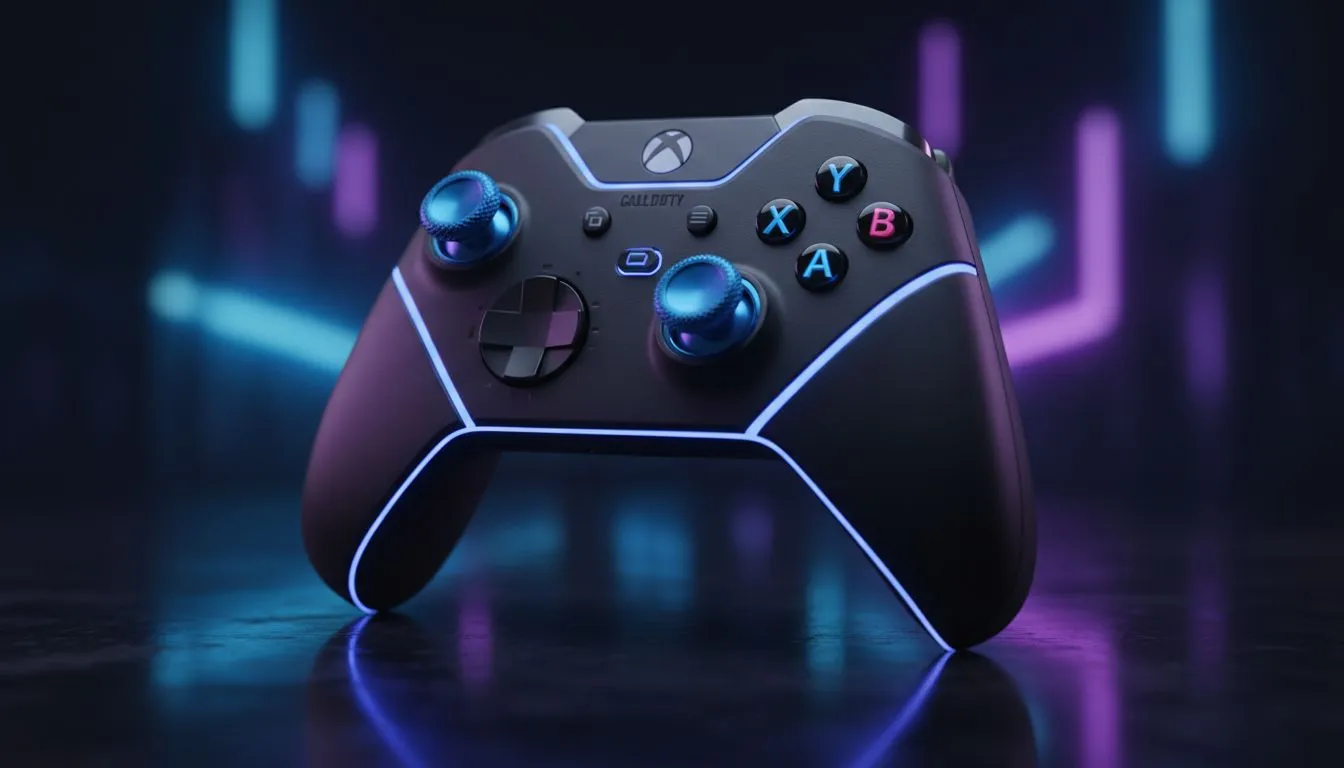
Tired of losing gunfights because your aim feels sluggish? In the high-stakes lobbies of South Africa, every millisecond counts. Whether you're grinding Ranked or dropping into Warzone, your Call of Duty controller settings Xbox configuration determines if you're the hunter or the prey. Getting your sensitivity and deadzones right is the cheapest way to improve your gameplay instantly without spending a single cent on CoD Points. 🔧
Mastering Call of Duty controller settings Xbox sensitivity
Finding the right balance between speed and precision is the first step to dominating your local servers. Most professional players land somewhere between 6 and 8 for both Horizontal and Vertical Stick Sensitivity. This range allows you to turn quickly enough to react to a flanker while maintaining enough control to stay on target at a distance. If your current pad has seen better days and isn't responding correctly, upgrading to high-performance gaming controllers can make a world of difference in how these settings feel.
The Dynamic Advantage ⚡
Most top-tier players switch their Aim Response Curve Type to "Dynamic." This setting provides a reverse S-curve mapping... giving you more fine motor control when you make small adjustments but accelerating quickly when you push the stick to the edges. It is widely considered the gold standard for modern Call of Duty titles.
Finding the sweet spot for deadzones
Deadzones are often the most misunderstood part of your Call of Duty controller settings Xbox setup. Essentially, the "Min Left/Right Stick Deadzone" determines how much you need to move the stick before the game registers an input. If you have stick drift... where your character or camera moves on its own... you need to increase this value slightly.
However, for the snappiest feel, you want this number as low as possible. Many competitive players in South Africa prefer Razer controllers for their tactile mechanical buttons and hall-effect-like precision, which often allows for much lower deadzone settings without the dreaded drift.
Optimising for precision and speed
Once your deadzones are set, look at your ADS (Aim Down Sights) Sensitivity Multiplier. Setting this between 0.80 and 0.90 is a popular choice. It slightly slows down your aim when you are zoomed in, making it easier to track targets across the dunes of Al Mazrah or the corridors of 6v6 maps.
The Razer Wolverine V3 Tournament Edition is a standout choice for those looking to shave milliseconds off their response time. With its 8KHz polling rate on PC and lightning-fast Xbox performance, it ensures that your perfected sensitivity settings are translated into the game with zero lag. ⚡
Why hardware matters for your Xbox controller settings for CoD
You can have the best Call of Duty controller settings Xbox configuration in the world, but if your hardware is failing, your K/D ratio will suffer. Worn-out thumbsticks or mushy triggers can introduce inconsistency that no amount of setting tweaks can fix. Investing in a controller with customisable back paddles allows you to jump and slide without ever taking your thumbs off the sticks... a necessity for the modern "movement king" playstyle. 🚀
Ready to Dominate the Lobby? Your settings are only as good as the hardware in your hands. Whether you need the precision of a pro-grade pad or a reliable replacement to eliminate stick drift, we have you covered. Explore our massive range of gaming controllers and find the perfect tool to climb the ranks in South Africa.











