


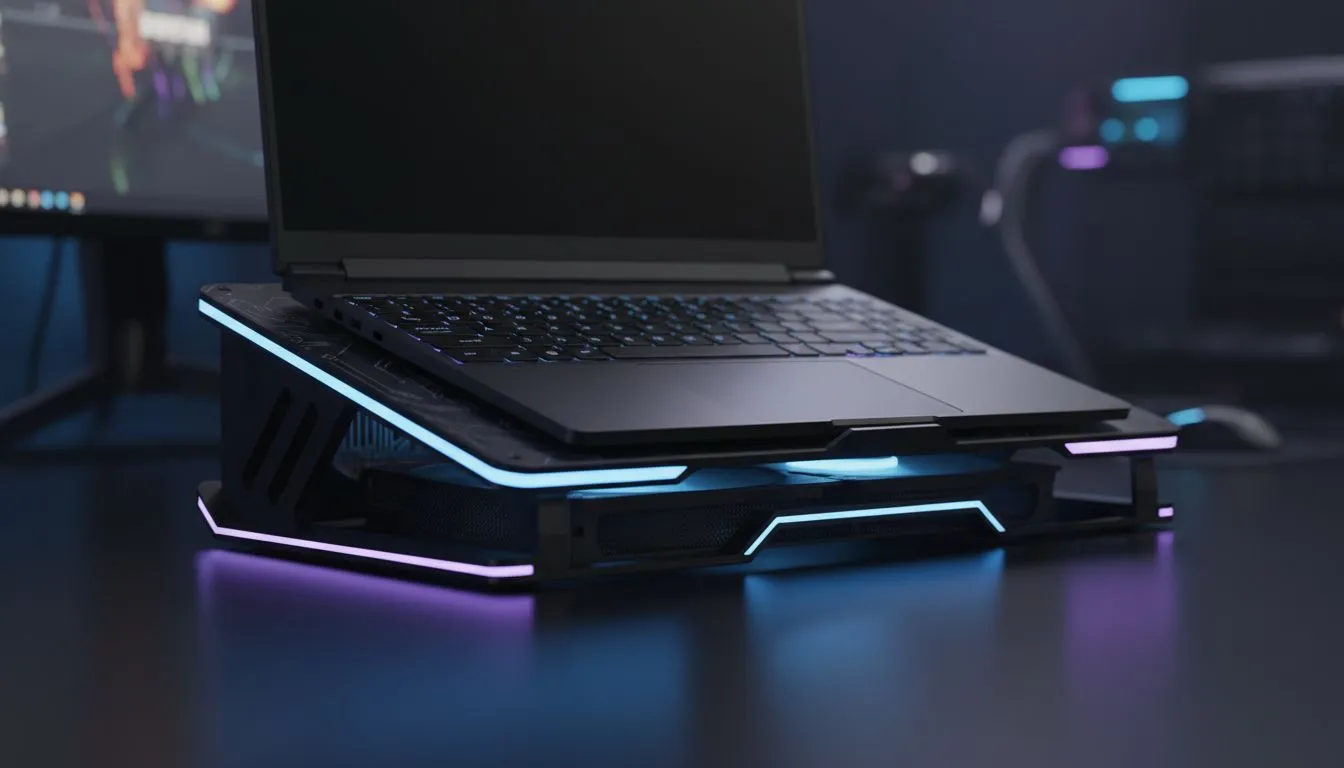
We have all been there. You are mid-clutch in a heated match... but your laptop fans sound like a jet engine. South African summers do not play fair with high-end hardware. Thermal throttling can ruin your frame rates and your mood. Mastering Gaming Laptop Cooling: Ergonomic Setup Tips for Long Sessions is about more than just comfort... it is about protecting your expensive investment from the heat. ⚡
Maximise Airflow with Better Placement
The quickest way to overheat a laptop is by blocking its intake vents. Most gaming machines pull air from the bottom. Placing your device on a bed or carpet is a recipe for disaster. You need a hard, flat surface to ensure the fans can breathe.
Investing in dedicated laptop cooling pads can drop your internal temperatures significantly. These devices provide a stable foundation and active airflow. By lifting the chassis, you allow fresh air to circulate where it is needed most. This simple change can prevent the dreaded performance dips during long raids.
Ergonomics and Screen Height Optimisation
Long gaming sessions often lead to "gamer neck" because we tend to slouch. A proper setup should align the top of your screen with your eye level. When you use a stand to achieve this, you also gain a thermal advantage.
If you want sleek designs that fit a modern aesthetic, check out the Promate cooling range for your desk. These stands help you maintain a healthy posture while keeping the GPU cool. Using an external keyboard and mouse allows you to position the laptop further back... creating the perfect ergonomic triangle for your arms and eyes.
Cooling Pro Tip ⚡
Use a compressed air can once a month to blow out the dust from your side exhausts. Dust buildup acts like an insulator, trapping heat inside your chassis. This 30-second task can improve your thermal efficiency by up to 10% without costing a cent.
Choosing Hardware for Stability and Durability
Not all cooling solutions are built the same. Some focus on silent operation while others prioritise raw airflow volume. For those who value industrial build quality and high-speed fans, Orico laptop coolers offer excellent thermal dissipation for heavy-duty machines.
A sturdy cooler prevents your laptop from vibrating or sliding during intense mouse movements. Look for models with adjustable fan speeds. This allows you to crank up the cooling during a midday session in Durban... or dial it down during a quiet night in the Cape. 🔧
Investing in Premium Thermal Management
If you are running a top-tier RTX rig, a basic plastic stand might not cut it. High-performance setups often require premium cooling solutions priced from R764 to ensure maximum airflow. These models usually feature metal mesh surfaces which act as a massive heat sink.
Remember that heat is the primary enemy of lithium-ion batteries. By keeping your laptop cool, you are not just gaining FPS... you are extending the overall lifespan of your machine. A small investment today saves you from an expensive repair tomorrow. 🚀
Ready to Find Your Perfect Match? Staying cool is the secret to winning more games and keeping your hardware healthy. For maximum power, choice, and value in South Africa, Evetech has the gear you need. Explore our massive range of laptop cooling pads and find the perfect partner for your gaming rig.











