


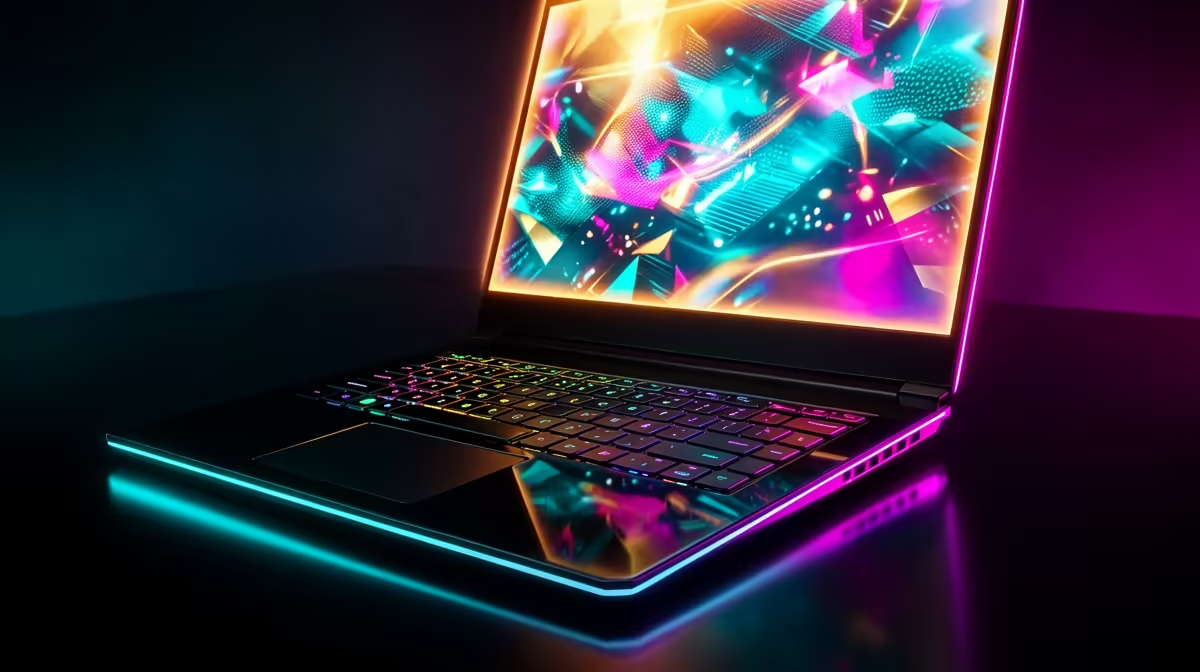
Every South African gamer knows the struggle of balancing performance with the reality of power interruptions and limited space. Whether you are channelling your inner samurai in a dark room or grinding ranks in Apex, the Gaming Laptop vs Desktop: Onimusha Setup Pros & Cons debate is real. Do you go for the sleek mobility of a notebook or the raw, upgradeable power of a tower? Let's find out. ⚡
Portability and Power in Your Onimusha Setup
Choosing the right hardware for your "Onimusha" themed battlestation depends heavily on your lifestyle. A desktop offers incredible cooling and customisation, but it stays anchored to your desk. In contrast, modern notebooks allow you to take your library anywhere. If you are a student or a professional who needs to move between rooms, checking out the best gaming laptop deals is the first step toward a versatile setup.
Laptops have evolved significantly... offering performance that rivals many mid-range desktops. They also provide a built-in battery, which acts as a micro-UPS during those sudden power cuts, giving you enough time to save your progress and shut down safely.
Performance and Cooling: The Desktop Edge
While laptops are convenient, the desktop remains the king of thermal management. Larger fans and liquid cooling loops ensure that your components do not throttle during intense sessions. However, if you prefer the compact nature of a portable rig, you can still find high-performance intel laptops on special that feature advanced vapour chamber cooling to keep temperatures in check.
A desktop allows for easier upgrades... you can swap out a GPU or add more RAM in minutes. Laptops are more "all-in-one" solutions, which simplifies the buying process for those who do not want to tinker with hardware internals.
Thermal Management Pro Tip 🔧
When using a gaming laptop for long sessions, always use a cooling pad or slightly elevate the back of the device. This increases airflow to the intake fans, significantly reducing thermal throttling and extending the lifespan of your internal components during those hot South African summers.
Choosing the Right Processor for Your Rig
The heart of your Gaming Laptop vs Desktop: Onimusha Setup is the processor. For those who multitask or stream their gameplay, high core counts are essential. You can find incredible value by browsing ryzen laptop deals, which offer excellent multi-threaded performance for both work and play.
AMD's efficiency is particularly useful for laptop users... it often results in better battery life and less heat generation compared to older architectures. This makes it a top choice for a clean, minimalist Onimusha desk where cable clutter is kept to a minimum.
Graphics and Value in South Africa
Visuals are everything when you are playing modern titles. To get the most out of ray tracing and AI upscaling, you should look at geforce rtx gaming laptops on special. These machines provide the graphical muscle needed to make every shadow and reflection look lifelike.
Budget is always a factor... especially with the current exchange rate. If you are looking for a balance between price and performance, you can buy gaming laptops under r20k that still pack enough punch to handle competitive titles at high refresh rates.
Final Verdict: Laptop or Desktop?
The "Onimusha" setup is about precision and efficiency. A desktop offers the highest ceiling for power, but the modern gaming laptop offers a level of flexibility that is hard to ignore in the South African context. Whether you choose the modularity of a tower or the sleekness of a notebook, the goal is the same: total immersion. 🚀
Ready to Find Your Perfect Match? The Gaming Laptop vs Desktop debate is complex, but for maximum power, choice, and value in South Africa, Evetech is hard to beat. Explore our massive range of laptop specials and find the perfect machine to conquer your world.











