


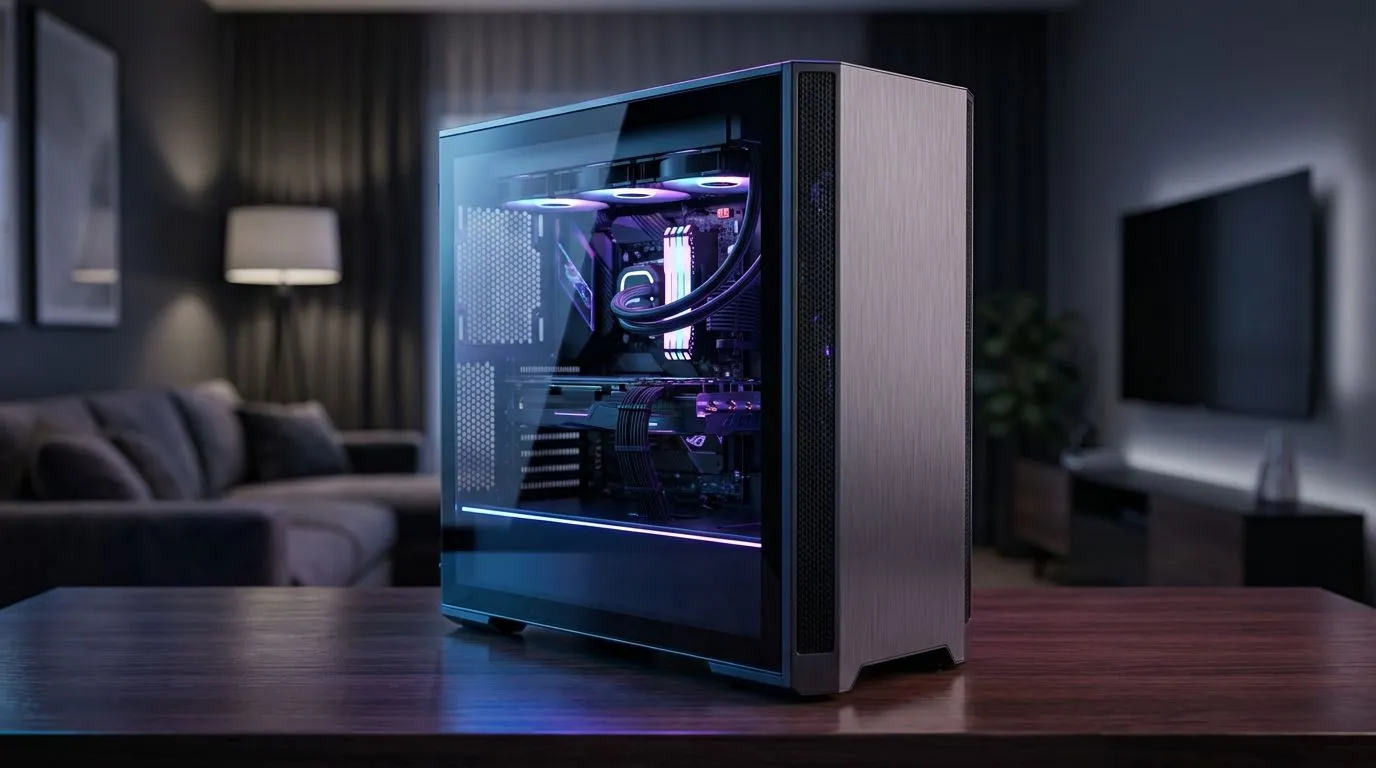
Balancing a high-performance gaming PC in a professional home office used to mean choosing between a boring grey box or a neon light show. In South Africa, where our desks often double as workstations and battle stations, getting the balance right is essential for productivity and immersion. You don’t need to sacrifice your professional aesthetic to enjoy 4K gaming after hours. It is all about smart integration. 🚀
Choosing the Right Chassis for Your Work Space
The first step in any gaming PC in home office setup is selecting a chassis that fits the room. While high-airflow towers are great, they can sometimes look out of place in a minimalist study. Exploring a diverse range of computer cases allows you to find a middle ground between thermal performance and professional design. Look for mesh panels that offer cooling without looking like a spaceship.
Sophisticated Design for the Modern Professional
If your home office leans towards a Scandi-chic or modern minimalist vibe, you need hardware that complements your furniture. Many South African professionals are opting for Fractal Design PC cases because they use wood accents and clean lines. These designs blend into a home office environment effortlessly... making your gaming rig look like a high-end piece of decor rather than a distraction during those crucial Zoom calls. ✨
Performance and Value Integration
Building a dual-purpose rig does not have to drain your savings. You can find excellent Gamdias gaming cases that offer tempered glass and great airflow for a fraction of the cost. If you are specifically looking to keep costs down while maintaining a clean look, there are several impressive cases under R1,500 that provide ample space for cable management. Keeping your cables hidden is the easiest way to make a gaming PC in home office setup look professional and tidy. 🔧
Optimising Your Workflow and Playtime
Integration isn't just about looks; it is about how you use the space. A clean Game Desk setup should allow you to switch from spreadsheets to side-quests in seconds. Consider using a KVM switch or high-quality peripherals that support multiple device connections. This ensures your workspace remains functional for the 9-to-5 while staying ready for a late-night raid.
Productivity Pro Tip ⚡
On Windows, use the PowerToys FancyZones utility to create custom snap layouts for your windows. It is a lifesaver for managing multiple apps on a single monitor, letting you organise your email client, browser, and Discord perfectly without manual resizing every time you reboot.
Thermal Management in Small Offices
South African summers can be brutal on hardware... especially in smaller home offices. Ensure your setup & integration plan includes adequate ventilation. Position your PC away from direct sunlight and give the intake fans at least 10cm of breathing room from the wall. This simple step prevents thermal throttling and keeps your components running at peak performance during those intense gaming sessions or heavy rendering tasks. ⚡
Ready to Build Your Dream Home Office? Integrating a powerful gaming rig into your professional workspace requires the right balance of style and performance. Explore our massive range of computer cases and find the perfect chassis to elevate your home office today.











