


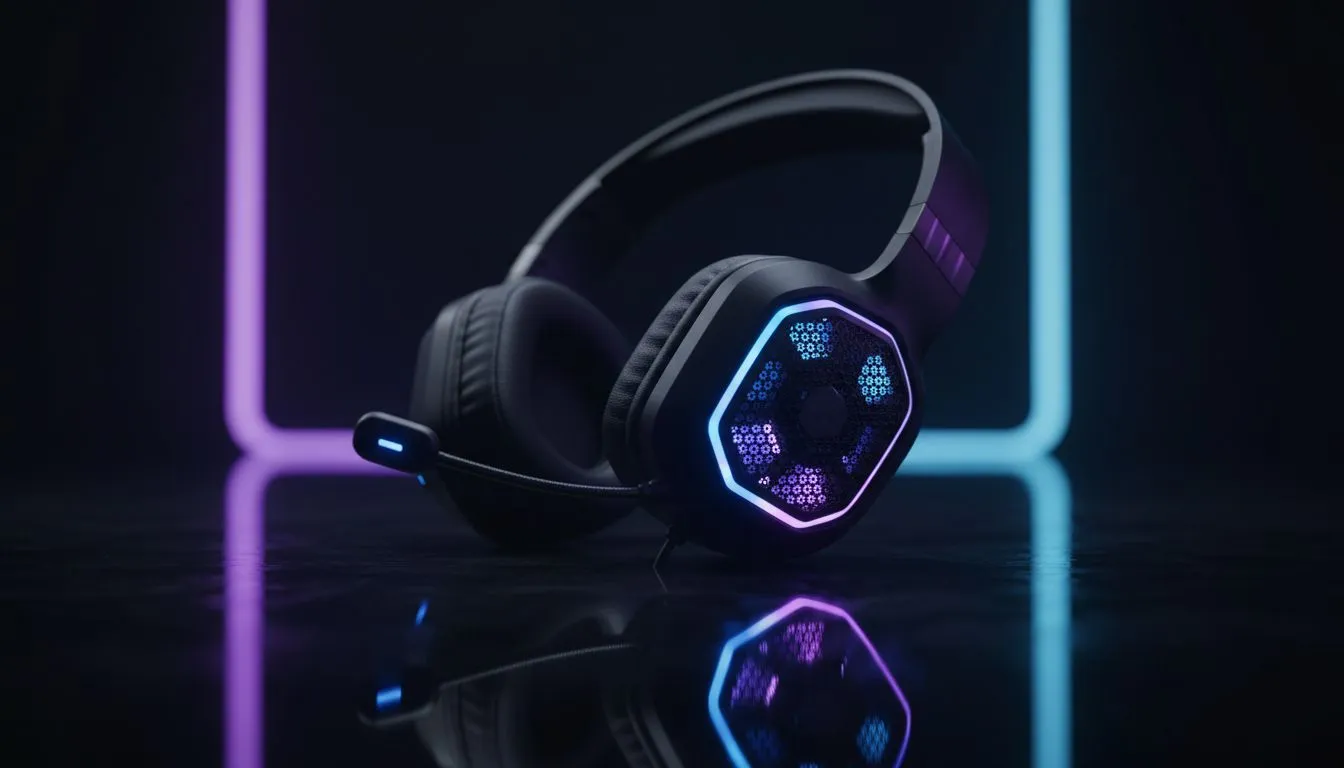
Master Your Audio: Improve Mic Sound Wireless Headsets With Placement & Discord
Tired of your teammates telling you to fix your mic mid-clutch? We have all been there. While wireless tech has come a long way, getting that broadcast-quality crispness requires a bit of fine-tuning. If you want to improve mic sound wireless headsets with placement & Discord tweaks, you do not need a degree in audio engineering... just a few minutes and the right gear. 🔧
Perfecting Your Physical Mic Placement
The biggest mistake gamers make is putting the microphone directly in front of their mouth. This leads to "plosives"... those annoying popping sounds when you say words starting with 'P' or 'B'. To get the best results, position the boom arm about two fingers' width away from the corner of your mouth. This ensures your voice is captured clearly without the heavy breathing.
If you are currently browsing our massive headphone and headset collection, look for models with flexible boom arms. A rigid mic is much harder to position correctly. For those who want premium hardware that already does the heavy lifting, the Razer headphones and headsets range offers some of the best noise-rejection patterns in the industry, making placement much more forgiving.
Crystal Clear Windows Tip ⚡
Always check your 'Sound Control Panel' in Windows before opening Discord. Ensure your wireless headset is set to 48,000Hz (DVD Quality) under the Advanced tab. This prevents the OS from downsampling your voice and making you sound like you are calling from a 1990s landline.
Optimising Discord For Wireless Clarity
Discord is powerful, but its default settings can sometimes crush your audio quality. To improve mic sound wireless headsets with placement & Discord specifically, head into your Voice & Video settings. Turn off 'Automatic Gain Control'. This feature often tries to boost your volume too much, which introduces background hiss and white noise.
Instead, manually set your input sensitivity. You want the bar to stay in the green while you talk, but stay dead silent when you are typing on your mechanical keyboard. For users rocking the Razer Barracuda X Chroma, the built-in noise cancellation works beautifully with Discord’s Krisp suppression to eliminate South African ambient noise... like that loud pedestal fan we all need during a Joburg summer. 🚀
Quick Checklist for Better Audio
- Disable "Echo Cancellation" if you are using a closed-back headset.
- Use the "Standard" audio subsystem if you experience cutouts.
- Ensure your wireless dongle is in a USB 3.0 port for the best bandwidth. ✨
Ready to Find Your Perfect Match? The quest for perfect audio is complex, but for maximum clarity, comfort, and value in South Africa, a dedicated gaming headset is hard to beat. Explore our massive range of headset specials and find the perfect gear to lead your squad to victory.











