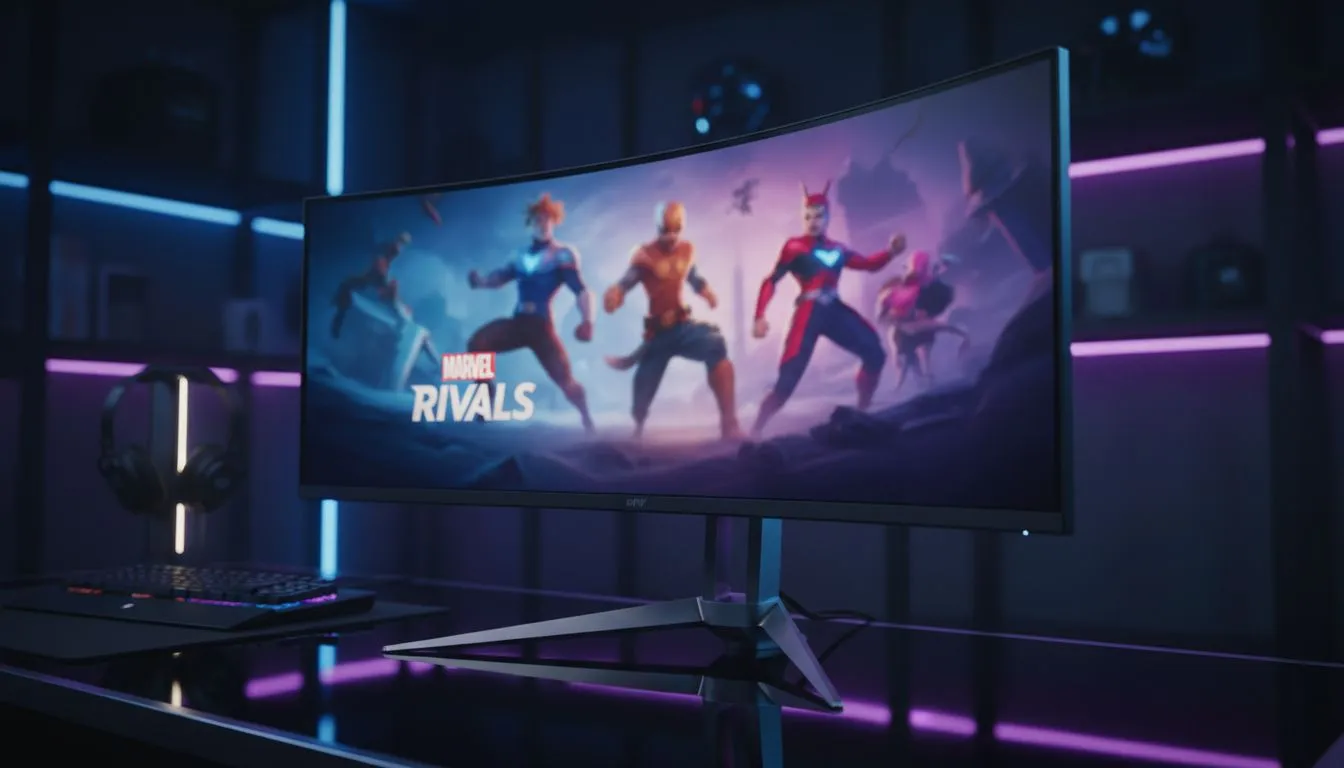
Marvel Rivals is taking the local gaming scene by storm. If you are rocking a 21:9 setup, you probably want to know if Marvel Rivals Ultrawide Support is actually native. Nobody wants black bars on the side of their screen while playing as Iron Man. Let’s look at how NetEase has optimised this superhero brawler for wider displays in South Africa. 🚀
Testing Marvel Rivals Ultrawide Support for Local Gamers
The good news is that Marvel Rivals features native support for 21:9 aspect ratios. Unlike some competitive shooters that crop the top and bottom of the image, this title expands your horizontal field of view. This gives you a broader look at the chaotic 6v6 battlefields. If you are looking to upgrade your setup, finding the best pc monitor deals in South Africa is the first step toward visual dominance.
When playing at 3440 x 1440, the comic-inspired art style truly pops. The extra screen real estate makes it easier to track fast-moving targets like Spider-Man or Black Panther. While standard PC monitors often feel cramped in high-mobility games, the ultrawide format provides much-needed breathing room for your UI elements.
The Competitive Edge of 21:9 in Hero Shooters
In a game where threats come from every angle, peripheral vision is a massive advantage. Marvel Rivals Ultrawide Support ensures that you can spot flankers earlier than players on traditional 16:9 screens. Our full range of all gaming monitors covers every refresh rate you might need to stay ahead of the curve. ⚡
Many local players favour the wrap-around feeling of a wider panel. It helps you focus on the center of the action while remaining aware of your surroundings. You might want to buy curved monitors to reduce eye strain during those long weekend rank grinds. The curve keeps the edges of the screen at a more consistent distance from your eyes.
FOV Adjustment Tip ⚡
In Marvel Rivals, ensure your Field of View (FOV) slider is maxed out when playing on an ultrawide. This prevents the "zoomed-in" feeling that sometimes occurs in competitive shooters. It ensures you get the full benefit of those extra horizontal pixels without distorting the image center.
Optimising Your Setup for Superpowered Combat
While the game is well-optimised, driving those extra pixels requires a decent GPU. Even if you buy portable monitors for a secondary Discord screen, your main display remains the priority. For those who value crispness above all else, you can buy 5k 4k monitors to see every detail of the destructible environments. ✨
Finally, consider your desk ergonomics. Ultrawide panels are heavy and take up significant space. You should buy monitor accessories like heavy-duty monitor arms to clear up desk space for your mousepad. Having the freedom to flick your mouse without hitting a monitor stand is vital for high-stakes hero combat. 🔧
Ready to Find Your Perfect Match?
Experience Marvel Rivals exactly how it was meant to be seen with a premium display upgrade. Explore our massive range of gaming monitors and find the perfect machine to conquer your world.