


Why Minecraft RTX On: How to Enable Ray Tracing (2026) Changes Everything
Minecraft looks vastly different in 2026. The blocky world we love has evolved into a visual masterpiece. If you are tired of flat textures and want realistic lighting that bounces off water and glows through stained glass... you need ray tracing. It is easier than ever to set up in South Africa... provided you have the right hardware to handle the heavy lifting. ✨
The Hardware Required for Minecraft RTX
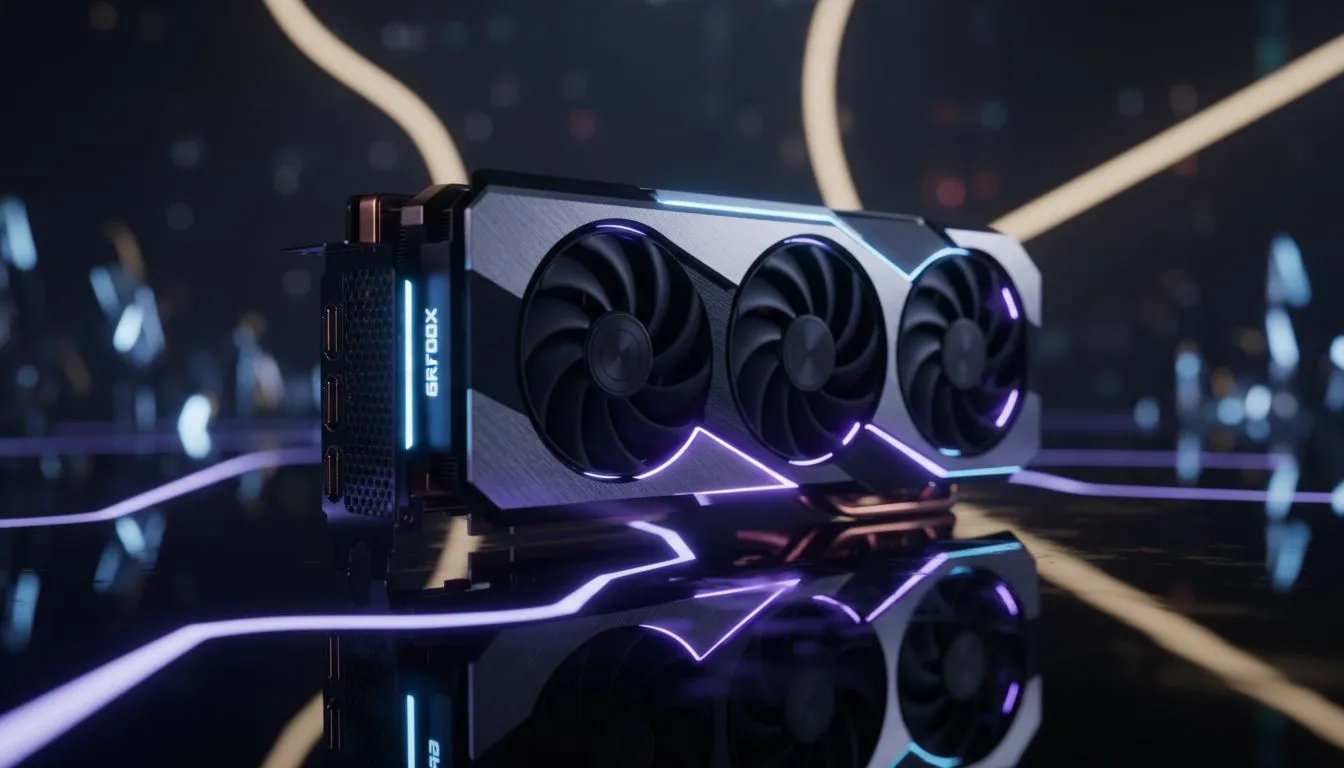
Ray tracing is a demanding technology. It calculates light rays in real-time. To experience this... you need a modern GPU. Most players opt for the latest NVIDIA graphics card range to handle these complex path-tracing calculations.
If you want the best thermal performance while ray tracing... MSI graphics cards remain a top-tier choice for South African builds. They offer excellent cooling for those long gaming sessions in the Gauteng summer heat. 🔧
Performance Pro Tip ⚡
Always enable Upscaling or DLSS in the video settings. This allows the game to render at a lower resolution and upscale it... giving you a massive frame rate boost without losing the beautiful ray-traced details. It is the secret to hitting a smooth 60 FPS on higher resolutions.
How to Enable Ray Tracing in Minecraft (2026)
Enabling the feature is straightforward. Follow these steps to get started:
- Check your Version: Ensure you are running Minecraft Bedrock Edition on Windows.
- Marketplace Download: Ray tracing requires specific "PBR" (Physically Based Rendering) textures. Search the Marketplace for "RTX" and download a free NVIDIA starter world.
- Enter the World: Load into the downloaded world.
- Toggle Settings: Go to Settings > Video. Scroll down to the "Ray Tracing" toggle and switch it on.
If you are using Intel Arc graphics cards... ensure your drivers are updated to the latest 2026 versions for the best DXR support. Even workstation graphics cards can handle these tasks today... making them great for creators who game on the side. 🚀
Exploring Alternative Hardware Options
NVIDIA lead the way... but they are not the only option. You can find great value in AMD Radeon graphics cards that support hardware-accelerated ray tracing. Many of these cards offer excellent VRAM capacity... which helps when loading high-resolution texture packs.
Remember that ray tracing is about more than just shadows. It adds depth to every block. You will see light reflecting off metallic surfaces. You will see glowing lava illuminating dark caves naturally. It is an investment in immersion that makes the game feel brand new. ⚡
Ready to See Minecraft in a New Light? Upgrading your GPU is the fastest way to transform your gaming experience. Whether you want the raw power of RTX or the value of Radeon... we have you covered. Explore our massive range of graphics card specials and start your ray-traced journey today.











