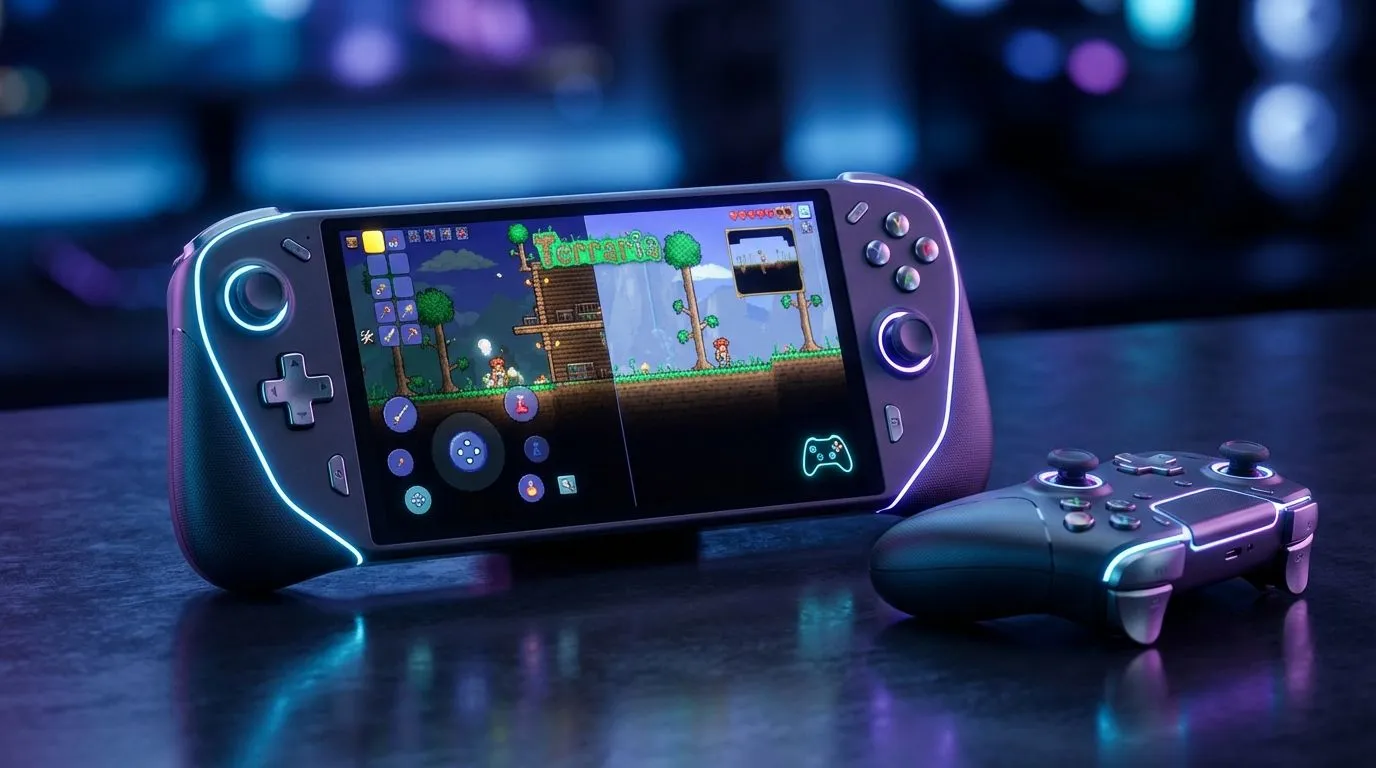
Ever tried fighting the Moon Lord with your thumbs covering half the screen? It’s a recipe for a cracked display and pure frustration. In 2025, the debate between Terraria handheld controller vs touch inputs is hotter than the Underworld. Whether you're digging for Hellstone or dodging lasers, your input method defines your survival. Let's explore why switching to physical controls might just be the upgrade your loadout needs.
The Precision Problem with Touch Controls
Mobile gaming has come a long way, and Re-Logic has done an admirable job optimising Terraria for mobile interfaces. The "Smart Cursor" feature helps, but when you enter Hardmode, the cracks start to show.
Touch controls lack tactile feedback. You cannot feel where the button ends and the screen begins, leading to missed inputs during critical boss fights. Furthermore, your fingers physically obscure the action. In a game where pixel-perfect positioning is key to avoiding traps and projectiles, losing visibility is a major handicap. This is why many South African gamers are migrating toward dedicated handheld gaming consoles that offer the portability of a phone but the precision of a desktop setup.
Why Physical Controllers Reign Supreme
When you hold a controller, muscle memory takes over. You don't have to look at your hands to know you're hitting the jump button or grappling away from danger.
Physical sticks allow for granular movement speed—walking slowly to avoid falling off a ledge versus sprinting—which is nearly impossible on a virtual joystick. Additionally, modern handhelds provide shoulder buttons and triggers. These are essential for mapping complex actions like "Quick Heal" or "Quick Mana" without taking your thumb off the movement stick.
For those prioritising ergonomics and button layout, the ASUS ROG Ally range offers an Xbox-style configuration that feels natural for long building sessions. The tactile response of a mechanical button press simply cannot be replicated by glass. 🎮
The Modding Advantage: tModLoader
Here is where the comparison shifts from "preference" to "capability". The touch version of Terraria is generally locked to the vanilla experience. However, playing on a Windows-based handheld opens the door to tModLoader.
Mods like Calamity or Thorium add thousands of items and bosses, requiring more RAM and processing power than a standard tablet provides. If you want to experience these massive expansions, you need the horsepower of a PC. Devices like the MSI Claw use Intel Core Ultra processors that can handle heavy mod packs without dropping frames, ensuring your game runs as smooth as silk.
Terraria Pro Tip 🛠️
If you are playing on a handheld PC, remap your back paddles to 'Quick Buff' (B) and 'Mount' (R). This lets you instantly buff up before a boss fight or hop on your slime mount for vertical mobility without ever lifting your thumbs from the analog sticks.
Screen Real Estate and Immersion
Terraria is a game of scale. You need to see the cavern layout to plan your spelunking route. While mobile screens are getting better, they often struggle with the UI scaling required for PC-level inventory management.
High-end handhelds bridge this gap perfectly. For instance, the massive 8.8-inch display on the Lenovo Legion Go allows you to zoom out further while keeping the UI readable. This extra visual data helps you spot ores, chests, and enemies long before they would appear on a standard phone screen.
Final Verdict: The Best Way to Play
If you are a casual player just mining dirt on the bus, touch controls are serviceable. They are free (assuming you own a phone) and always in your pocket.
However, for the definitive Terraria experience in 2025—especially if you plan on tackling Master Mode or diving into mods—physical controls are non-negotiable. The combination of tactile precision, screen visibility, and PC performance makes a handheld console the ultimate tool for the job. ✨
Level Up Your Handheld Experience
Ready to ditch the touchscreen frustration and play with precision? Whether you prefer the ergonomics of ASUS or the raw screen size of Lenovo, we have the gear you need. Shop our full range of Handheld Gaming Consoles and conquer your world today.