


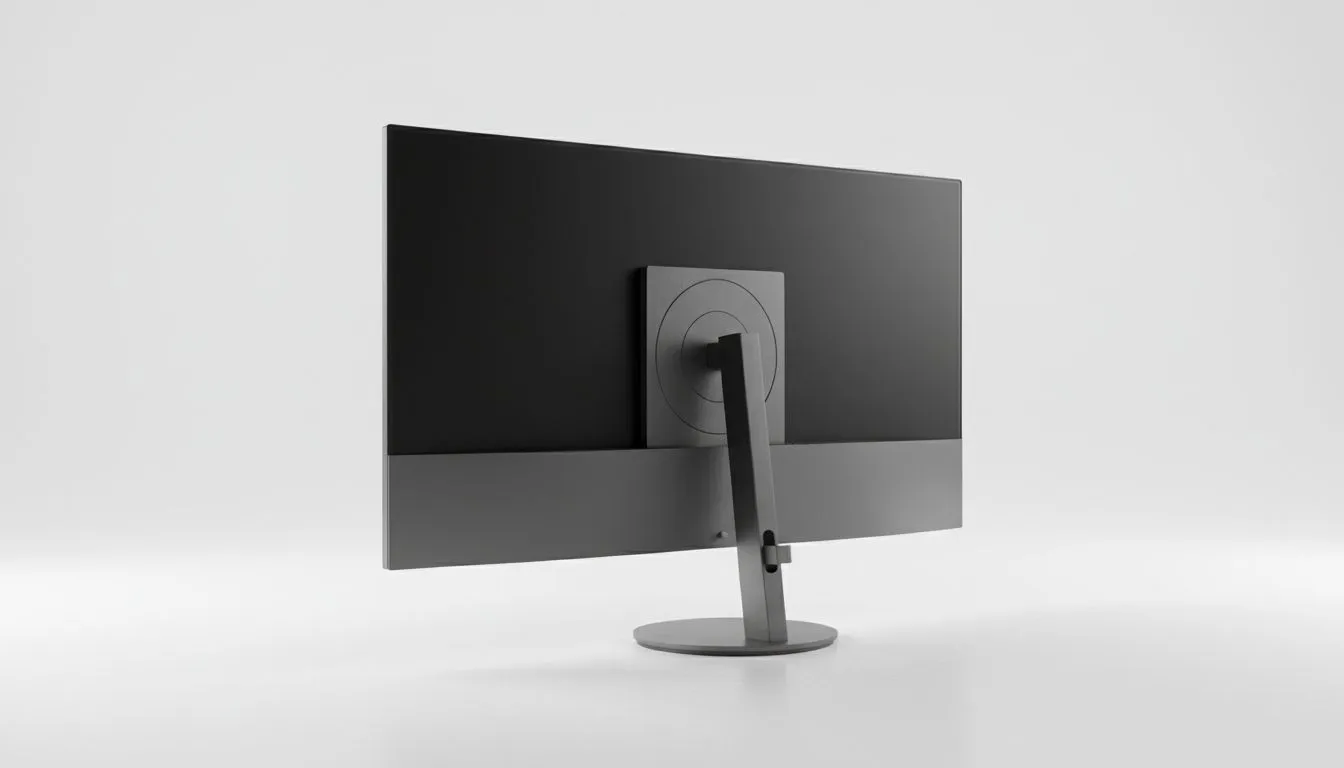
Elevating Your Setup: Wall Mounted Monitor vs Desktop Display
Ever felt like your desk is shrinking? Between your keyboard, mousepad, and that massive monitor stand, there is barely room for a coffee mug. In the battle of Wall Mounted Monitor vs Desktop Display, the goal is to Optimize Tech Aesthetics while keeping your gameplay fluid. Whether you are a competitive pro or a creative, how you position your screen defines your entire vibe. 🚀
Why You Should Consider a Wall Mounted Monitor
A wall-mounted setup is the ultimate way to achieve that "floating" look. By removing the bulky plastic base from your desk, you reclaim significant surface area for your premium gaming accessories. This is particularly useful in South African homes where desk space might be at a premium in smaller study nooks or bedrooms.
Beyond the looks, mounting your screen allows for precise ergonomic positioning. You can set the height exactly at eye level, reducing neck strain during those marathon sessions in Apex Legends or Warzone. However, keep in mind that most South African homes use brick and mortar... you will need a decent drill and the right wall plugs to ensure your expensive panel doesn't take a dive.
The Versatility of the Classic Desktop Display
While mounting looks sleek, the traditional desktop display still holds the crown for flexibility. If you are someone who likes to rearrange your room every few months, a stand is your best friend. Modern stands often include tilt, swivel, and height adjustments that are just as effective as a mount.
If you are hunting for gaming accessories deals to improve your current setup, you might find that a high-quality monitor arm that clamps to your desk offers a middle ground. It provides the "floating" aesthetic without the need to drill holes in your walls. This is a massive win for gamers living in rental properties where "no-drill" policies are strictly enforced.
How to Optimize Tech Aesthetics for Your Game Desk
To truly Optimize Tech Aesthetics, you need to think about cable management. A wall-mounted screen looks incredible until a "spaghetti monster" of cables hangs down the middle of the wall. Using trunking or routing cables behind the drywall can fix this... but it requires extra effort.
On a desktop, you can use cable combs and sleeves found in our range of essential gaming gear to keep things tidy. A clean desk isn't just about looks; it reduces mental clutter and lets you focus on the win. ⚡
Productivity Pro Tip ⚡
On Windows, use the PowerToys FancyZones utility to create custom snap layouts for your windows. It's a lifesaver for managing multiple apps on an ultrawide monitor, letting you organise your timeline, preview window, and asset folders perfectly for video editing.
Making the Final Call
So, which one wins? If you want the cleanest, most futuristic look and you are comfortable with a permanent setup, the wall mount is the victor. If you value portability, ease of installation, and frequent hardware swaps, stick with the desktop display. Both paths lead to a great experience if you choose quality components that suit your specific environment. 🔧
Ready to Find Your Perfect Match? The Wall Mounted Monitor vs Desktop Display debate depends on your space, but the right gear makes all the difference. Explore our massive range of gaming monitor specials and find the perfect display to conquer your world.











