


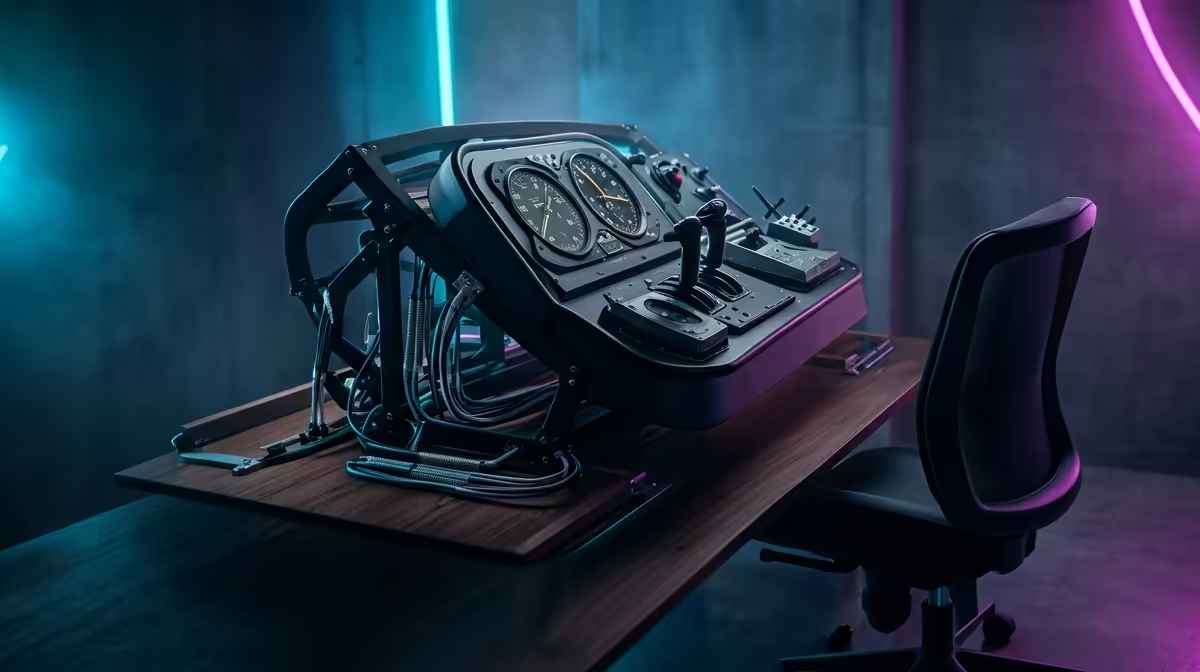
Optimising Your Space for the Ultimate Xbox Flight Sim Setup
There is something uniquely South African about taking off from OR Tambo in a Cessna 172 at sunset. With Microsoft Flight Simulator on Xbox, that dream is a reality. But a pro-tier Xbox Flight Sim Setup requires more than just a console... it needs a dedicated space where ergonomics meet immersion. Whether you are navigating the Cape coastline or crossing the Karoo, your cockpit layout matters. ✈️
Prioritising Desk Depth and Surface Stability
The foundation of any serious cockpit is the desk. When you are mounting a heavy yoke or a side-stick, a standard office desk often lacks the necessary depth. You need enough clearance to ensure your peripherals do not hit your monitor when you pull back on the elevators.
Most pilots find that a desk depth of at least 70cm is the "sweet spot" for mounting flight simulator gear without feeling cramped. If you are using a clamp-based system, ensure your desk surface is solid wood or high-density MDF. Avoid hollow-core desks... the torque from a sudden banked turn can actually crack the surface.
Mounting Pro Tip ⚡
When mounting your yoke or joystick, try to position it at elbow height. This mimics the ergonomics of a real cockpit and prevents shoulder fatigue during those long-haul flights from Johannesburg to London. If your desk is too high, consider an under-desk mount to bring the controls into a more natural position.
Conquering the Cable Chaos
A high-fidelity Xbox Flight Sim Setup usually involves multiple USB peripherals. Between your yoke, throttle quadrant, rudder pedals, and headset, the "spaghetti" of wires can quickly become a distraction. Xbox consoles have limited USB ports... which means a powered USB hub is often a necessity.
To keep things tidy, route your cables along the underside of your desk using adhesive clips or cable trays. This is especially important for rudder pedals. There is nothing worse than your feet getting tangled in a stray wire while you are trying to maintain the centreline during a crosswind landing at Cape Town International. Investing in quality simulation gear and accessories often includes better cable management solutions to keep your flight deck looking professional and clean. 🔧
Choosing the Right Seat for Long Hauls
Comfort is not just a luxury... it is a performance requirement. If you are planning to spend four hours at 35,000 feet, your chair needs to support your lower back and allow for micro-adjustments. While many pilots prefer a dedicated flight chair, many high-end seats designed for sim racing offer the same level of lateral support and adjustability.
The key is to ensure your chair does not roll backwards when you apply pressure to the rudder pedals. If you are using an office chair with wheels, consider replacing the casters with stationary "glides" or placing the chair on a high-grip rug. This ensures that when you "stomp" on the brakes after touchdown, you stay firmly in the pilot's seat rather than sliding across the room. 🚀
Lighting and Atmosphere for Night Flights
To truly elevate your Xbox Flight Sim Setup, consider your ambient lighting. Bright overhead lights can cause glare on your screen, ruining the immersion of a night approach. Use warm LED strips behind your monitor to reduce eye strain. This "bias lighting" helps your eyes focus on the high-contrast cockpit instruments without getting fatigued.
In South Africa, we often deal with varying light conditions... so having a dimmable setup allows you to transition from a bright midday flight to a moody, dark cockpit environment effortlessly. ✨
Ready to Take to the Skies? Building the ultimate cockpit requires the right tools and the best hardware. For the widest selection of peripherals and expert advice in South Africa, we have you covered. Explore our massive range of flight simulation gear and start your journey toward becoming a virtual captain today.











