


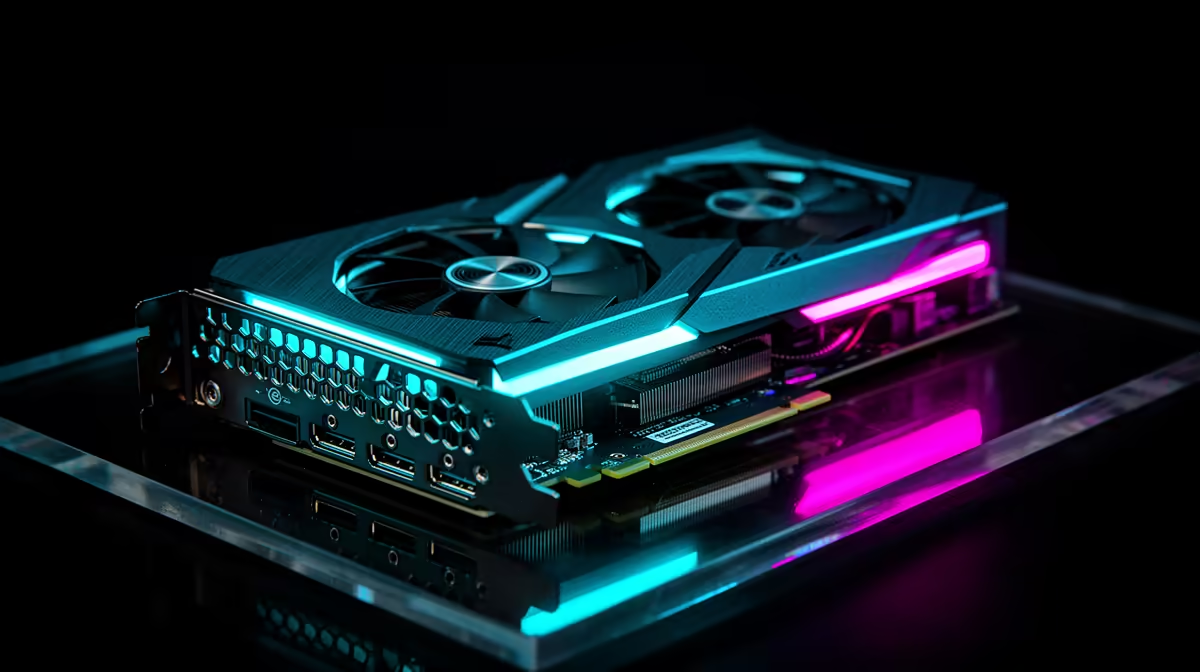
Dreaming of that glorious multi-monitor setup for work and play, but your wallet's feeling the pinch? You're not alone. Expanding your digital real estate doesn't have to cost a fortune. We're diving into the best affordable GPUs for multi-monitor setups available right here in South Africa. Let’s find you a card that can handle extra screens without breaking the bank, turning your productivity or gaming rig into a proper command centre. 🚀
What to Look For in a GPU for Multiple Screens
Before you just grab the cheapest card with three ports, let's talk specifics. Powering multiple displays for productivity is very different from driving a high-refresh-rate gaming monitor while streaming on a second screen. For a smooth multi-monitor experience, you need to look beyond just the price tag.
Key factors include the number and type of display outputs (like DisplayPort 1.4 or HDMI 2.1), the maximum supported resolution across all screens, and of course, enough performance to handle your workload. Most modern graphics cards are designed with this in mind, but the budget-friendly options require a closer look to find the sweet spot.
Top Picks: Affordable GPUs for Your Multi-Monitor Setup
Finding the best affordable GPU for a multi-monitor setup in ZA means balancing price, performance, and port availability. Here are our top contenders from the big three, perfect for gamers and professionals on a budget.
NVIDIA's GeForce Lineup
Team Green offers fantastic options in the entry-level to mid-range space. Cards like the GeForce RTX 3050 or RTX 4060 are excellent choices, typically equipped with three DisplayPort outputs and one HDMI port. This gives you great flexibility. Plus, with features like DLSS, you can still enjoy high frame rates on your main gaming monitor without sacrificing performance. You can often find great deals on popular MSI models that offer robust cooling and reliable build quality.
Pro Tip: Check Your Power Supply (PSU) 🔧
Upgrading your GPU might mean you need more power. Before buying, check the recommended PSU wattage for your chosen card on its Evetech product page. A good quality 550W-650W power supply is usually a safe bet for most budget-friendly GPUs.
AMD's Radeon Powerhouses
AMD often shines in the price-to-performance category. Cards like the Radeon RX 6600 or the newer RX 7600 are brilliant for 1080p and 1440p gaming and come packed with enough ports for your multi-display ambitions. They deliver raw performance that punches well above their price tag, making them a smart buy. If you're looking for pure rasterization power for your multi-screen gaming rig, exploring AMD's latest Radeon cards is a must.
Don't Sleep on Intel Arc ✨
The newcomer, Intel, has made a serious splash with its Arc series. An Intel Arc graphics card like the A750 is a surprisingly strong contender, especially for creators. It boasts modern features like AV1 encoding and DisplayPort 2.0 support, making it future-proof and fantastic for running multiple high-resolution displays for video editing or streaming. With driver improvements, its gaming performance has become seriously competitive.
Productivity vs. Gaming: A Quick Look at Workstation Cards
Is your multi-monitor setup purely for work... think spreadsheets, coding, or graphic design? If gaming isn't a priority, you might consider another path. While they carry a premium, specialised workstation graphics cards are built for stability and certified for professional applications. They are optimised to run multiple, high-resolution displays with rock-solid reliability, though they won't give you the high FPS you'd want for the latest AAA titles.
Ready to Expand Your View? Your perfect multi-monitor setup is just a click away. Explore our massive selection of affordable GPUs and find the right fit for your budget and performance needs. Check out our range of graphics cards at Evetech and start building your dream command centre today.











