


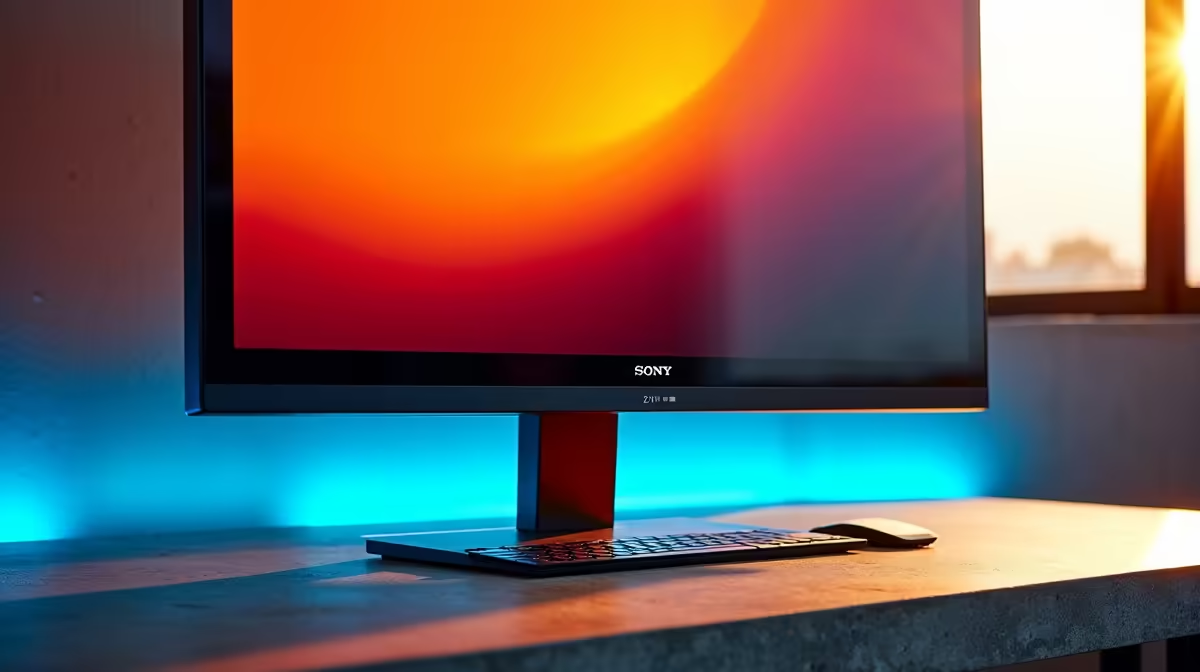
Staring at a blurry screen after a long day? Or maybe your laptop’s display just isn’t cutting it for those complex spreadsheets and late-night creative sessions. You're not alone. Choosing from the latest PC monitor deals in South Africa can feel overwhelming, but there’s a secret weapon for productivity pros: the 27-inch QHD monitor. It's the undisputed sweet spot, and we're here to show you why.
Why 27-Inch QHD is the Productivity Sweet Spot
When it comes to screen real estate, bigger isn't always better. A massive screen can cause neck strain from constantly turning your head. This is where finding the best 27 inch QHD monitor for productivity becomes a mission. This size and resolution combination hits the perfect balance.
QHD, or Quad HD (2560x1440 pixels), offers a significant 77% more screen space than standard Full HD (1920x1080). For you, this means sharper text, clearer images, and the ability to comfortably snap two full-sized application windows side-by-side. It’s a massive clarity upgrade without the performance tax or premium price of many 5K and 4K monitors, which often require scaling that can complicate things. 🚀
Key Features for Your Next QHD Productivity Monitor
Finding the right QHD productivity monitor goes beyond just the resolution. When browsing our main PC monitors category, keep an eye on these key features to ensure you get the best tool for your job.
Panel Technology & Colour Accuracy
For most productivity tasks, especially creative work like graphic design or video editing, an IPS (In-Plane Switching) panel is king. They offer superior colour accuracy and wider viewing angles compared to VA or TN panels. Look for monitors that cover over 99% of the sRGB colour gamut for true-to-life colours.
Connectivity & Ergonomics
A modern workflow demands modern ports. USB-C is a huge plus, allowing you to connect your laptop for video, data, and power with a single cable. Also, never underestimate a good stand! Height, tilt, and swivel adjustments are crucial for long-term comfort. Some users prefer the immersive feel of curved monitors for multi-window tasks, which can reduce eye movement. Lastly, don't forget the right monitor accessories like an ergonomic arm to truly customise your setup.
Productivity Pro Tip ⚡
On Windows, use the built-in Snap Layouts feature (hover over the maximise button) to quickly organise your windows. For even more power, Microsoft's free PowerToys app includes FancyZones, which lets you create custom grid layouts perfect for a 27-inch QHD monitor. It’s brilliant for keeping your code, browser, and chat apps perfectly arranged.
Work Hard, Play Hard: Gaming After Hours?
Let's be honest, many of us in South Africa use our work PC for a bit of after-hours gaming. The good news? Many of the features that make for the best 27 inch QHD monitor for productivity also benefit our lineup of all gaming monitors.
A 75Hz or higher refresh rate will feel noticeably smoother than the standard 60Hz, even just moving your cursor around Windows. While you don't need a 240Hz esports panel for spreadsheets, a good QHD IPS monitor with a decent response time will provide a fantastic casual gaming experience. For ultimate flexibility, some pros even pair their main screen with a lightweight portable monitor when travelling for work or LAN parties. ✨ It’s all about finding that perfect balance for your unique needs.
Ready to Find Your Perfect Display? The search for the ultimate screen ends here. For the best balance of size, clarity, and value in South Africa, a 27-inch QHD monitor is hard to beat. Explore our massive range of monitor specials and find the perfect upgrade to conquer your workday... and your playground.









