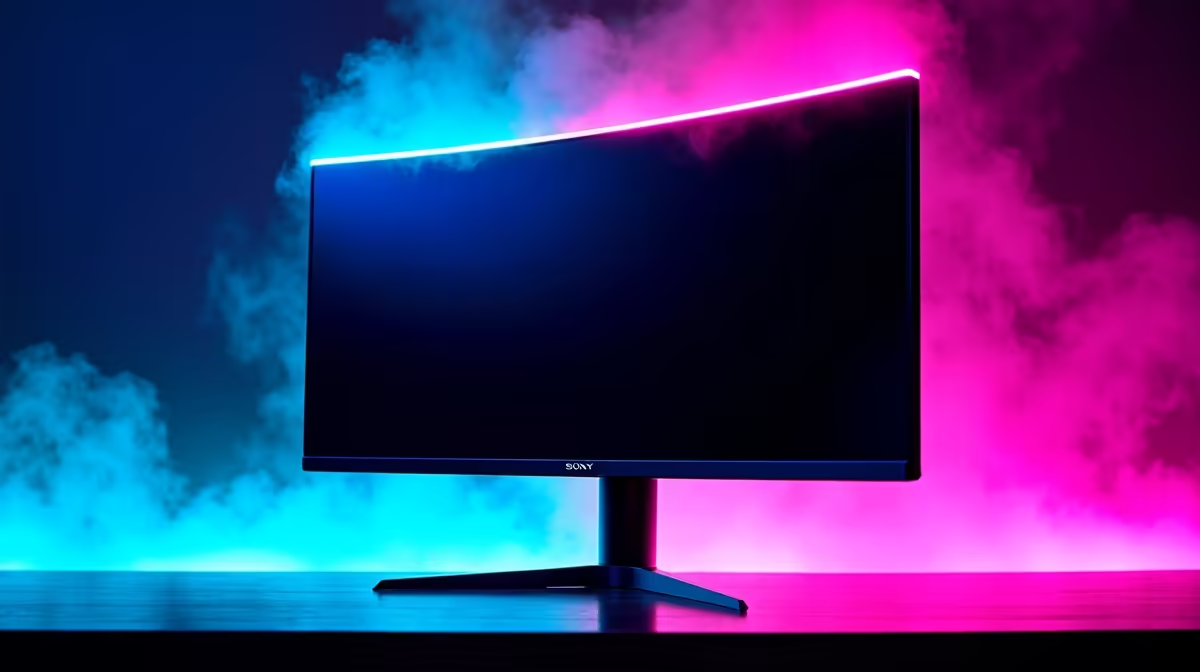
Jumping from a 60Hz to a 144Hz monitor is one of the biggest upgrades a South African gamer can make. The difference in smoothness is massive, giving you a real competitive edge. But for years, that performance came with a hefty price tag. Now, in 2025, high-refresh-rate gaming is more accessible than ever. So, what can you realistically expect from a budget 144Hz monitor? Let's dive into the key questions you should be asking before you spend your hard-earned Rand. ⚡
Your Budget 144Hz Monitor Questions Answered
Q: What's the biggest benefit of a 144Hz monitor?
A: Fluidity. A 144Hz monitor refreshes the image 144 times per second, compared to just 60 on a standard screen. This makes everything from fast-paced aiming in Apex Legends to simply moving your mouse on the desktop feel incredibly smooth and responsive. It reduces motion blur, allowing you to track targets more easily and react faster. It's a difference you truly have to see to believe.
Q: Can I really get a good 144Hz monitor for under R4000?
A: Absolutely. The market for gaming monitors under R4000 has exploded with great options. At this price point, you're typically looking at a 24-inch or 27-inch screen with a Full HD (1920x1080) resolution, which is the perfect match for hitting high frame rates without needing a top-of-the-line graphics card.
Q: What panel type should I look for: IPS or VA?
A: At this budget, you'll find both. IPS panels generally offer better, more accurate colours and wider viewing angles. VA panels deliver much deeper blacks and superior contrast, which can make cinematic games look more immersive. Historically, budget VA panels could have slower response times, but modern panels have improved a lot, making them a great option for mixed-use gaming.
Q: Are brands like Dahua reliable for gaming monitors?
A: Yes, brands that were once known more for other electronics have become serious contenders in the gaming space. Dahua gaming monitors, for example, offer impressive features like fast response times and high refresh rates at a very competitive price point in the South African market, making them a smart choice for budget-focused builders.
Don't Forget to Enable 144Hz! 🔧
Plugging in your new monitor isn't enough. You need to enable the high refresh rate in Windows. Go to Settings > System > Display > Advanced display, and select "144Hz" from the "Choose a refresh rate" dropdown menu. If you skip this, you'll be stuck at 60Hz!
Q: What about more established brands like AOC?
A: You can't go wrong with trusted names. AOC gaming monitors have long been a favourite in the gaming community for their reliability and performance. They offer a huge range of 144Hz models that are perfectly tuned for gaming, often including features like AMD FreeSync to prevent screen tearing.
Q: What is response time, and what should I look for?
A: Response time (measured in milliseconds, or 'ms') is how quickly a pixel can change colour. A lower number is better as it reduces 'ghosting' or trailing behind fast-moving objects. For a 144Hz monitor, look for a response time of 5ms or less. Many budget gaming monitors now advertise a 1ms response time, which is excellent for clear motion.
Q: What other features should I keep an eye out for?
A: Look for AMD FreeSync or G-Sync compatibility. This technology syncs your monitor's refresh rate with your graphics card's frame output, eliminating ugly screen tearing. Also, check the inputs. Make sure it has at least one DisplayPort 1.2 and an HDMI 1.4 port to ensure you can run it at 144Hz.
Key Takeaways
- Resolution: Expect Full HD (1920x1080) at this price, which is ideal for high-FPS gaming.
- Size: The sweet spot is 24 to 27 inches.
- Panel Type: Choose IPS for the best colours or VA for the best contrast. Both are great options.
- Response Time: Aim for 5ms or lower to minimise motion blur and ghosting.
- Connectivity: Ensure it has DisplayPort to guarantee you can enable the full 144Hz refresh rate.
- Adaptive Sync: FreeSync or G-Sync compatibility is a massive plus for tear-free gaming.
Ready for the High-Refresh-Rate Life?
The upgrade to 144Hz is one of the best investments you can make for your gaming rig. Explore our full range of PC monitors for performance that leaves lag in the dust.