


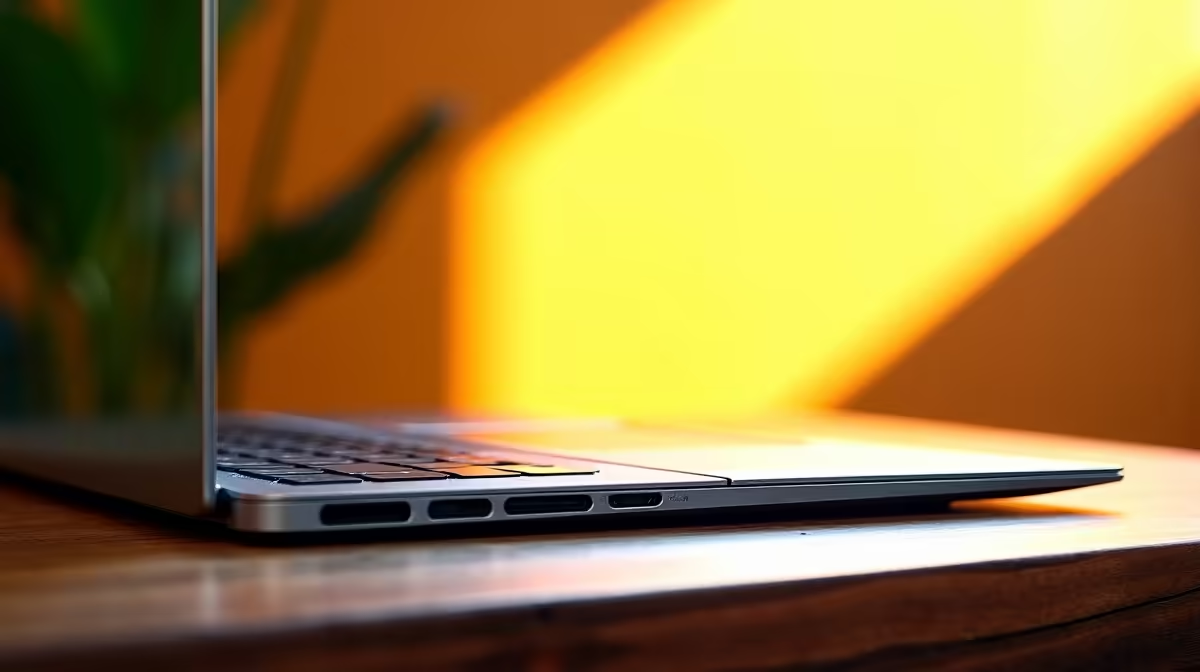
Struggling to find a laptop in South Africa that can handle your creative hustle without emptying your wallet? You need a machine that crushes Adobe Creative Suite, not your bank account. The search for that perfect blend of power and price can feel endless. But what if the ideal solution has been hiding in plain sight? Enter the ASUS Vivobook series, a lineup that promises premium features for a price that makes sense. Let's investigate.
Unpacking the Essentials for a Creator Laptop
Before we dive into our ASUS Vivobook review, what exactly makes a laptop good for creative work? It’s more than just a fast processor. For content creators, the magic lies in a balanced combination of components working together seamlessly.
- Processor (CPU): This is the engine. For tasks like video rendering, photo batch-editing, and running complex audio plugins, a modern multi-core CPU is non-negotiable. Whether you're looking at the latest ASUS Intel laptops with their strong single-core performance or the multi-threaded muscle from our ASUS Ryzen laptop deals, you need at least a Core i5 or Ryzen 5 to keep things smooth.
- Display: You can't edit what you can't see properly. A dim, washed-out screen is a creator's worst nightmare. Look for displays with high sRGB coverage (90% or more) for accurate colours. An OLED panel, once a luxury feature, is becoming more common on budget machines and is a massive plus for visual accuracy.
- RAM & Storage: 8GB of RAM is the absolute minimum, but 16GB is the real sweet spot for multitasking between creative apps. And for storage? A fast NVMe Solid State Drive (SSD) is essential. It dramatically cuts down on loading times for apps and large project files, saving you precious minutes… which add up to hours.
The ASUS Vivobook: A Closer Look for Creatives 🚀
So, does the Vivobook tick these boxes to qualify as the best budget laptop for creators? In many ways, yes. ASUS has cleverly positioned this series to hit a price-to-performance ratio that’s hard to ignore.
Performance Where It Counts
The Vivobook lineup offers a fantastic range of configurations. You can find models equipped with capable processors that handle 1080p video editing in DaVinci Resolve or managing dozens of layers in Photoshop without breaking a sweat. While they won't compete with a dedicated R50,000 workstation, they provide more than enough power for aspiring YouTubers, graphic design students, and freelance photographers. For many, this is the perfect starting point before needing to upgrade.
Editing Pro Tip ⚡
When editing video on a budget laptop, use proxies! Creating low-resolution versions of your high-res footage allows for super-smooth timeline scrubbing and editing. When you're ready to export, your software simply links back to the original high-quality files. It's the single best way to work with 4K footage on a machine that isn't a powerhouse.
A Display That Pops ✨
This is where the Vivobook truly shines. Many recent models feature ASUS Lumina OLED technology, delivering incredibly vibrant colours and deep, true blacks that LCD screens simply can't match. For anyone doing colour-sensitive work like photo editing or graphic design, having a colour-accurate OLED display on a budget-friendly machine is a massive advantage. It means what you see on your screen is a much closer representation of the final product.
Is This the Right Creative Tool for You?
The Vivobook series is incredibly versatile, but it's important to match the machine to the mission. So, who is this laptop really for?
This is the best budget laptop for creators who are:
- Students in design, media, or architecture programs.
- Freelancers starting in graphic design, photography, or copywriting.
- YouTubers and TikTokers editing 1080p or even light 4K content.
- Musicians and producers working with digital audio workstations (DAWs).
If your workflow involves heavy 3D rendering, complex visual effects, or editing 8K RED camera footage, you'll likely need to look at a more specialised (and expensive) machine. But for the vast majority of creative tasks, the Vivobook hits a home run. If you're exploring options, it's always worth seeing what ASUS laptops are on special to find a great deal.
The Verdict: A Top Contender for SA's Creators
After a thorough review, the ASUS Vivobook makes a compelling case. It intelligently balances cost with creator-focused features, especially its outstanding OLED display options. It proves that you no longer need to spend a fortune to get a machine capable of producing professional-quality work.
While it's not the most powerful laptop on the market, it's arguably one of the smartest choices for its price point. For South African creators watching their budget, the Vivobook isn't just a good option; it's a fantastic one. You can browse Evetech's full dedicated ASUS Vivobook range to find the specific model that fits your needs perfectly.
Ready to Power Up Your Passion Project? The ASUS Vivobook is a serious contender for creators on a budget. But it's just one of many amazing options. Explore our massive range of laptop specials and find the perfect machine to bring your creative vision to life.









