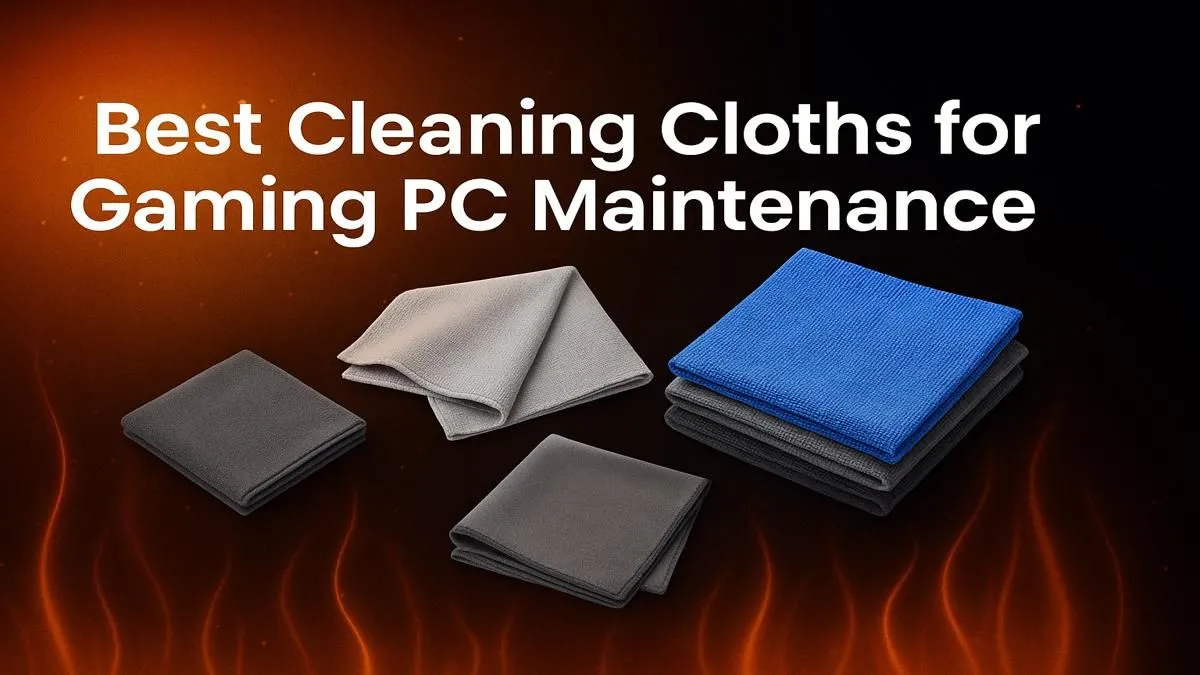
Is that layer of dust on your PC case giving you the side-eye? We've all been there. But that dust isn't just an eyesore; it's a performance killer, clogging fans and choking components until your rig runs hotter and slower. Keeping your PC clean is one of the easiest ways to prolong its life and maintain peak performance. This guide will show you which are the best cleaning cloths for your PC to keep it pristine. 🧼
Why the Right PC Cleaning Cloth is Crucial
Before you grab that old t-shirt or a roll of kitchen paper, stop! Using the wrong material can cause more harm than good. Paper towels leave behind lint and can create micro-scratches on your panels and components. Other fabrics can generate static electricity—a silent killer for sensitive electronics like your RAM and motherboard.
Protecting your investment is key, whether you're running one of our affordable budget gaming PCs or a top-tier custom build. The right cloth ensures a safe, effective clean every time.
Microfibre: The Undisputed Champion for a Dust-Free Rig
When it comes to the best cleaning cloths for a PC, nothing beats a high-quality microfibre cloth. Here’s why it’s the go-to choice for enthusiasts and professionals alike:
- Superior Dust Trapping: Microfibre's split fibres create a net-like surface that traps dust, dirt, and grime instead of just pushing it around.
- Scratch-Free Cleaning: The material is incredibly soft and non-abrasive, making it perfectly safe for plastic side panels, glossy finishes, and even monitor screens (when used correctly).
- Static-Safe: Unlike many synthetic fabrics, microfibre has low static-generating properties, reducing the risk of damaging your components during a clean.
A good set of microfibre cloths is a small price to pay to maintain the performance of even the most powerful machines found in our best gaming PC deals.
How to Properly Clean Your PC Components ✨
Armed with the right cloth, you can now tackle the dust bunnies. A regular cleaning schedule is vital for any high-performance setup, from entry-level builds to the most powerful pre-built PC deals available.
Case, Panels, and Exterior Surfaces
For the outside of your rig, a dry microfibre cloth is usually all you need. Gently wipe down all surfaces to remove dust and fingerprints. For stubborn grime, you can slightly dampen a corner of the cloth with distilled water, but never spray liquid directly onto your case.
Fans, Vents, and Heatsinks
These are your PC's lungs. Clogged vents lead to overheating. Start with a can of compressed air to blow out the bulk of the dust. Then, use a dry microfibre cloth to carefully wipe down fan blades and the exterior of your heatsinks.
Pro Cleaning Tip 💨
Never use a vacuum cleaner inside your PC! The nozzles can create a massive amount of static electricity, which can instantly fry sensitive components like your motherboard or GPU. Stick to compressed air for dislodging dust and a microfibre cloth for wiping it away.
What to Avoid: The PC Cleaning No-Go List
Using the wrong tools can turn a simple maintenance task into a costly repair job. Whether you own a PC under R20k or a monster rig over R20k, the rules are the same. Steer clear of:
- Paper Towels & Tissues: They disintegrate and leave lint everywhere.
- Harsh Household Cleaners: Chemicals like ammonia can damage plastic, strip paint, and degrade protective coatings on your components.
- Tap Water: The mineral deposits can leave residue and are conductive. Always use distilled water if you need moisture.
- Old Rags or T-Shirts: These can be abrasive and leave behind more fibres than they pick up.
Keeping your rig dust-free is simple with the right tools. A pack of microfibre cloths is a tiny investment that pays huge dividends in performance and longevity.
Is Your Rig Beyond a Simple Dust-Off?
Sometimes, no amount of cleaning can bring an old PC back to peak performance. If dust is the least of your worries, it might be time for an upgrade. Explore our incredible range of pre-built PC deals and find a fresh, powerful rig ready to dominate.