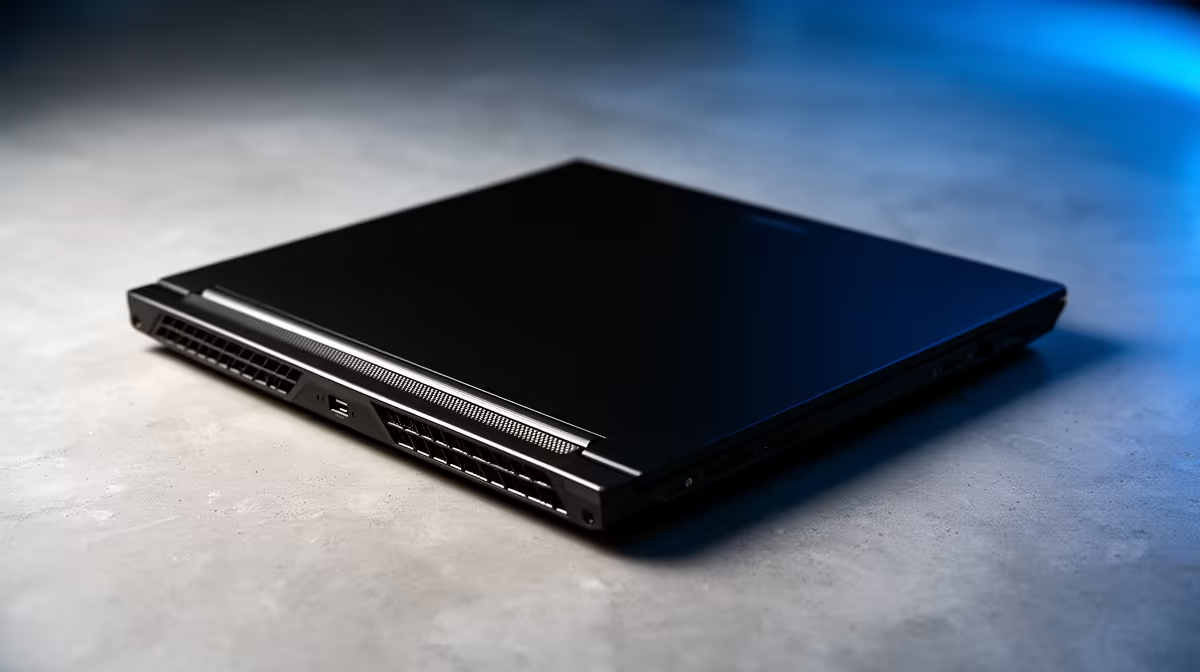
Is your Dell laptop hotter than a Durban summer? You’re not alone. When the fans start screaming and your frame rates drop, it’s a classic sign of thermal throttling. This performance-killer turns your powerful gaming rig or workstation into a stuttering mess. But don't sweat it... we’ve got the best cooling solutions for Dell laptops in South Africa to get your machine running cool and fast again, whether you're gaming in Cape Town or working in Jozi.
Understanding the Heat: Why Dell Laptops Get Toasty 🌡️
Before we dive into the fixes, let's quickly look at why your Dell laptop is overheating. Modern processors and graphics cards generate immense heat in a very tight space. Over time, dust clogs the cooling fins and fans, acting like a blanket and trapping that heat inside. Demanding games or productivity apps push your components to their limits, and our warm South African climate certainly doesn't help. Even reliable workhorses from the Dell Vostro range can start to struggle under a heavy multitasking load if airflow is compromised.
Quick Fixes: Cooling Your Dell Without Spending a Cent
You can often improve your laptop's temperatures significantly with a few simple, free tweaks. These are the first steps in finding a good cooling solution for your Dell laptop.
The Clean-Up Crew: Dust is Your Enemy
The most common culprit for overheating is a build-up of dust and fluff in your laptop's cooling system.
- Power Down: Completely shut down your laptop and unplug it.
- Compressed Air: Use short bursts of compressed air to blow dust out of the intake and exhaust vents. Don't blow it deeper inside!
- Regular Maintenance: Make this a bi-monthly habit to keep airflow optimal.
Smart Software & Setup Tweaks
Your operating system can also help. In Windows, navigate to your power settings and select a "Balanced" power plan instead of "High Performance" for everyday tasks. This prevents your CPU from running at full tilt unnecessarily. Also, simply propping up the back of your laptop with a book can dramatically improve airflow to the intake vents on the bottom. For professional users running intense simulations, upgrading to a machine with a superior thermal design, like the latest Dell Precision Workstation laptops, might be the long-term answer.
Check Your Temps! ⚡
Download a free tool like HWMonitor or Core Temp. These utilities show you the exact temperature of your CPU and GPU cores in real-time. This helps you diagnose if your cooling solutions are actually working. A gaming laptop's CPU hitting 95°C is a clear sign it's time to take action.
Investing in the Best Cooling Hardware for Your Dell
If the free fixes aren't enough, it's time to look at some affordable hardware. These external options are among the best cooling solutions for Dell laptops when software tweaks and cleaning just don't cut it.
Laptop Cooling Pads
A laptop cooling pad is an external base with built-in fans that force cool air into your laptop's intake vents. They are a simple and effective way to lower temperatures by a few crucial degrees, preventing throttling during intense gaming sessions. Look for one with adjustable fan speeds and a size that matches your Dell. This simple investment can extend the life of your machine, which is especially important if you've invested in one of the powerful Dell Workstation laptop deals available.
Thermal Paste Reapplication 🔧
This is a more advanced move, but it's incredibly effective. The thermal paste between your CPU/GPU and its heatsink can dry out over years of use. Replacing it with a high-quality compound like Thermal Grizzly Kryonaut or Arctic MX-4 can drop temperatures by 5-10°C or more. It’s a bit of a DIY project, but the performance gains are real.
Is It Time for a New Rig? ✨
Sometimes, an older laptop's cooling system is just fundamentally outmatched by modern software demands. If you've cleaned the fans, reapplied thermal paste, and are using a cooling pad... but your Dell is still overheating, it might be time to consider an upgrade. Newer models often feature vastly improved thermal designs with vapour chambers and better heat pipes. For a permanent home setup where thermals are a top priority, a Dell All-in-One Desktop PC offers desktop-grade cooling without the bulk of a traditional tower.
Ready to Beat the Heat for Good?
A cool laptop is a fast laptop. Whether you need a powerful cooling pad or it's time for a brand-new machine with a state-of-the-art thermal design, we've got you covered. Explore our massive range of laptop specials and find the perfect rig to conquer your world.