


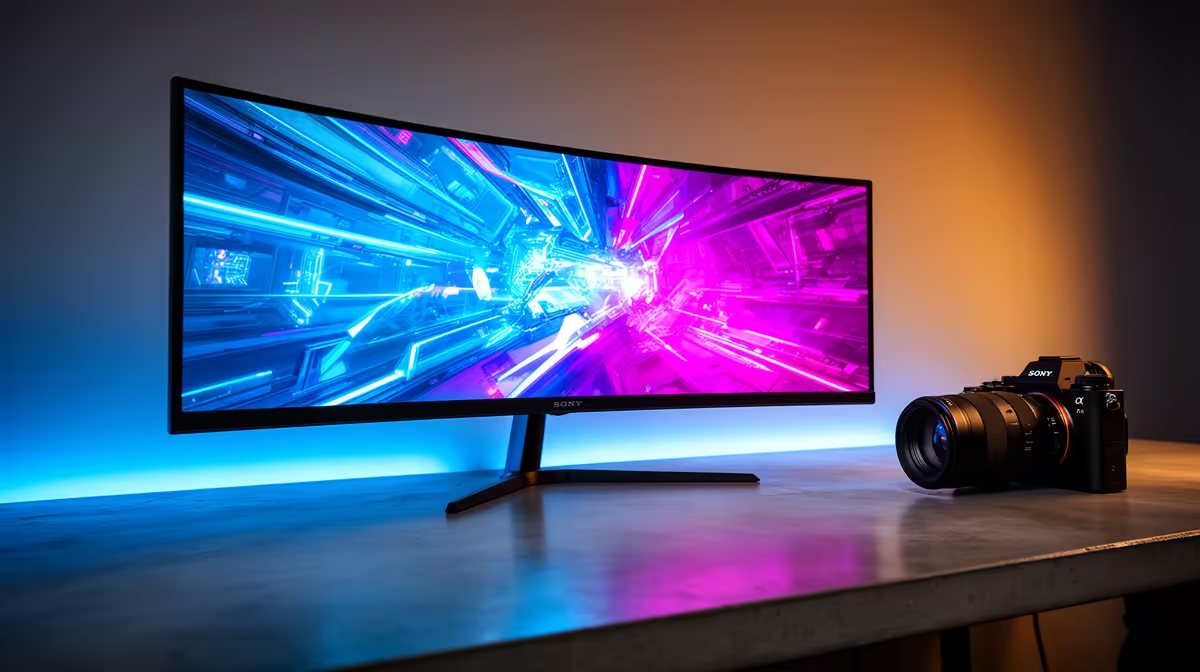
So, you've dropped some serious ZAR on a beastly GPU and a lightning-fast CPU. Your rig is ready to tear through the latest titles. But are you still staring at a blurry, laggy screen from 2015? A powerful PC is only half the battle. Finding the best gaming monitor in South Africa is what truly brings your virtual world to life. This guide will cut through the jargon and help you find the perfect panel for your setup.
Understanding the Core Specs ⚡
Navigating monitor specs can feel like learning a new language. Let's break down the three most important numbers you need to know to find the best gaming monitor South Africa has to offer for your budget.
Refresh Rate (Hz): The Smoothness Factor
Refresh rate, measured in Hertz (Hz), is how many times your monitor updates the image per second. A standard office monitor is 60Hz. For gaming, you want at least 144Hz. This higher rate delivers buttery-smooth motion, giving you a critical competitive edge in fast-paced games like Apex Legends or Valorant. The difference is night and day; once you experience 144Hz or higher, you'll never go back.
Response Time (ms): Ghosting's Worst Enemy
Response time, measured in milliseconds (ms), is how quickly a pixel can change colour. A high response time causes "ghosting"—a blurry trail behind moving objects. Look for a monitor with 1ms response time for the crispest, clearest image during intense action. It ensures what you see is happening in real-time, without distracting visual artefacts.
Resolution: From 1080p to Glorious 4K
Resolution determines the sharpness and detail of your image.
- 1080p (Full HD): The baseline for competitive gaming. It's easier for your GPU to run, allowing for higher frame rates.
- 1440p (QHD): The current sweet spot for many gamers. It offers a significant visual upgrade over 1080p without demanding a top-tier GPU.
- 4K (UHD): The pinnacle of visual fidelity. Perfect for stunning single-player experiences and creative work. Just be sure your graphics card can handle it! For the ultimate in sharpness, you can explore the stunning world of 4K and 5K monitors to see every detail.
Choosing Your Panel: IPS vs. VA vs. TN
The technology behind the screen itself, the panel, dramatically affects your viewing experience. Each type has its pros and cons, and there's no single "best" one; it depends on your priorities.
- TN (Twisted Nematic): The speed kings. TN panels offer the fastest response times, making them a long-time favourite for pro-level esports. Their downside is weaker colour reproduction and narrower viewing angles.
- IPS (In-Plane Switching): The colour champions. IPS panels deliver vibrant, accurate colours and wide viewing angles. Modern IPS panels have become incredibly fast, making them an excellent all-around choice for gamers who also do creative work.
- VA (Vertical Alignment): The contrast masters. VA panels boast the best contrast ratios, producing deep, inky blacks. This makes them fantastic for cinematic games and watching movies in a dark room. You can browse a wide variety of these and other PC monitors right here.
Colour Calibration Pro Tip 🎨
Your new monitor's default colour settings are rarely perfect. Use Windows' built-in "Calibrate display color" tool (just search for it in the Start Menu) for a basic tune-up. For more professional results, free software like DisplayCAL can help you achieve much more accurate colours, making your games look exactly as the developers intended.
Flat vs. Curved: Does Immersion Have a Shape?
The debate between flat and curved screens is all about personal preference and immersion. A flat screen is traditional and perfectly fine for all types of gaming. However, a curved monitor can enhance your sense of immersion by wrapping the game world around your peripheral vision.
This effect is especially powerful on ultrawide displays, where the curve helps keep the entire screen equidistant from your eyes, reducing distortion at the edges. If you play a lot of racing simulators or atmospheric RPGs, checking out the latest curved monitors could seriously upgrade your experience.
Special Features to Look For ✨
Beyond the core specs, a few other features can elevate your gaming.
Adaptive Sync: G-Sync & FreeSync
Ever seen your screen "tear" during a fast camera pan? That's your monitor and GPU falling out of sync. Adaptive Sync technology solves this.
- NVIDIA G-Sync: Works with NVIDIA GPUs.
- AMD FreeSync: Works with AMD GPUs (and is often compatible with NVIDIA cards too).
Both technologies synchronise your monitor's refresh rate with your GPU's frame output, resulting in a tear-free, super-smooth experience. This is a must-have feature for any serious gamer.
Gaming on the Go?
For LAN parties, travel, or just a second screen for your laptop, a portable monitor is a fantastic tool. These lightweight screens connect via USB-C or HDMI, giving you a high-quality display wherever you are. If you need a flexible setup, consider exploring the range of portable monitors available.
How to Find the Best Gaming Monitor Deals in South Africa
Finding the best gaming monitor in South Africa also means finding the best price. Your perfect monitor is a balance between cutting-edge features and your budget. Don't feel pressured to buy the most expensive model if a more affordable 1440p 165Hz screen meets all your needs. Keep an eye on seasonal sales and promotions to get the most bang for your buck. A great place to start your hunt is by checking out the latest PC monitor deals to see what's on special.
Ready to Find Your Perfect View? Choosing the best gaming monitor in South Africa is the final step to unlocking your PC's true potential. Stop letting your screen be the bottleneck. Explore our massive range of gaming monitors and find the perfect display to dominate the competition.







