


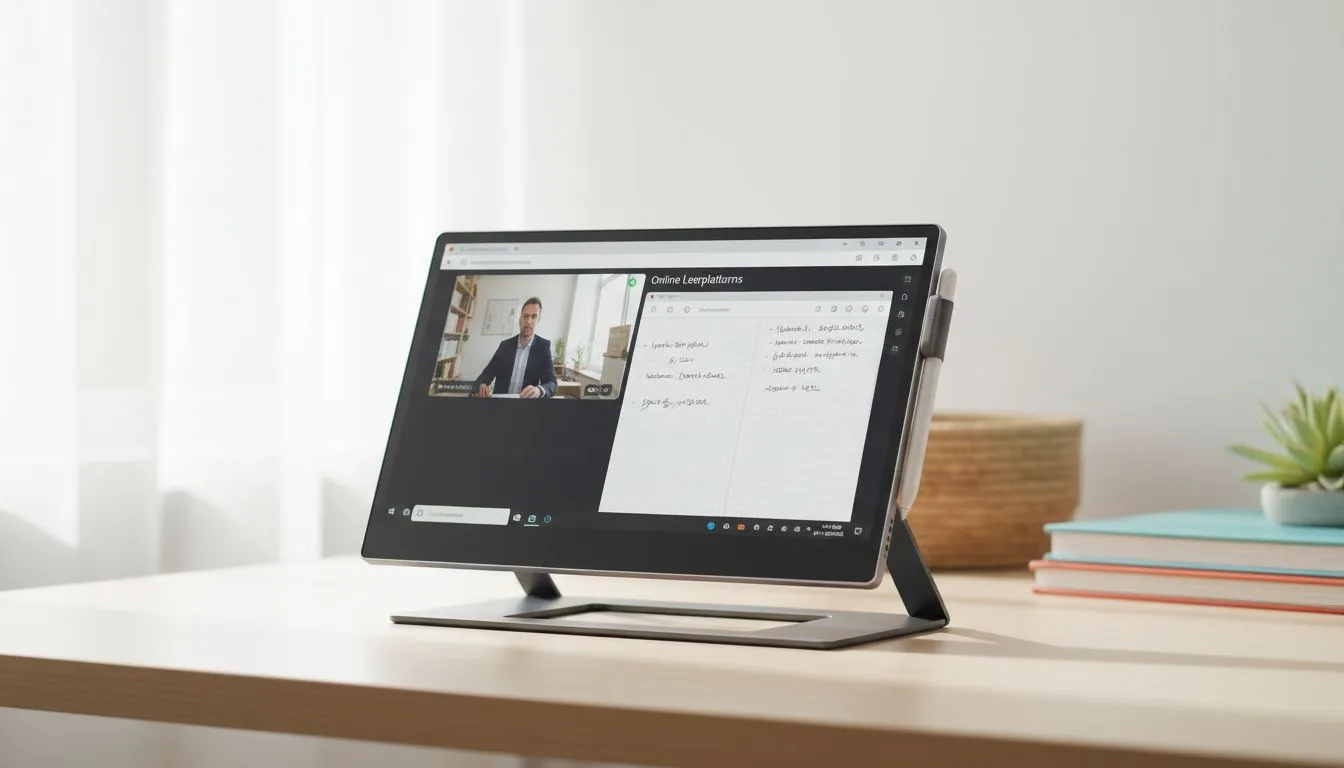
Finding the Best Monitor for Students in South Africa
University life in South Africa is a balancing act. You are juggling heavy textbooks, tight deadlines, and even tighter living spaces. Whether you are in a res room in Stellenbosch or a shared flat in Braamfontein, your desk space is precious. Finding the best monitor for students means picking a screen that handles online classes and note-taking without eating up your entire workspace... or your entire budget. 🎓
Maximising Space on Small Desks
Space is the ultimate luxury for most students. A massive ultrawide might look cool, but it leaves no room for your keyboard or coffee. A flat panel display is often the smartest choice for shallow desks. These models sit closer to the wall, giving you more room for your notebooks.
If you prefer a more immersive feel for late-night Netflix sessions, curved monitors can work well, but they usually require a bit more depth. Always measure your desk before clicking buy. In South Africa, where many student desks are standard 60cm depth, a 24-inch or 27-inch screen is usually the "sweet spot" for productivity.
Productivity Pro Tip ⚡
On Windows, use the "Snap Assist" feature to split your screen perfectly. Hold the Windows Key and press the Left or Right arrow. This lets you keep your Zoom lecture on one side and your Microsoft Word notes on the other, making the most of every inch of your student monitor.
Clarity for Online Classes and Note-Taking
Reading digital textbooks for hours can lead to serious eye strain. This is where panel technology matters. For the best monitor for students, an IPS panel monitor is the gold standard. IPS screens offer superior colour accuracy and wide viewing angles. This means your text stays crisp even if you lean back in your chair.
High-resolution displays help you see more of your documents at once. If you are constantly switching between tabs, look for Adaptive Sync support to ensure smooth scrolling through long PDFs. It might seem like a small detail... but it makes a massive difference during an all-night study session.
Balancing Study and Gaming Performance
Let’s be honest... your monitor isn't just for spreadsheets. Many South African students are gamers too. You want a screen that transitions from a lecture at 10 AM to a match of Valorant at 8 PM. If you have an AMD graphics card or use integrated graphics, look for a screen with FreeSync technology. It eliminates screen tearing during fast-paced games.
For those rocking a dedicated gaming laptop with an Nvidia GPU, choosing a monitor with G-Sync compatibility is a smart move. These features ensure your gameplay is as smooth as your presentations. 🚀
Smart Value for the South African Student
Budget is always a concern when you are living on a student allowance. You need to optimise every Rand spent. While high-end professional displays can cost a fortune, you can find excellent PC monitors starting from under R2,500.
Focus on features that actually improve your daily life. Flicker-free technology and blue light filters are essential for long hours of research. A height-adjustable stand is also a massive win for ergonomics... your neck will thank you after a three-hour exam. Browse the full range of PC monitors to find a model that fits both your desk and your wallet. ✨
Ready to Find Your Perfect Match? Choosing the right monitor is the first step toward better grades and better gaming. For the best deals on student-friendly displays in South Africa, we have you covered. Explore our massive range of monitor specials and find the perfect machine to conquer your academic world.











