


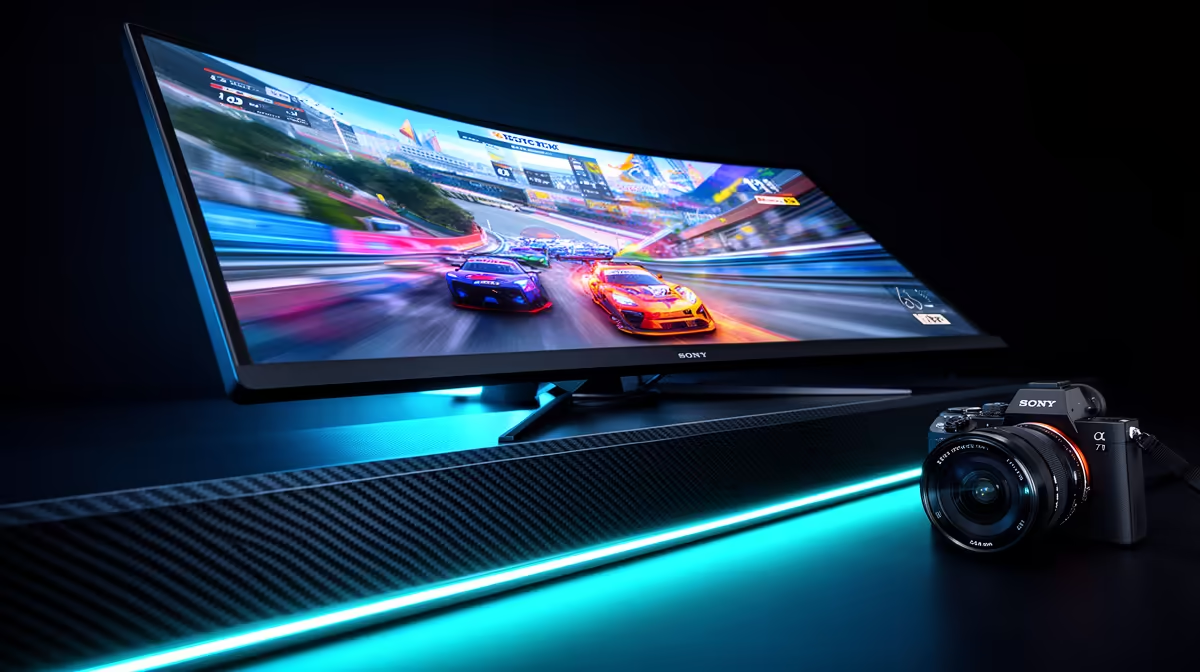
There's nothing worse. You're about to clutch a 1v3 in Apex Legends, your aim is crisp, the enemy is in your sights... and your screen rips itself in half. That jarring, horizontal line is screen tearing, and it’s the ultimate immersion killer for any South African gamer. It happens when your graphics card sends out frames faster than your monitor can display them. The good news? The solution lies in choosing one of the best monitors for screen tearing.
Understanding the Tech Behind Tear-Free Gaming
Before you can find the perfect tear-free gaming monitor, you need to understand what causes this visual glitch and the technology that fixes it. At its core, screen tearing is a synchronisation problem. Your GPU is a powerhouse, rendering frames as fast as it can, while your monitor is stuck refreshing the picture at a fixed rate (e.g., 60 times per second, or 60Hz).
When these two are out of sync, your monitor might try to display two different frames at once, creating that ugly tear. The key to fixing this is a technology called Variable Refresh Rate (VRR).
G-Sync vs. FreeSync: The Two Champions of Smoothness
VRR allows your monitor to adjust its refresh rate in real-time to match the frame rate output of your GPU. This creates a perfectly smooth, one-to-one experience. There are two main flavours:
- NVIDIA G-Sync: Requires a dedicated hardware module inside the monitor. This generally offers a premium, flawlessly calibrated experience but often comes at a higher price point. It works exclusively with NVIDIA graphics cards.
- AMD FreeSync: An open-standard technology that doesn't require a special chip, making FreeSync monitors more widely available and affordable. While early versions were less consistent, modern FreeSync Premium and Premium Pro certified displays offer an experience that is virtually indistinguishable from G-Sync for most gamers.
Many modern monitors are now "G-Sync Compatible," meaning they are FreeSync monitors that NVIDIA has tested and certified to work well with their cards. This gives you the best of both worlds! ✨
Key Features in the Best Monitors for Screen Tearing
While VRR is the most important feature for eliminating tearing, it's not the only thing that contributes to a smooth gaming experience. When browsing for the best monitors for screen tearing, you need to consider the whole package.
Refresh Rate (Hz)
This is how many times per second your monitor can draw a new image. A higher refresh rate means smoother motion.
- 144Hz: The gold standard for competitive gaming. It provides a massive leap in fluidity over older 60Hz screens.
- 240Hz+: The choice for esports professionals and serious enthusiasts who demand the absolute fastest and clearest motion.
Response Time (ms)
This measures how quickly a pixel can change from one colour to another. A low response time (ideally 1ms GtG) reduces motion blur and "ghosting," which is crucial for tracking fast-moving targets.
Don't Forget to Enable VRR! 🔧
a G-Sync or FreeSync monitor is only half the battle. You need to enable it in your graphics card's control panel! For NVIDIA, open the NVIDIA Control Panel and go to "Set up G-SYNC". For AMD, open the AMD Software: Adrenalin Edition and find the "AMD FreeSync" toggle under the Gaming > Display tab.
Finding Your Perfect Tear-Free Monitor at Evetech
Knowing the tech is great, but how do you apply it to find the right screen for your setup and budget? Whether you're a casual gamer or a competitive pro, getting the right monitor makes all the difference.
First, consider the sheer variety available. Evetech's massive range of PC monitors covers every possible need and price point in ZAR. For those focused purely on performance, our dedicated collection of all gaming monitors is the best place to start your search, filtering by refresh rate and response time.
But what about immersion? Many gamers find that curved monitors pull them deeper into the game world. These are fantastic for single-player adventures and racing sims, and modern options don't sacrifice the tear-free tech you need.
Resolution is another big factor. While 1080p and 1440p are sweet spots for high refresh rates, you no longer have to choose between pixels and performance. The latest 5K & 4K monitors now come with high refresh rates and VRR, offering breathtaking visuals without the stutter. And for the gamer on the move, a high-quality portable monitor can be a lifesaver for LANs or as a second screen for Discord. 🚀
Finally, don't forget the setup. A great monitor deserves a great mount or stand. Investing in the right monitor accessories ensures perfect ergonomics for those long gaming sessions, preventing neck strain and keeping you comfortable.
Choosing the best monitor for screen tearing is about matching powerful VRR technology with the features that matter most to you. By focusing on a high refresh rate, low response time, and either G-Sync or FreeSync, you can finally say goodbye to screen tearing and hello to buttery-smooth gameplay.
Ready to Banish Screen Tearing for Good? A smooth, tear-free experience is no longer a luxury… it's a necessity for modern gaming. Explore our massive range of gaming monitors and find the perfect display to conquer your favourite games.










