


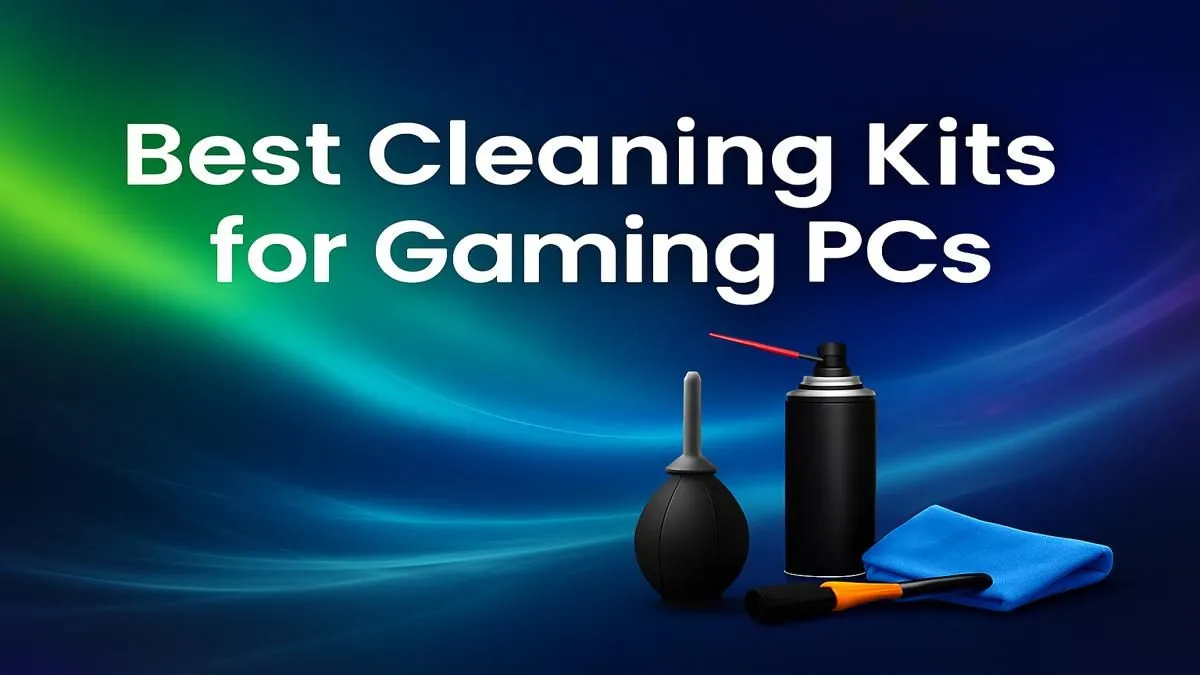
Is your gaming rig feeling a bit… sluggish? Before you blame game updates or your internet, look inside your case. Dust is the silent performance killer for South African gamers, clogging fans and choking components until they overheat. A hot PC is a slow PC. Investing in the best PC cleaning kit isn't just about aesthetics; it's about reclaiming your frame rates and protecting your hardware from the Highveld dust or coastal humidity. Let's get your machine running cool and clean again. ✨
Everyday Reliability
Dust is more than just an ugly layer on your GPU. It's an insulator. When it blankets your heatsinks, fans, and vents, it traps heat. Your system's cooling then has to work overtime, leading to more noise and, eventually, thermal throttling. That’s when your CPU or GPU intentionally slows down to prevent damage... right in the middle of a clutch play.
For any rig, from our awesome pre-built PC deals to a custom build, keeping it clean is non-negotiable for peak performance. A simple wipe of the case exterior just doesn’t cut it.
What's Inside the Best PC Cleaning Kit?
You don't need a massive toolbox, just the right tools. A comprehensive computer cleaning kit gives you everything required to safely and effectively banish dust without damaging sensitive electronics. Forget the vacuum cleaner—its static discharge can fry your components.
Here’s what a good kit should contain:
- Compressed Air or an Electric Duster: For blasting dust from tight spaces like heatsink fins and fan blades.
- Anti-Static Brushes: A set of soft-bristled brushes is crucial for gently dislodging stubborn dust from motherboards and circuit boards.
- Microfibre Cloths: Perfect for wiping down case panels, cables, and other smooth surfaces without leaving lint behind.
- Isopropyl Alcohol (90%+): Essential for cleaning thermal paste off a CPU or just getting a streak-free finish on glass panels.
- Cable Ties or Velcro Straps: A bonus for tidying up your cable management post-cleaning, which further improves airflow.
Protecting your investment, whether it's one of our popular PCs under R20,000, is simple with the right PC cleaning tools.
Fan Cleaning Pro Tip 🔧
Always hold the fan blades stationary with one finger while blasting them with compressed air. Allowing the fan to spin freely from the compressed air can generate a small electrical charge that might damage the fan motor or your motherboard. This simple step ensures a safe and effective clean every time.
A Quick Guide to a Dust-Free Gaming Rig
Ready to get hands-on? Regular maintenance is key, especially for high-performance systems. If you've invested in one of the top-tier gaming PCs above R20k, a 15-minute clean every few months will keep it running like new.
Step 1: Power Down & Unplug. Completely disconnect your PC from the wall socket. Press the power button a few times to discharge any residual electricity.
Step 2: Open It Up. Move your PC to a well-ventilated area (outside is great, if it’s not windy). Remove the side panels.
Step 3: Blast Away Loose Dust. Using your compressed air or electric duster, work from the top of the case downwards. Use short, controlled bursts to blow dust out of the case, focusing on intake fans, exhaust fans, and your GPU and CPU coolers.
Step 4: Detail with Brushes. Use your anti-static brushes to gently loosen any caked-on dust from fan blades, motherboard components, and your power supply.
Step 5: Final Wipe-Down. Use a microfibre cloth to wipe the bottom of the case and any remaining surfaces clean. Re-attach your side panels, plug everything back in, and enjoy the silence of happy, efficient fans. 🚀
Better Performance, Longer Lifespan
Finding the best PC cleaning kit for your needs is one of the easiest upgrades you can make. It's a small investment in ZAR that pays huge dividends in performance and hardware longevity. A clean PC doesn't just run faster; it runs longer. By preventing overheating, you reduce wear and tear on every single component, ensuring you get the most value out of your machine.
This simple maintenance helps maintain the performance that makes our best gaming PC deals so attractive in the first place, and it's just as important for our excellent budget gaming PCs.
Keep Your PC Performing at its Peak? A clean rig is a fast rig. Whether you're maintaining your current beast or considering an upgrade, peak performance starts with great hardware. Explore our massive range of gaming PCs and find the perfect machine to dominate the competition.







