


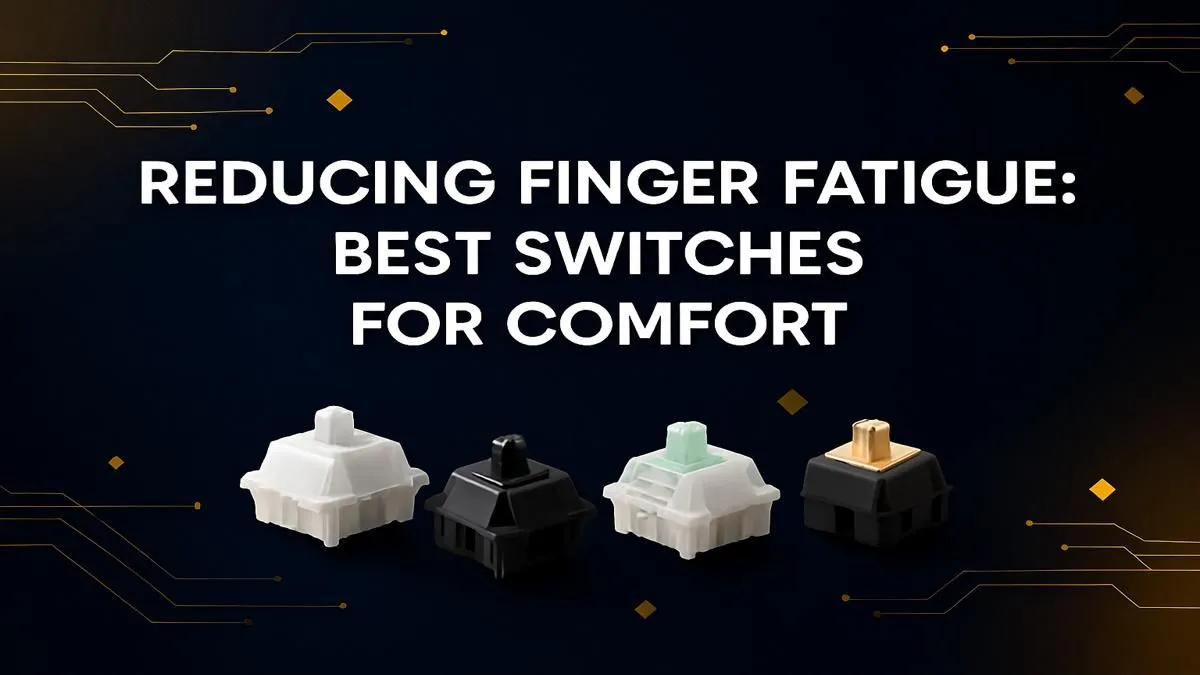
Lank gaming sessions in Apex or a full day grinding code can leave your fingers feeling wrecked. That dull ache, the stiffness... it’s a real vibe killer. You might think it’s just part of the grind, but what if the culprit is hiding right under your fingertips? Your keyboard switches could be the cause of that strain. Finding the best switches for comfort isn't just a luxury; it's a necessity to keep you in the game longer and typing happier.
Understanding Finger Fatigue: It's All in the Switch ⌨️
Ever wondered why pressing one key feels different from another? It boils down to three things: actuation force, travel distance, and switch type.
- Actuation Force: This is the amount of pressure (measured in grams, or 'g') needed to register a keystroke. A higher force means you're pushing harder every single time. A switch with 60g of force requires 33% more effort than one with 45g. Over thousands of presses, that adds up... fast.
- Switch Type: Switches are generally linear, tactile, or clicky. Linears are smooth all the way down. Tactiles have a small, noticeable bump on the way down. Clickys have that same bump, plus an audible click. That bump and click require slightly more force to overcome, contributing to fatigue.
For many, especially those on a budget, the default switches that come with entry-level gaming keyboards are often heavier tactiles or clickys, which might not be ideal for marathon sessions.
The Best Switches for All-Day Comfort and Gaming
So, what are the most comfortable keyboard switches to help you reduce finger fatigue? It's all about finding a switch that requires less effort without feeling mushy.
Linear Switches: The Smooth Operators
For pure, unadulterated smoothness, nothing beats a linear switch. They move straight down and up with no bump or click. This consistent, low-resistance travel makes them a top choice for gamers who need rapid, repeated keystrokes and for anyone looking to minimise finger strain.
- Top Picks: Cherry MX Red, Gateron Red, or Kailh Red switches are industry standards. They typically feature a light actuation force of around 45g.
- Why They Work: The lack of a tactile bump means your fingers glide across the keys, making them fantastic for both fast-paced gaming and long typing stints. They are often the default choice in many of the best gaming keyboard deals for a reason.
Light Tactile Switches: A Touch of Feedback
What if you miss that satisfying little bump that confirms a keypress? You're not alone. Heavy tactiles can be tiring, but light tactiles offer a perfect middle ground. They provide confirmation without requiring a forceful press, making them arguably the best switches for typing comfort if you value feedback.
- Top Picks: Cherry MX Brown and Gateron Brown are the undisputed champions here. With an actuation force around 55g, they offer a gentle bump that won't tire you out.
- Why They Work: They give you just enough feedback to prevent bottoming out (smashing the key down hard), which can also cause strain. If you're looking to experiment, you can explore a wide variety of individual keyboard switches to find your perfect feel.
Ergonomics 101 💪
Remember the 20-20-20 rule. Every 20 minutes, look at something 20 feet (about 6 metres) away for 20 seconds. While you're at it, give your hands a good stretch. Wiggle your fingers, and gently bend your wrists up and down. This simple habit dramatically reduces eye strain and helps prevent repetitive strain injury (RSI).
More Ways to Reduce Finger Fatigue ✨
The switches are the engine, but the rest of the keyboard is the chassis. Optimising your entire setup provides even greater relief.
First, consider your keycaps. The shape and height, known as the "profile," matter. A sculpted profile like Cherry or OEM is designed to match the natural curve of your fingers, reducing reach and strain. You can completely change the feel of your board by checking out different custom keyboard keycaps.
Next, support your wrists. Letting them bend upwards at a sharp angle is a fast track to pain. A quality ergonomic wrist rest keeps your hands in a neutral position, taking the pressure off your tendons.
Finally, think about your whole desk. A compact keyboard layout can bring your mouse closer, creating a more natural shoulder posture. Getting your peripherals to work together is key, which is why considering a well-designed keyboard and mouse combo can be a smart move for overall desk ergonomics.
Choosing the best switches for comfort is a personal journey, but starting with light linears or tactiles is your surest bet to finally reduce finger fatigue. Your hands will thank you for it.
Ready to Upgrade Your Comfort? Don't let finger fatigue cut your gaming session short. The right keyboard can transform how you play and work. Explore our massive range of gaming keyboard deals and find the perfect setup to conquer your world, comfortably.










