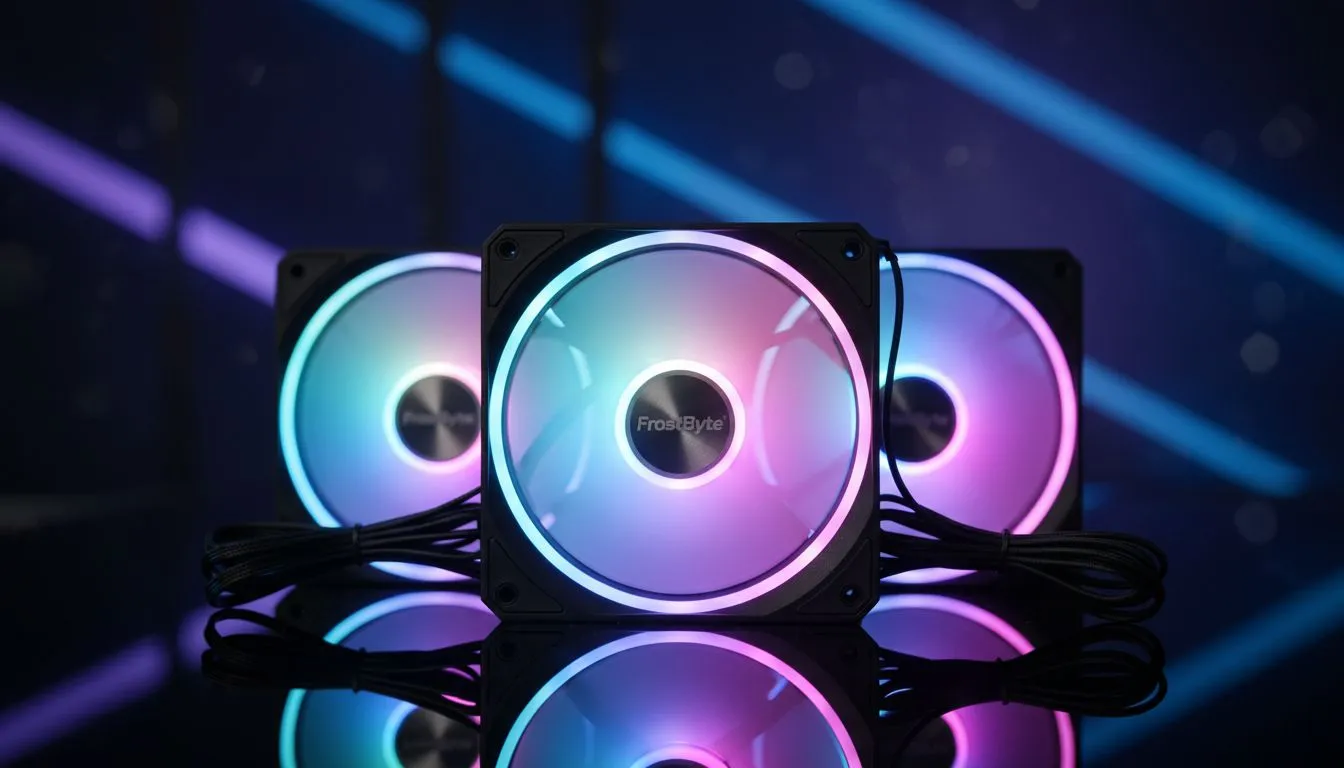
Your new PC build is a beast... but it looks a bit, well, boring. Premium RGB lighting can cost a fortune, leaving your rig in the dark. What if you could get that epic, customisable glow without emptying your wallet? Finding the best budget RGB fans in South Africa is easier than you think. Let's light up your setup and keep it cool, all while saving you some serious ZAR for your next game. ✨
Why Settle for Dull? The Power of Affordable RGB
A great set of case fans does more than just look pretty. It’s about creating an optimised ecosystem inside your rig. Good airflow pushes out hot air generated by your CPU and GPU, preventing thermal throttling and ensuring you get the peak performance you paid for.
The good news? You don't need to spend thousands. The market for affordable RGB case fans has exploded, offering impressive performance and vibrant lighting that punches well above its price tag. These fans are one of the most cost-effective ways to boost your PC's aesthetics and cooling in one go.
What to Look for in the Best Budget RGB Fans
Navigating the specs can be confusing. When you're hunting for cheap RGB fans that don't compromise on quality, keep these key factors in mind. They're just as crucial as any of your other core PC components.
Airflow vs. Static Pressure
This is the big one.
- Airflow (CFM): Cubic Feet per Minute measures the volume of air a fan can move. High-airflow fans are perfect for open spaces, like your case's front intake or top exhaust.
- Static Pressure (mmH2O): This measures a fan's ability to push air through resistance. High static pressure is essential for forcing air through dense heatsinks, like on a traditional air cooler or a radiator.
Lighting & Control
Not all RGB is created equal. Addressable RGB (ARGB) is the modern standard, allowing you to control each LED individually for slicker effects. Make sure the fans are compatible with your motherboard's software (like ASUS Aura Sync or MSI Mystic Light) for easy synchronisation.
Cable Management Master Tip 🔧
Tangled RGB and fan cables can ruin a clean build. Plan your cable routing before installing your motherboard. Use the channels and tie-down points in your case, and consider a fan hub. A few extra minutes of planning saves hours of frustration and makes your PC look professionally built.
Our Top Picks for Budget RGB Fans in South Africa
While specific models change, certain types of fans consistently offer the best value. Here’s what to look out for on Evetech.
The Radiator King 🚀
If you're running a liquid-cooled setup, you need fans built for the job. Look for models with high static pressure ratings. These are specifically designed to force cool air through the dense fins of an all-in-one liquid cooler. They are especially critical for getting the best performance out of larger 360mm radiators, ensuring your CPU stays frosty under load.
The Silent Performer
Nobody enjoys the sound of a jet engine taking off from their desk. Many budget RGB fans now use hydraulic bearings and anti-vibration pads to keep noise levels (measured in dBA) to a minimum. A fan running under 25 dBA is considered very quiet. You can have a rig that’s both cool and quiet without breaking the bank.
Getting the Most From Your New Fans
Once installed, don't just set them to 100% and forget them. Dive into your motherboard's BIOS or software to set a custom fan curve. This tells your fans to spin up only when temperatures rise, giving you a silent PC during light tasks and powerful cooling during intense gaming sessions. Integrated ecosystems from brands like Corsair often provide powerful software to fine-tune both lighting and performance seamlessly.
Ready to Light It Up? Finding the perfect balance of style and performance can be tricky, but for maximum cooling, aesthetics, and value in South Africa, the right fans make all the difference. Explore our massive range of PC cooling solutions and find the perfect gear to make your rig shine.