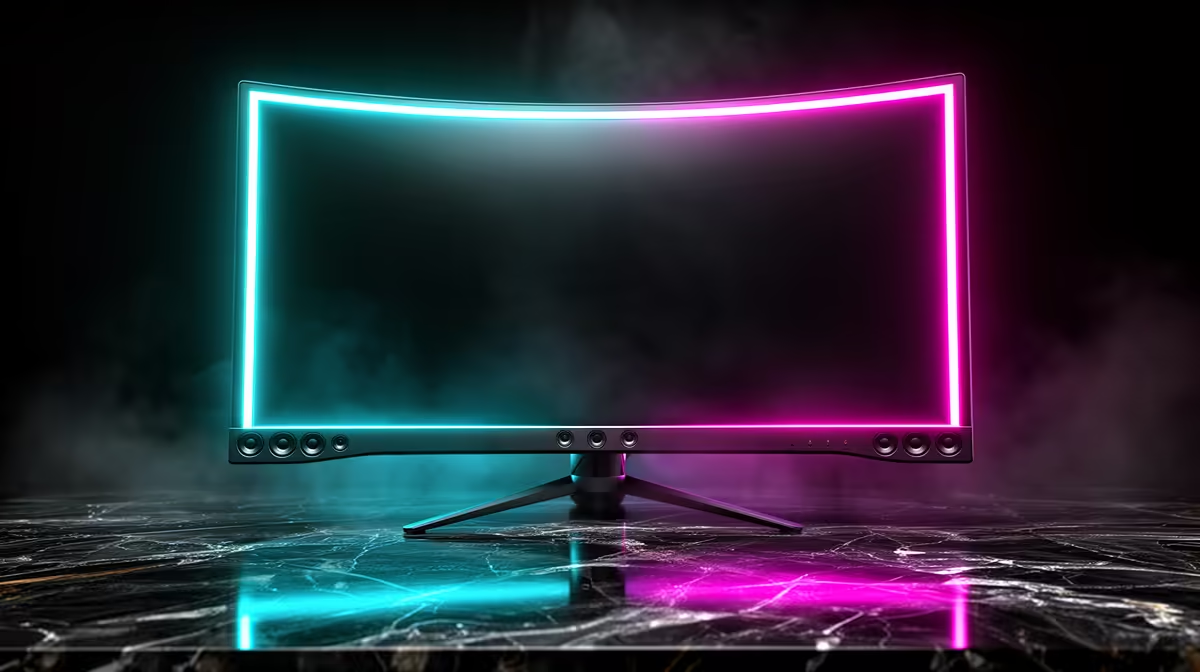
You’ve just unboxed your shiny new display, plugged it in, and fired up your favourite game. The visuals are stunning… but the silence is deafening. You forgot about audio. This is where the debate begins: are gaming monitors with built-in speakers a clever convenience or a critical compromise? For many South African gamers, the appeal of a clean, minimalist setup without extra cables and clutter is strong. But does that convenience come at the cost of immersion? Let's find out.
The Case for Convenience: Why Built-in Speakers Can Be a Win 🎧
Let's be honest, not everyone has the space or budget for a full 5.1 surround sound system. The primary advantage of a monitor with integrated speakers is simplicity. You get a single, streamlined unit that handles both visuals and sound, which is perfect for smaller desks or multi-purpose setups.
This approach offers a few clear benefits:
- Minimalist Setup: Fewer cables mean less clutter and a cleaner aesthetic. Your battle station looks sharp and organised.
- Cost-Effective: You save a few hundred (or even thousand) ZAR by not having to buy separate speakers. This is a massive plus for budget-conscious builds.
- Plug-and-Play: Audio is delivered over the same HDMI or DisplayPort cable as your video. No extra drivers, no extra fuss. It just works.
For general use, like watching YouTube or playing casual games, the audio quality from built-in speakers is often perfectly adequate. It’s an elegant solution found across a wide selection of PC monitors designed for everyday efficiency.
The Audio Compromise: Where Built-in Monitor Speakers Fall Short
Now for the reality check. When it comes to serious, immersive gaming, the built-in speakers on most monitors just can't compete with dedicated audio solutions. The small drivers packed into a thin monitor chassis simply lack the physical space to produce rich, powerful sound.
Here’s what you’re giving up:
- Poor Bass Response: Explosions sound more like pops, and deep, atmospheric soundtracks lose their impact.
- Lack of Detail: Crucial audio cues in competitive games, like enemy footsteps in Warzone or ability activations in Apex Legends, can be muffled or lost entirely.
- No Directional Audio: You can’t pinpoint where sounds are coming from, putting you at a significant tactical disadvantage.
Ultimately, while the feature is convenient, many top-tier gaming monitors omit speakers entirely, focusing their budget on what matters most for gaming: refresh rates, response times, and panel quality.
Quick Audio Tip 🔊
If your monitor's speakers sound a bit flat, dive into your Windows Sound settings. Look for an "Enhancements" tab and try enabling 'Bass Boost' or 'Loudness Equalization'. It won’t work miracles, but it can often provide a noticeable improvement for casual listening.
Who Should Consider a Gaming Monitor with Built-in Speakers?
So, who is the ideal user for these monitors? It really comes down to your specific needs and priorities. A monitor with speakers is an excellent choice if you fall into one of these categories:
- The Casual User: If you spend more time on Discord, Spotify, and YouTube than in competitive lobbies, built-in audio is more than enough.
- The Budget-First Builder: When every Rand counts, getting audio included with your display is a smart financial move. You can always add a headset later.
- The Mobile Warrior: If you rely on portable monitors for a laptop setup on the go, integrated speakers are a non-negotiable for true portability.
The Alternatives: Getting Serious About Your Game Audio ✨
If you've decided that built-in audio isn't for you, what's next? The good news is that you have fantastic options that can transform your gaming experience. A quality gaming headset remains the gold standard for competitive play, offering precise directional audio and a built-in mic for team comms.
For cinematic immersion, nothing beats a dedicated 2.1 speaker system with a subwoofer. The deep bass and clear highs make single-player adventures feel epic. Pairing great audio with visually stunning immersive curved monitors or the incredible detail of crisp 4K monitors creates a truly next-level sensory experience.
The Verdict: Are They Worth It for South African Gamers?
So, are gaming monitors with built-in speakers worth it? The answer is: it depends entirely on you.
For the competitive gamer seeking every possible advantage, they are a compromise. Your money is better spent on a display with a higher refresh rate and a separate, high-quality headset.
However, for the casual gamer, the budget-conscious builder, or anyone who values a clean, simple setup, they are a fantastic, practical feature. They provide solid-enough audio for everyday tasks without the extra cost and clutter. You can always upgrade your audio down the line with a huge range of monitor accessories and dedicated sound systems.
Ready to Upgrade Your View?
Whether you prioritise integrated audio for a clean setup or stunning visuals for a competitive edge, the perfect screen is waiting. Explore our massive range of gaming monitors and find the display that will bring your games to life.