


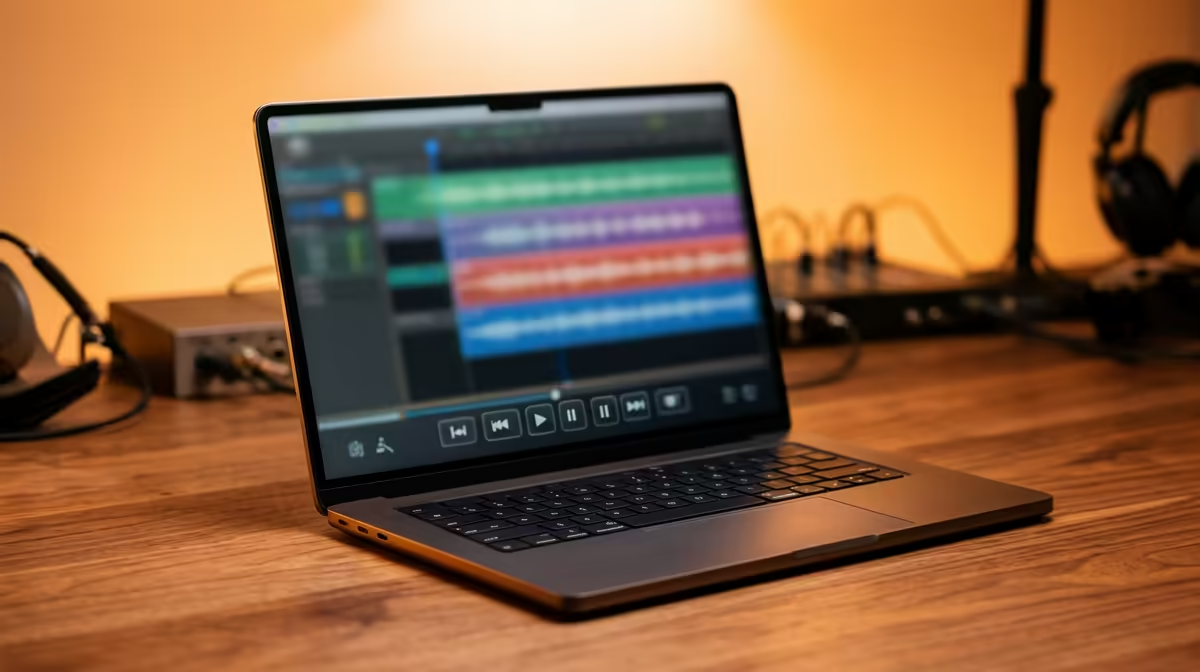
Laying down that perfect amapiano beat when your DAW freezes? Ja, we've all been there. The frustration is real. Finding the right laptop for music production in ZA can feel like a mission, especially when you're trying to balance power, portability, and price. You need a machine that can handle complex projects with dozens of tracks, heavy VSTs, and processor-hungry plugins without breaking a sweat. Let's find your perfect beat-making machine. 🚀
Core Components of a Music Production Laptop
Before you even look at a brand or a price tag, you need to understand the engine under the hood. For music production, three components are non-negotiable: the CPU, RAM, and storage. Getting these right is the key to a smooth, creative workflow.
The CPU: Your Studio's Brain 🧠
The Central Processing Unit (CPU) does all the heavy lifting. It processes every plugin, virtual instrument, and audio track in real-time. A slow CPU leads to audio dropouts, pops, and clicks… the enemies of creativity. Look for a laptop with a strong multi-core processor. This allows it to handle many tasks at once.
For years, producers have relied on powerful Intel Core processors for their solid performance and stability. However, don't overlook the competition; AMD's Ryzen series now offers incredible multi-threaded performance, often providing amazing value for your hard-earned Rands.
RAM: For a Stutter-Free Workflow
Think of RAM (Random Access Memory) as your laptop's short-term memory. Modern music projects, with their high-quality sample libraries and multiple virtual instruments (VSTs), are incredibly RAM-hungry.
- 16GB: This is the absolute minimum for any serious producer in 2024. It'll handle most projects comfortably.
- 32GB or more: If you work with large orchestral libraries or extremely complex projects, 32GB will give you the headroom you need to create without limits.
Storage: Speed is Everything
When you're in the zone, the last thing you want is to wait for samples or projects to load. A Solid State Drive (SSD) is essential. Specifically, an NVMe SSD offers lightning-fast read/write speeds, meaning your libraries load almost instantly and your projects save in a flash. A 1TB NVMe SSD is a great starting point, giving you space for your OS, DAWs, and a good collection of plugins.
Audio Pro Tip 🎧
On Windows, always select the 'High performance' power plan before a music session. This prevents CPU throttling, which can cause annoying clicks, pops, and audio dropouts in your DAW. You can find it in Control Panel > Power Options. It's a small tweak that makes a huge difference!
Why a Gaming Laptop Might Be Your Secret Weapon
Here’s a thought… have you considered a gaming laptop? It might sound strange, but the specs that make a great gaming rig also make an exceptional laptop for music production in South Africa. They come packed with powerful CPUs, heaps of fast RAM, speedy NVMe storage, and robust cooling systems designed to handle intense, prolonged workloads.
This means they can run demanding DAWs like FL Studio, Ableton Live, or Cubase without thermal throttling. Plus, you get a high-quality display and a solid keyboard. It's often the most cost-effective way to get the high-end specs you need, so it's always worth it to check out the latest gaming laptop deals when searching for your next studio centerpiece.
Finding Your Perfect Beat-Making Machine in ZA
Choosing the best laptop for music production in ZA comes down to your specific needs and budget. Prioritise a fast multi-core CPU, at least 16GB of RAM, and a large NVMe SSD. A powerful machine will not only speed up your workflow but will empower you to take on more ambitious projects. Don't let your gear be the bottleneck to your creativity. ✨
Ready to Drop Your Next Hit? Whether you're producing amapiano, hip-hop, or deep house, the right hardware makes all the difference. Explore our massive range of laptop specials and find the perfect machine to bring your sound to life.










