


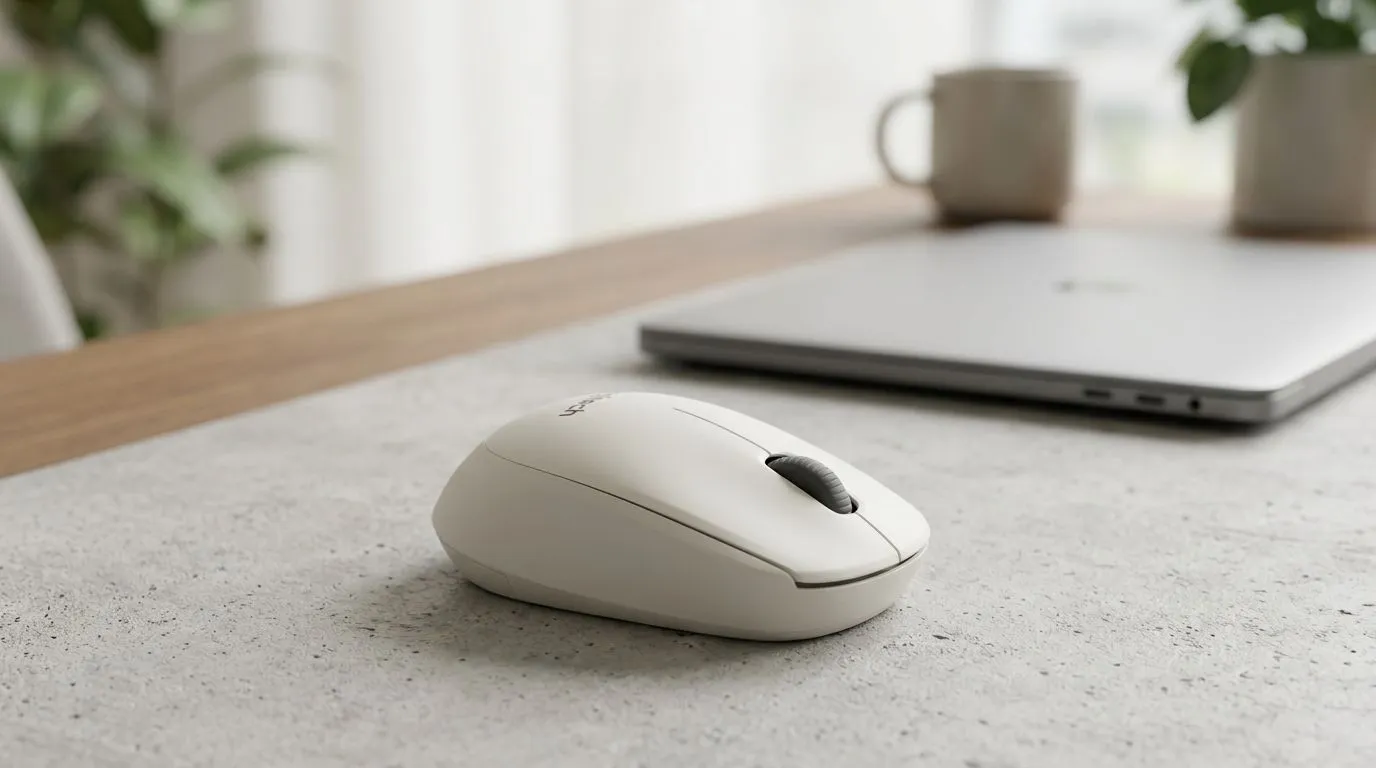
Logitech M240 Silent Bluetooth Mouse Without USB Receiver: Is It Good for South African Buyers?
If you’re tired of losing tiny USB dongles (or you just don’t want another one to carry), the Logitech M240 Silent Bluetooth Mouse Without USB Receiver: Is It Good? question is a fair one. In SA, desk setups often live in tight spaces, laptops move between home and office, and “silent” usually matters if you share your room… or your lounge. So, is the Logitech M240 the practical, everyday pick it promises to be? Let’s break it down for real use cases.
Logitech M240 Silent Bluetooth Mouse Without USB Receiver: The key specs that actually matter
The big idea here is simple: you connect via Bluetooth, not a USB receiver. That means you can pair it with a laptop or PC that has Bluetooth, without plugging anything in. Logitech positions the M240 as a silent-mouse option, focusing on reduced click noise for calmer environments.
From a buying perspective, the questions are more about fit than hype:
- Does it pair easily and stay connected? Bluetooth stability depends on your device’s Bluetooth chip and signal environment.
- Do you prefer a smaller mouse? The M240 is compact, so it suits many hand sizes but may feel tight for larger palms.
- Are you buying it for work? It’s better for browsing, spreadsheets, study, and casual PC gaming than for precision FPS flicks.
If you’re browsing alternatives, you can compare broader options in Evetech’s mouse categories:
Logitech M240 Silent Bluetooth Mouse Without USB Receiver: How “silent” feels day-to-day
“Silent” typically means the click sound is significantly reduced, not that it is silent like a lab instrument. In practice, you notice it most during evening sessions, office calls, or when someone’s trying to focus nearby. That’s where the M240’s appeal lands.
For gaming, be honest with your expectations. A Bluetooth mouse can be perfectly usable for casual titles, desktop MOBAs, and chat-heavy games… but if you’re chasing competitive, ultra-low-latency performance, you’ll want to look at high-performance wireless designs instead. For those hunting the best deals right now, check:
Logitech M240 Silent Bluetooth Mouse Without USB Receiver: Setup tips that prevent buyer regret 🔧
The fastest way to avoid frustration is to plan your pairing and power use.
Productivity Pro Tip ⚡
On Windows, go to Settings → Bluetooth & devices and remove old mouse pairings before re-pairing the M240. Fewer devices remembered usually means fewer reconnect surprises, especially after you bring your laptop home and back.
A quick micro-checklist:
- Pair in a quiet area first, then test in your real desk spot.
- Keep your Bluetooth drivers updated on your laptop. (Windows updates often include Bluetooth stability fixes.)
- If you use a laptop + dock setup, test the mouse before you commit the whole week to it.
Also, consider your workflow. The M240’s compact shape is great for throw-in-your-bag mobility, but if you do long typing sessions, pair it with a comfortable keyboard and proper wrist posture.
Logitech M240 Silent Bluetooth Mouse Without USB Receiver: Where it fits in an Evetech setup
If your goal is a clean setup with no receiver flapping around, this is a strong “daily driver” style mouse. If your goal is competitive gaming performance, you might be better served by another Logitech or gaming-focused wireless mouse with a receiver or advanced low-latency design.
Want to browse the wider ecosystem?
In short… is it good? For office work, study, and casual gaming on Bluetooth-ready devices, yes, it makes a lot of sense. If you need top-tier responsiveness and high-precision button feel, you’ll likely want to step up to a more performance-oriented mouse.
Ready to Find Your Perfect Match? The Mac vs Windows debate is complex, but for maximum power, choice, and value in South Africa, Windows is hard to beat. Explore our massive range of laptop specials and find the perfect machine to conquer your world.











