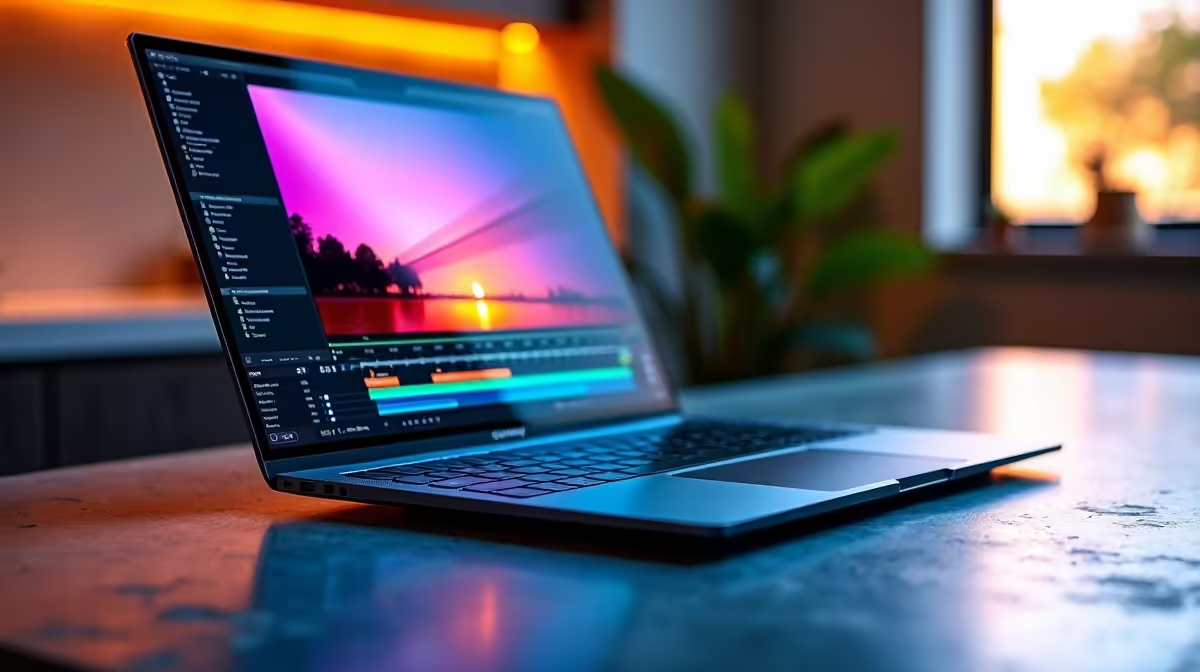
Again. You’re halfway through a final render for a client, and the screen goes black. In South Africa, a powerful video editing laptop isn't enough; you need one that can outlast the unpredictable. Finding that perfect blend of raw performance for DaVinci Resolve and the battery stamina to survive a full work session unplugged is the ultimate challenge. Let’s solve it. 🎬
Why Battery Life is a Dealbreaker for SA Editors
For a creative professional in South Africa, a laptop's battery isn't just a feature… it's your business continuity plan. Whether you're working through a Stage 4 blackout in Cape Town or editing on-site after a shoot in the Drakensberg, being tethered to a wall socket is a luxury we often don't have.
A dead battery means lost work, missed deadlines, and a frustrated client. That's why securing one of the best long battery life laptops for video editing in South Africa is less of an upgrade and more of a necessity. It’s the freedom to create anywhere, anytime, without constantly glancing at the battery icon.
Core Specs for a Flawless Editing Workflow
Before we even talk about endurance, your machine needs the muscle to handle 4K timelines without choking. A laptop built for video editing must balance power with efficiency. Here’s what matters most:
Processor (CPU) & Graphics (GPU)
The heart of your editing rig. You need a multi-core CPU to decode complex codecs and a powerful, dedicated GPU to accelerate rendering and visual effects. Look for the latest processors from Intel which offer a mix of performance and efficiency cores, or the highly capable and power-efficient AMD laptops which have made huge strides in mobile performance.
RAM and Storage
Don't skimp here. 16GB of RAM is the absolute minimum for 1080p editing, but 32GB or more is strongly recommended for 4K workflows and motion graphics. For storage, a fast NVMe SSD is non-negotiable. It drastically cuts down on project loading times and makes scrubbing through your timeline buttery smooth.
Editing on the Go Pro Tip 🔋
When you're running on battery, drop your playback resolution in Premiere Pro or DaVinci Resolve to 1 2 or 1 4. Your GPU won't have to work as hard, saving precious power without affecting your final export quality. Also, close any unnecessary background apps, especially web browsers with many tabs!
Finding the Sweet Spot: Power Meets Endurance
So, how do you get a beastly machine that doesn't die in two hours? The secret lies in modern hardware efficiency.
Many of today's high-performance gaming laptops are surprisingly great choices for video editors. They pack the powerful CPUs and dedicated GPUs you need, but manufacturers have also invested heavily in better cooling and larger batteries (look for models with 80Whr or higher).
These machines often feature technologies like NVIDIA Advanced Optimus, which intelligently switches between the power-hungry dedicated GPU and the efficient integrated graphics, giving you performance when you need it and battery life when you don't. This makes them some of the most versatile and long battery life laptops for video editing you can find. ✨
Choosing the right laptop is about finding that perfect balance for your specific needs and budget. It’s about investing in a tool that won’t let you down when the lights go out.
Ready to Edit Unplugged?
Finding the right balance between raw rendering power and all-day endurance is key. For the best selection of long-battery-life laptops for video editing in South Africa, we've got you covered. Explore our massive range of laptop specials and find the perfect machine to conquer your next project.