


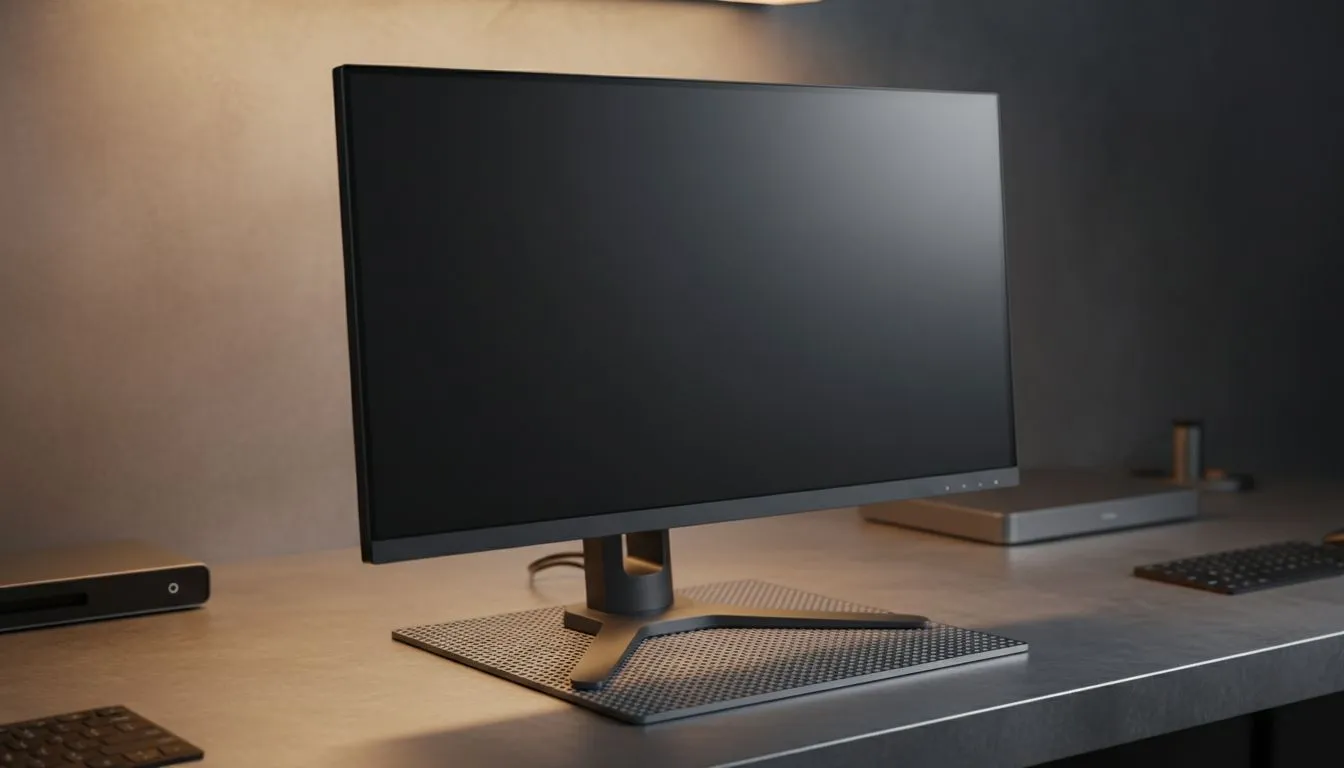
Working from your dining room table in Joburg or a home office in Cape Town? Squinting at a tiny laptop screen is a recipe for neck pain and lost productivity. Finding the right monitor for remote work isn't just about size... it's about creating a workspace that keeps you focused during long Zoom calls while remaining ready for a quick gaming session after hours. 🚀
Prioritising Panel Quality for Visual Comfort
When you spend eight hours a day staring at spreadsheets or code, the quality of the glass matters. Most professionals prefer an IPS panel type because it offers the best colour accuracy and wide viewing angles. This means your colours won't shift if you lean back or move slightly to the side. It makes a massive difference when you are presenting designs or reviewing high-resolution images.
Productivity Pro Tip ⚡
On Windows, use the PowerToys FancyZones utility to create custom snap layouts for your windows. It's a lifesaver for managing multiple apps on an ultrawide monitor, letting you organise your timeline, preview window, and asset folders perfectly for video editing.
Screen Shape and Ergonomics
The debate between different screen shapes usually comes down to your specific desk setup. If you do a lot of traditional office work or photo editing, a flat screen monitor is often the gold standard for maintaining straight lines. However, if you want to reduce eye strain by keeping the edges of the screen at the same focal distance as the centre, a curved monitor can be incredibly comfortable for long sessions. ✨
Smooth Performance for Work and Play
You might think sync technologies are only for the gaming elite, but they benefit remote workers too. A display that supports Adaptive Sync ensures that the refresh rate matches your output... leading to smoother scrolling and less flicker.
For those who use their work machines for entertainment, choosing a screen with AMD FreeSync or NVIDIA G-Sync support prevents screen tearing during fast-paced movies or gaming. It keeps the image crisp and stable regardless of what is happening on screen.
Resolution and Connectivity
A higher resolution gives you more digital "real estate" to work with. Instead of alt-tabbing constantly, you can have your email and your main project open side-by-side. When browsing the massive range of PC monitors available in South Africa, look for models that offer multiple inputs like HDMI and DisplayPort. This allows you to switch between your work laptop and your home desktop with a single button press. 🔧
Eye Care Features
Long hours under artificial light can be tough on your eyes. Look for monitors that mention "Low Blue Light" or "Flicker-Free" technology. These features help reduce the fatigue that often leads to headaches at the end of a long South African workday. Investing in your eyes is just as important as investing in your hardware. ⚡
Ready to Find Your Perfect Match? The right monitor for remote work can transform your productivity and comfort. For the best selection and value in South Africa, our range has you covered. Explore our massive range of monitor specials and find the perfect display to conquer your workday.











