


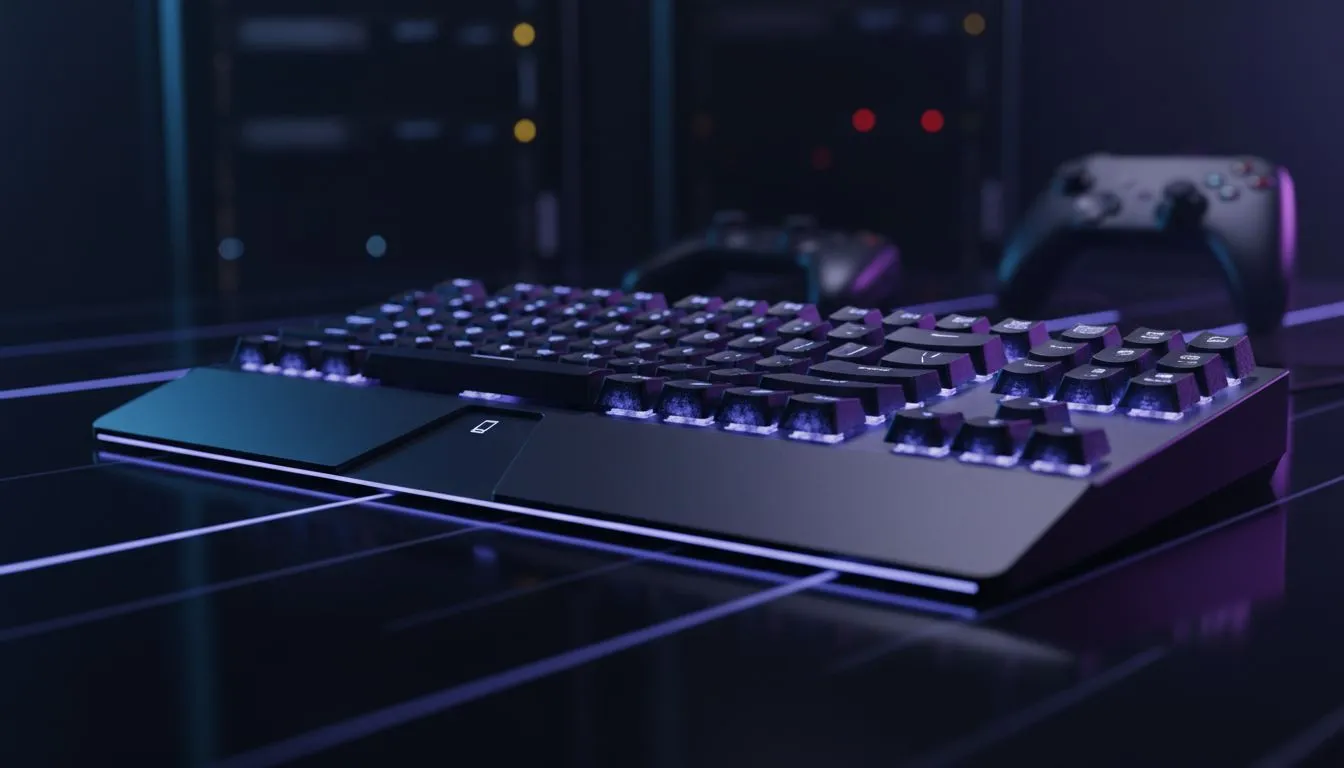
Juggling your gaming rig, work laptop, and a tablet for chilling? We get it. The cable spaghetti and constant device-switching can wreck your flow. What if one elite keyboard could command them all? A multi-device gaming keyboard isn't just a gadget; it's a central command unit for your entire digital life, letting you switch from dominating a lobby on your PC to typing an email on your laptop with a single button press. ✨
Your Setup's New MVP: The Multi-Device Advantage
The magic of a multi-device keyboard lies in its simplicity and power. Imagine this: you’re mid-game and get an urgent WhatsApp on your phone. Instead of fumbling for your mobile, you tap a key, type your reply using your proper mechanical keyboard, and tap back to the game without missing a beat.
This seamless integration is the core benefit. It declutters your desk, streamlines your workflow, and unifies your entire tech ecosystem under one set of keys. You get the premium feel and performance of a gaming-grade keyboard across every device you own.
How to Choose the Right Multi-Device Gaming Keyboard
Finding the perfect keyboard for multiple devices comes down to a few key factors. Let's break down what you need to look for to ensure you get the right fit for your setup in South Africa.
Connectivity: The Heart of the Switch ⚡
This is the most critical feature. Most multi-device keyboards use a combination of connectivity options:
- Bluetooth: The universal standard. It's perfect for connecting to laptops, tablets, and smartphones without needing a USB port. Most boards can remember 3-5 Bluetooth devices.
- 2.4GHz Wireless: This uses a small USB dongle (receiver) and provides a low-latency, high-performance connection that's essential for serious gaming.
The best models offer both, letting you use the 2.4GHz dongle for your gaming PC and Bluetooth for everything else. You can browse a fantastic selection of clutter-free wireless options to see what’s possible. Of course, for absolute zero-latency peace of mind, many still value a reliable wired connection, and some wireless boards include it as a backup.
Switch Types: Feel, Speed, and Sound
Your keyboard's feel is defined by its switches. For gaming, mechanical switches are king, offering superior feedback, speed, and durability over standard membrane keys. They generally come in three main flavours:
- Linear (e.g., Cherry MX Red): Smooth and fast, ideal for rapid key presses.
- Tactile (e.g., Cherry MX Brown): A noticeable "bump" on actuation, great for a mix of typing and gaming.
- Clicky (e.g., Cherry MX Blue): A tactile bump plus an audible click. Satisfying, but maybe not for late-night sessions!
Choosing a switch is personal, so it's worth exploring our full range of gaming keyboards to see the variety available.
Switch Sampler Tip 🔧
Can't decide between Red, Brown, or Blue switches? Some brands offer switch tester kits for a small price. It's a great way to physically test the feel before committing to a full keyboard. It's like a test drive for your fingers!
Form Factor: From Command Centre to Compact Carry
Do you need a full-sized keyboard with a numpad, or is desk space at a premium?
- Full-Size (100%): Has everything, including the number pad. Great for productivity.
- Tenkeyless / TKL (80%): Removes the numpad for a more compact footprint, giving your mouse more room to move.
- Compact (60-65%): Ditches the function row and navigation keys for an ultra-minimalist look.
A streamlined desk looks fantastic, especially if you get one of our keyboard and mouse combos for a perfectly matched aesthetic.
Ready to Make the Switch? 🚀
Choosing the right multi-device gaming keyboard is about matching its features to your lifestyle. Consider how many devices you use, the type of games you play, and the space on your desk. A single, high-quality keyboard that connects to everything is an investment in efficiency and enjoyment. Luckily, you don't have to break the bank to get this power, with some of the best gaming keyboard deals available right here in SA.
Ready to Unify Your Command Centre? Ditch the clutter and embrace seamless control. A multi-device keyboard simplifies your setup so you can focus on what matters... winning. Explore our massive range of gaming keyboards and find the perfect board to conquer your digital world.











