


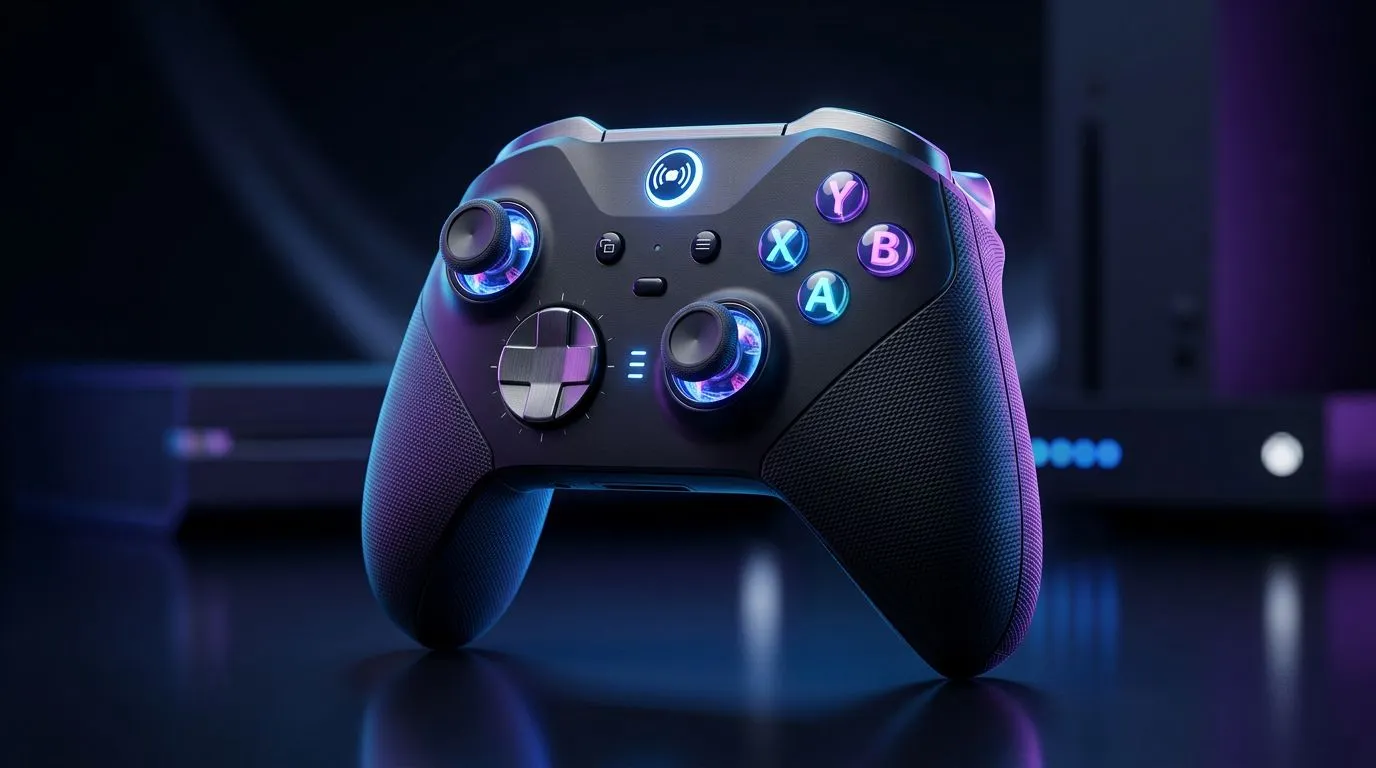
Multi-platform controller picks for every device 🎮✨
South African gamers: tired of swapping gamepads between PC, console and phone? This guide helps you pick a single multi-platform controller that actually works across Windows, PlayStation, Xbox and mobile — without buying three separate pads. Read on for controller types, compatibility checks and where to score trusted deals in ZAR.
How to choose a multi-platform gaming controller
Start with compatibility. Look for native support for the platforms you use most. Pro players often prefer controllers that offer wired USB for low latency on PC and Bluetooth or a dedicated dongle for consoles and phones. If you care about macros, remapping and rapid-fire options, make sure the pad has onboard configuration or a companion app.
For a solid wired tournament-style option from a respected brand, check the Razer Wolverine V3 Tournament Edition listing for specs and available deals in South Africa. It’s a reliable reference when comparing pro-level inputs and extra buttons. https://www.evetech.co.za/razer-wolverine-v3-tournament-edition-8k/best-deal/24274
Form factor: one size or ergonomic fit?
Controller comfort matters. Smaller hands might prefer compact controllers optimised for mobile; larger hands often need full-size console shapes. Consider weight, grip texture and whether the controller’s thumbstick spacing suits your play style. Don’t forget trigger feel — mechanical triggers can make a real difference for FPS.
Connectivity and battery life: what to prioritise
Decide between wired, Bluetooth and 2.4GHz dongle connections. Wired gives consistent latency for competitive matches. Bluetooth is flexible for casual play across phones and tablets. Proprietary 2.4GHz receivers often provide the best wireless responsiveness for PC and console hybrids. If battery life is critical, look for removable or long-life batteries and quick-charge support.
Explore Evetech’s full controller range to compare specs, prices and stock in ZAR across brands and models. This is the best place to match features to budget locally. https://www.evetech.co.za/PC-Components/buy-gaming-controllers-365
Controller Compatibility Tip ⚡
Before buying, map out every device you’ll use the pad with. Test for native support first; fallback modes (like XInput on PC) can work, but you may lose vendor‑specific features.
Brands, remapping and software ecosystems
Some manufacturers lock advanced features behind proprietary software. If remapping buttons or saving profiles on-device matters, check whether the controller offers onboard memory or a companion app. Razer, for example, often includes robust remapping tools and profile storage — filter by brand on Evetech to see current Razer options and local pricing. https://www.evetech.co.za/PC-Components/buy-gaming-controllers-365?brands=Razer
Quick buying checklist for South Africans
- Compatibility: native support for your primary platform(s).
- Connectivity: wired for competitive, Bluetooth for casual, dongle for best wireless.
- Comfort: hand size, grip and trigger feel.
- Features: remapping, onboard profiles, swappable sticks/buttons.
- Local support: warranty and stock in ZAR, plus fast delivery options.
Final verdict: one controller to rule them all?
Yes — if you prioritise the features you actually use. Competitive PC players might favour wired, console players a pad optimised for their console, and mobile gamers a lightweight Bluetooth option. For most hybrid users, a wireless controller with a dongle plus Bluetooth and onboard profiles balances flexibility and performance.
Ready to Find Your Perfect Match? The Mac vs Windows debate is complex, but for maximum power, choice, and value in South Africa, Windows is hard to beat. Explore our massive range of laptop specials and find the perfect machine to conquer your world.











